Photo editing guides.
Clearer creative decisions.
Practical photo editing guides for photographers, product teams and online stores. Understand the options, prepare a useful brief and know what to check before approving your images.
From the editing desk
Useful explanations. A practical next step.
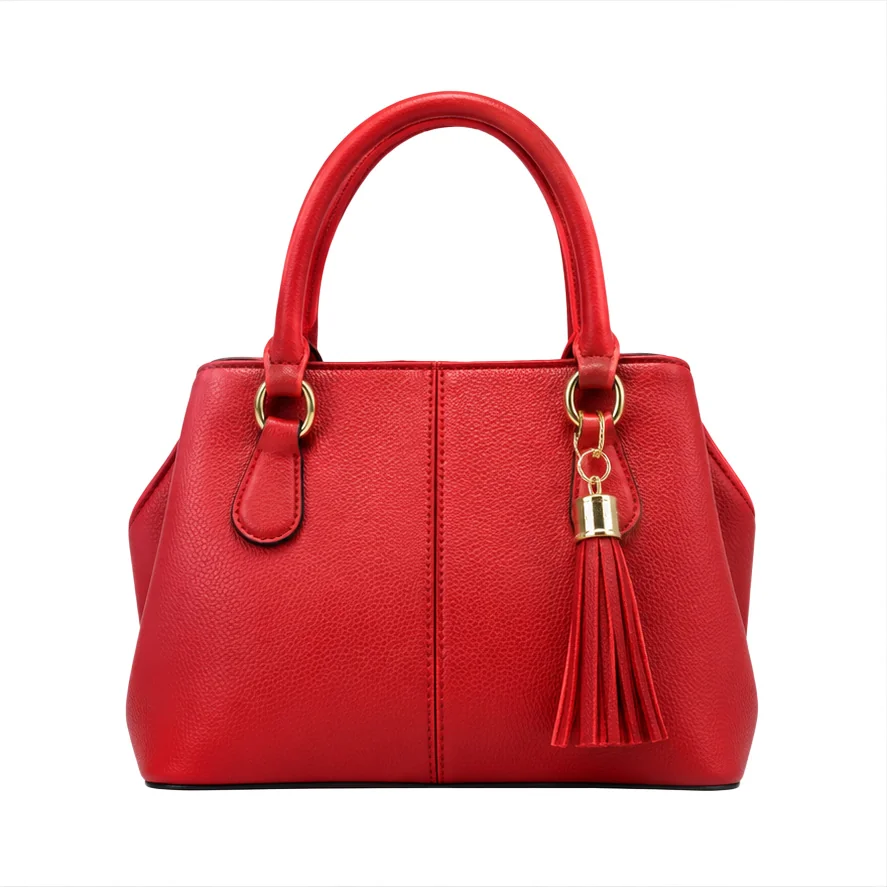
White or Transparent Background: Which Product Image Do You Need?
Choose white, transparency or both by planning where your product image will appear and what your designer needs.
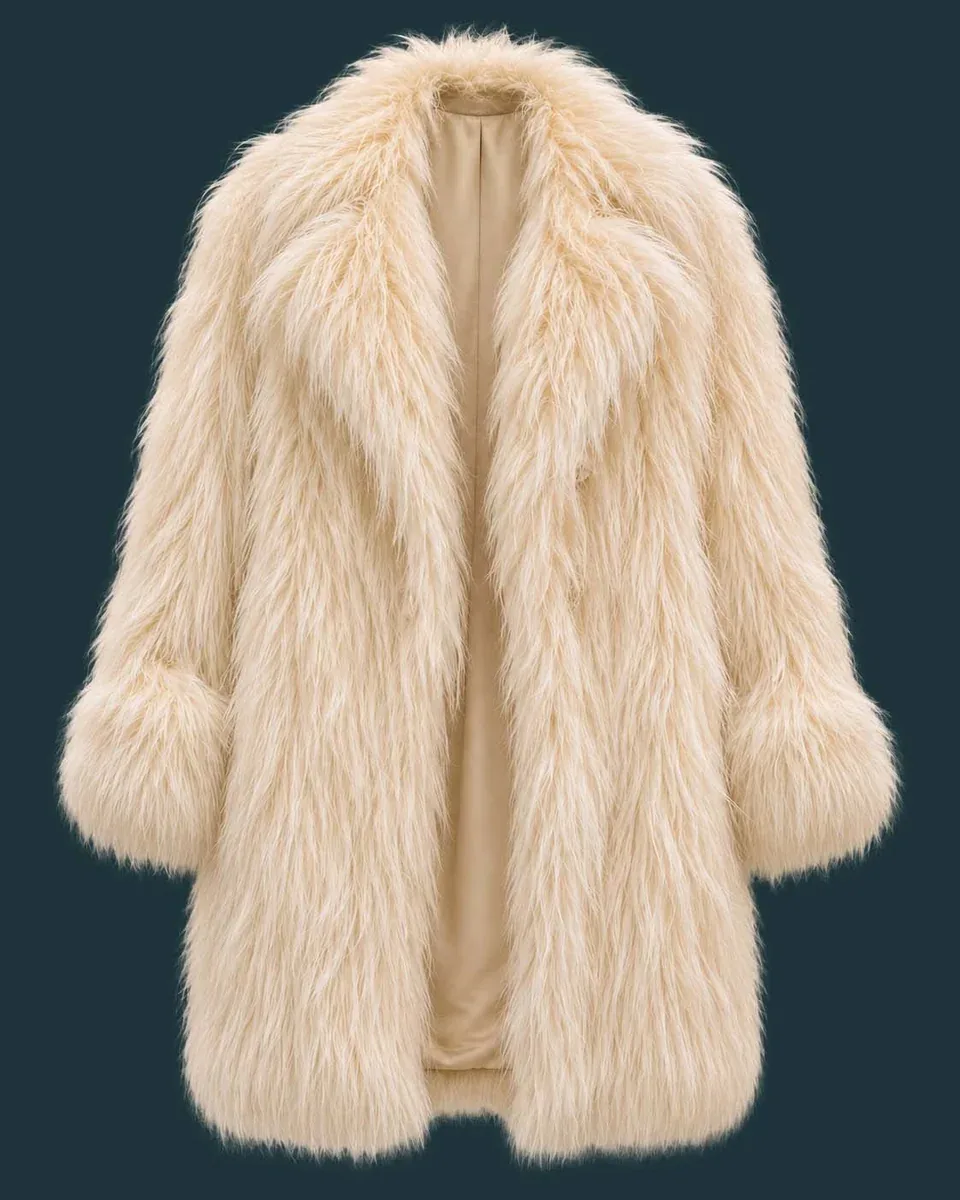
Hair Masking Quality Checklist: How to Spot Halos and Cutout Edges
Review fine strands, colour spill and edge softness against the real destination background before approving a portrait cutout.
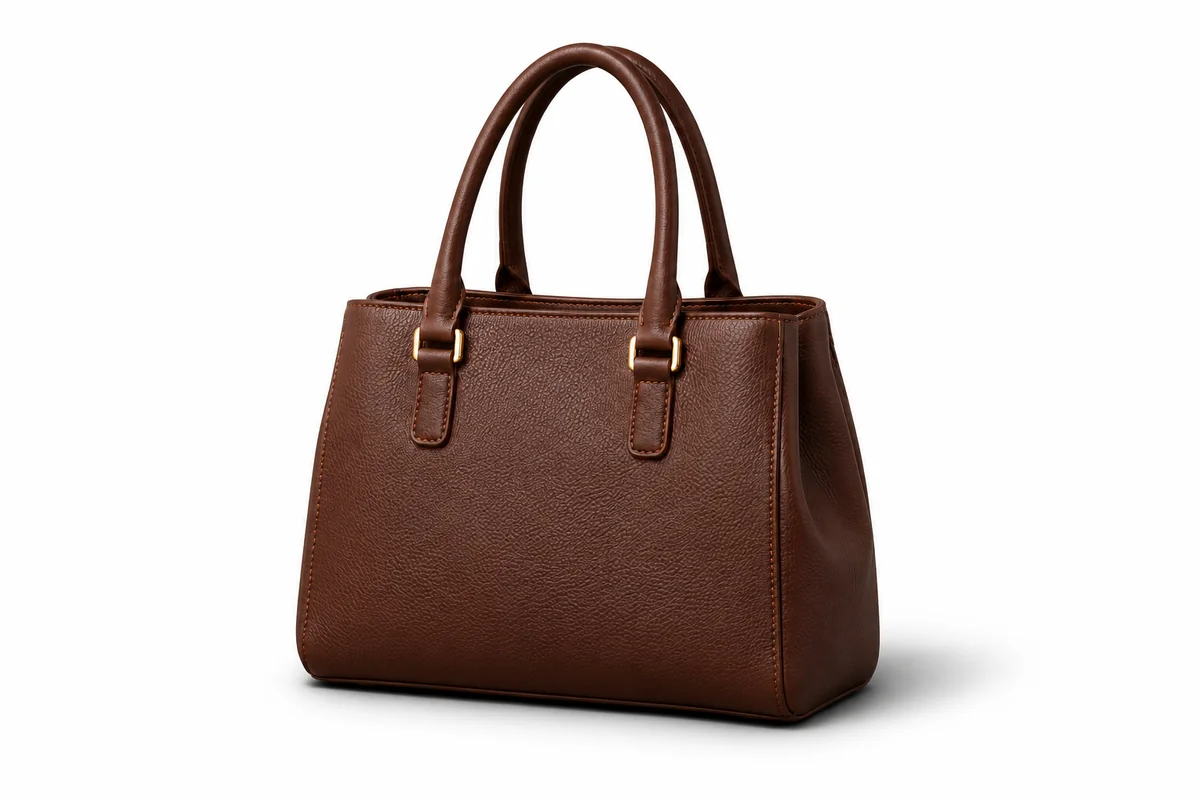
Contact Shadow, Drop Shadow or Reflection: Choosing a Product Finish
Choose a shadow or reflection that fits the product, visible lighting and final placement instead of applying the same effect to every cutout.
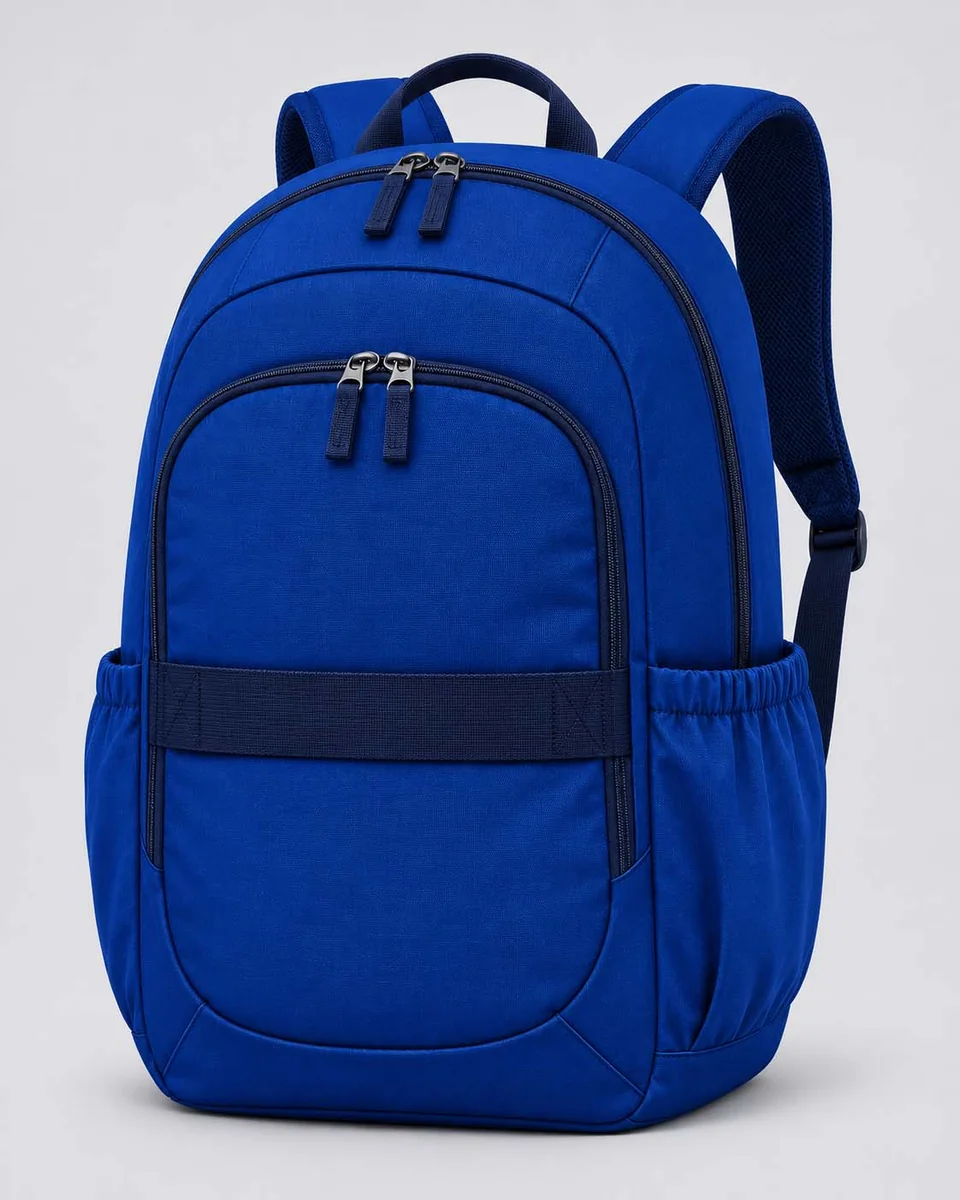
Color Correction vs Color Grading for Product Photography
Separate accurate product presentation from creative campaign mood, with clear references and separate deliverables when both are needed.
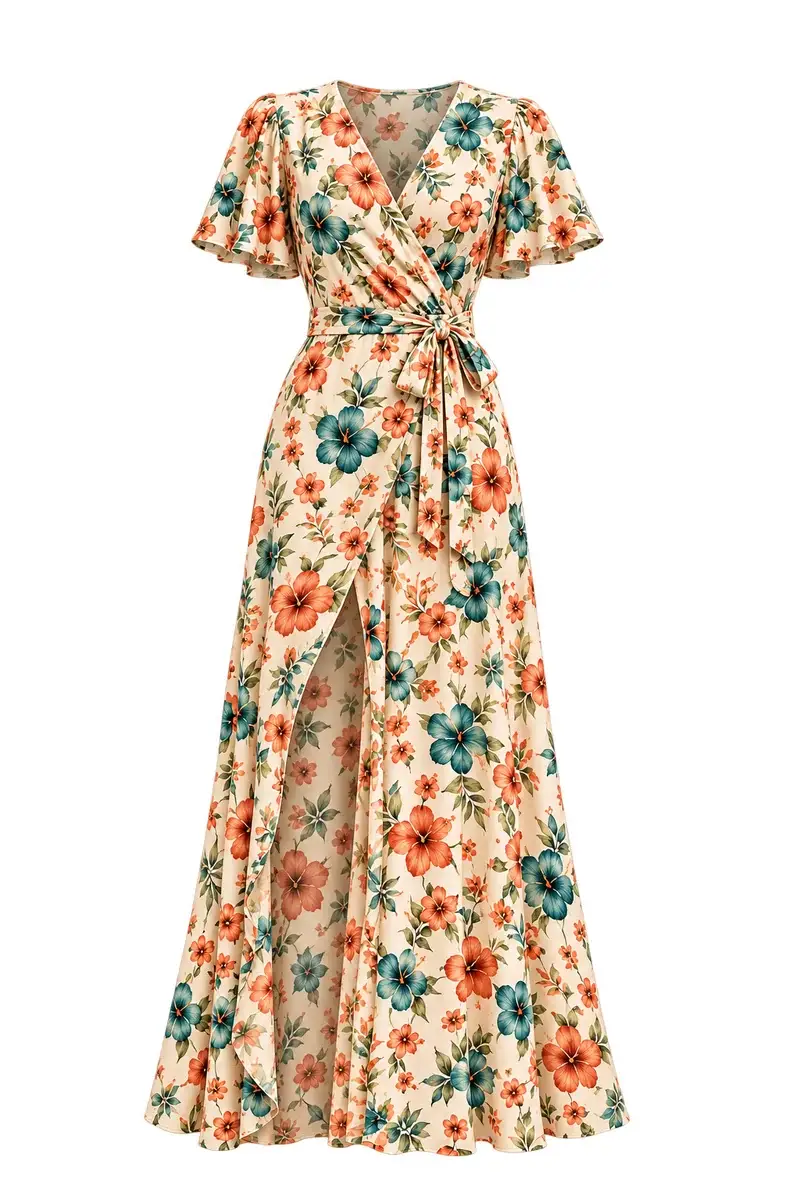
How to Photograph Clothing for Ghost Mannequin Editing
Plan the main view, inside collar and lining photographs before your shoot so invisible mannequin editing has the details it needs.
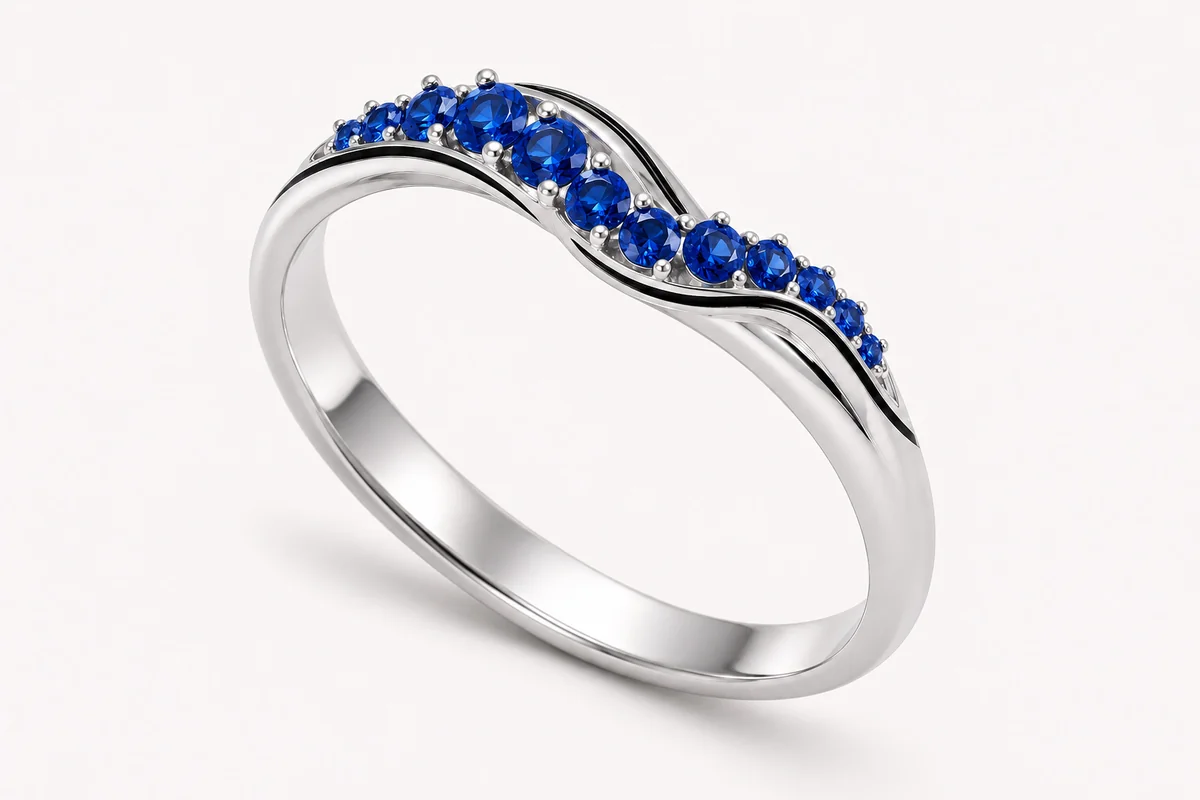
How to Prepare Jewelry Photos for Retouching
Send useful source files, clear metal and gemstone references, and precise notes so the retouching preserves your product details.
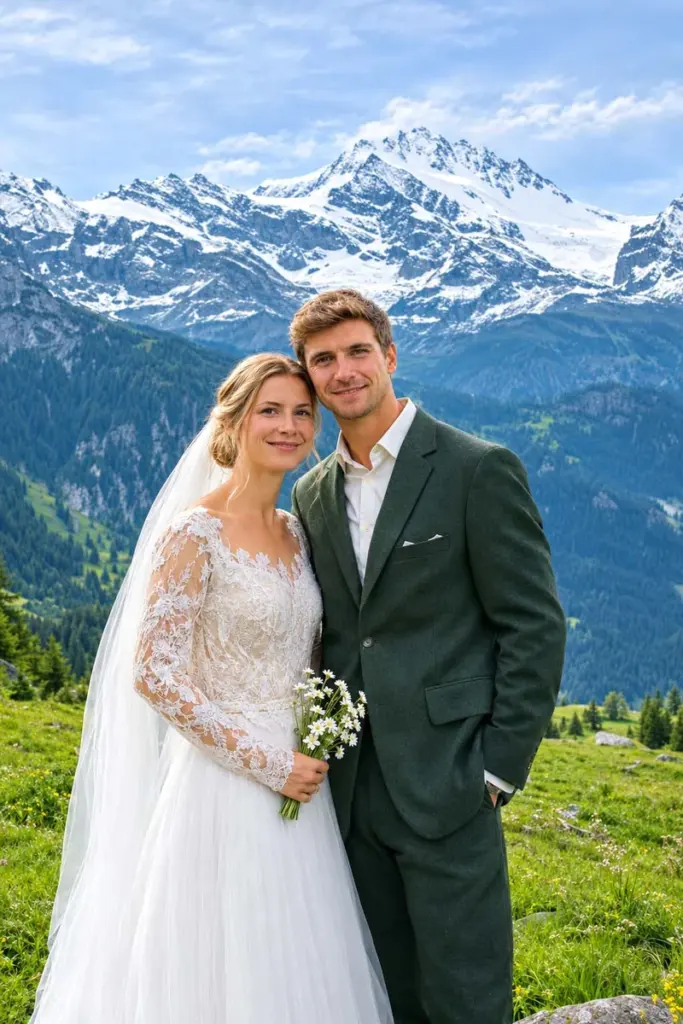
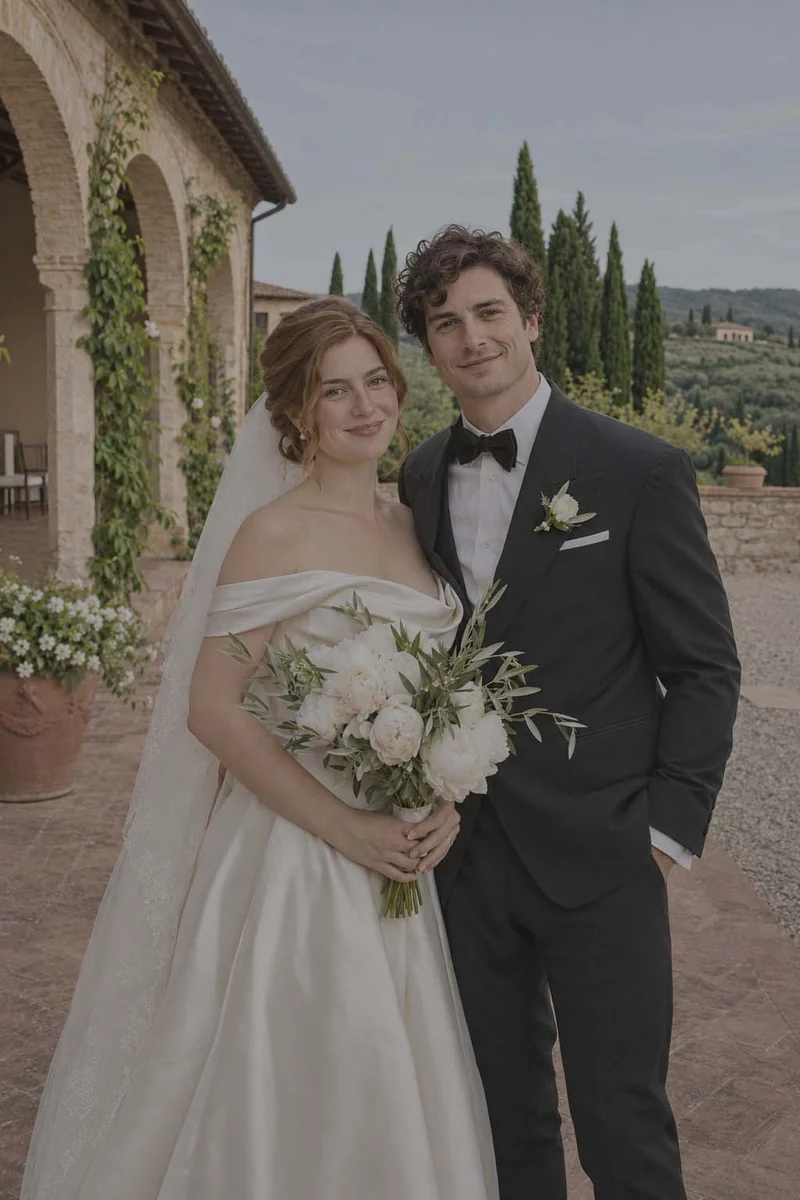
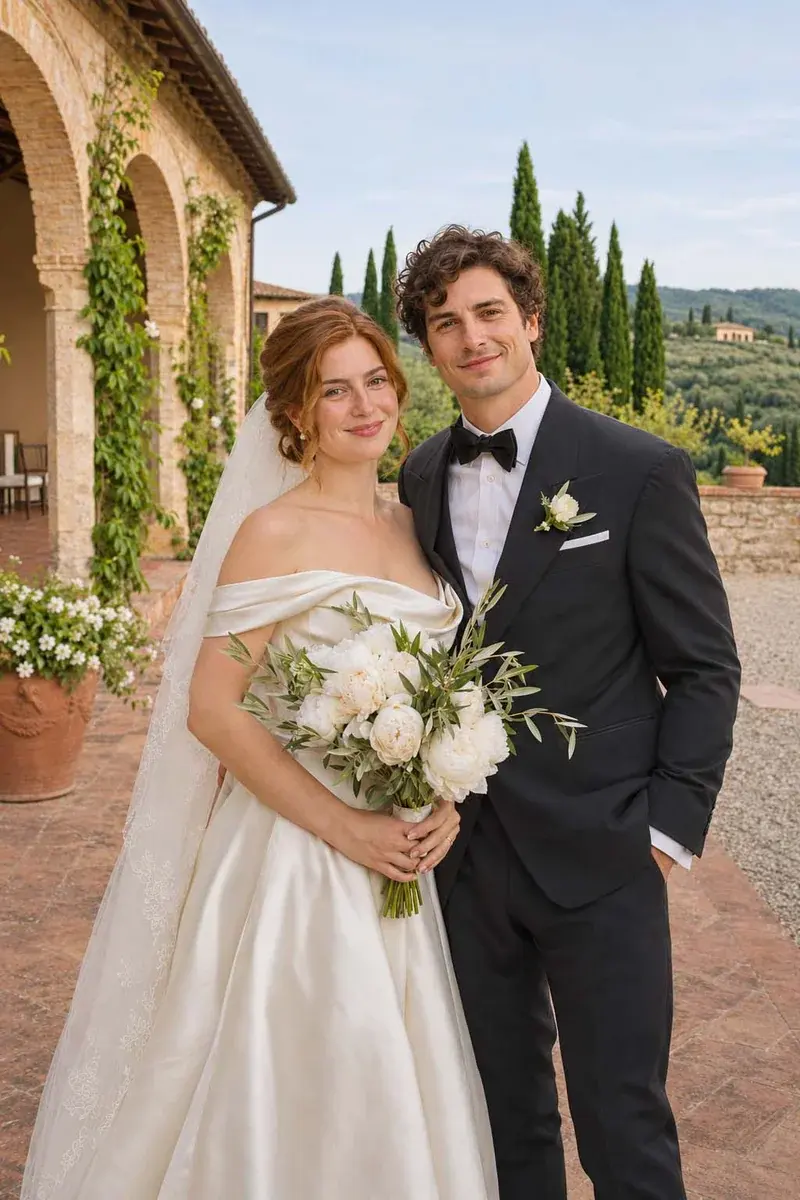
Wedding Photo Retouching: What to Edit and What to Preserve
Define a natural finish for skin, dress detail and backgrounds while preserving identity, atmosphere and the photographer’s style.
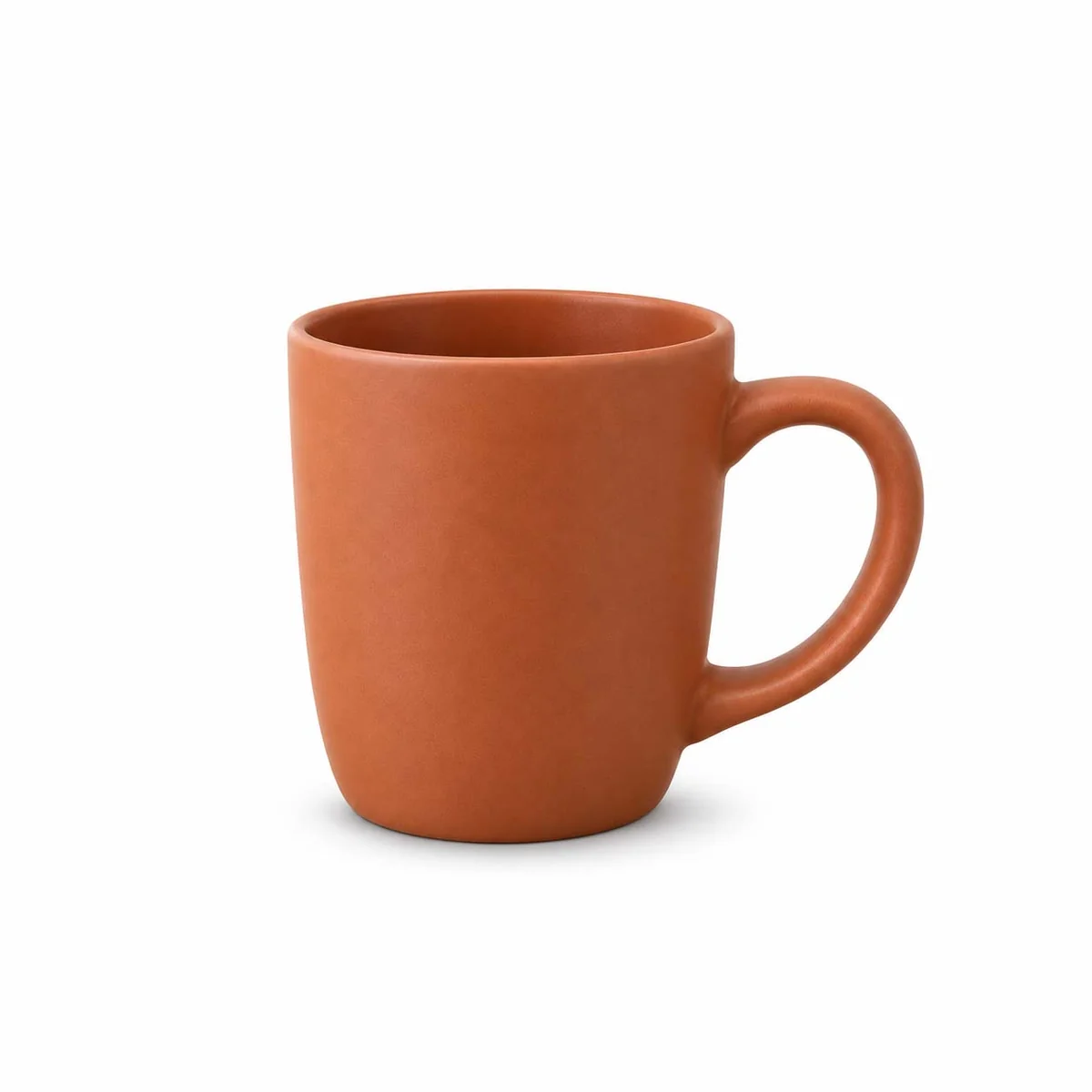
Product Photo Quality Checklist Before Uploading to Your Store
Review product accuracy, clean edges, consistent framing and useful exports before your images reach the product page.
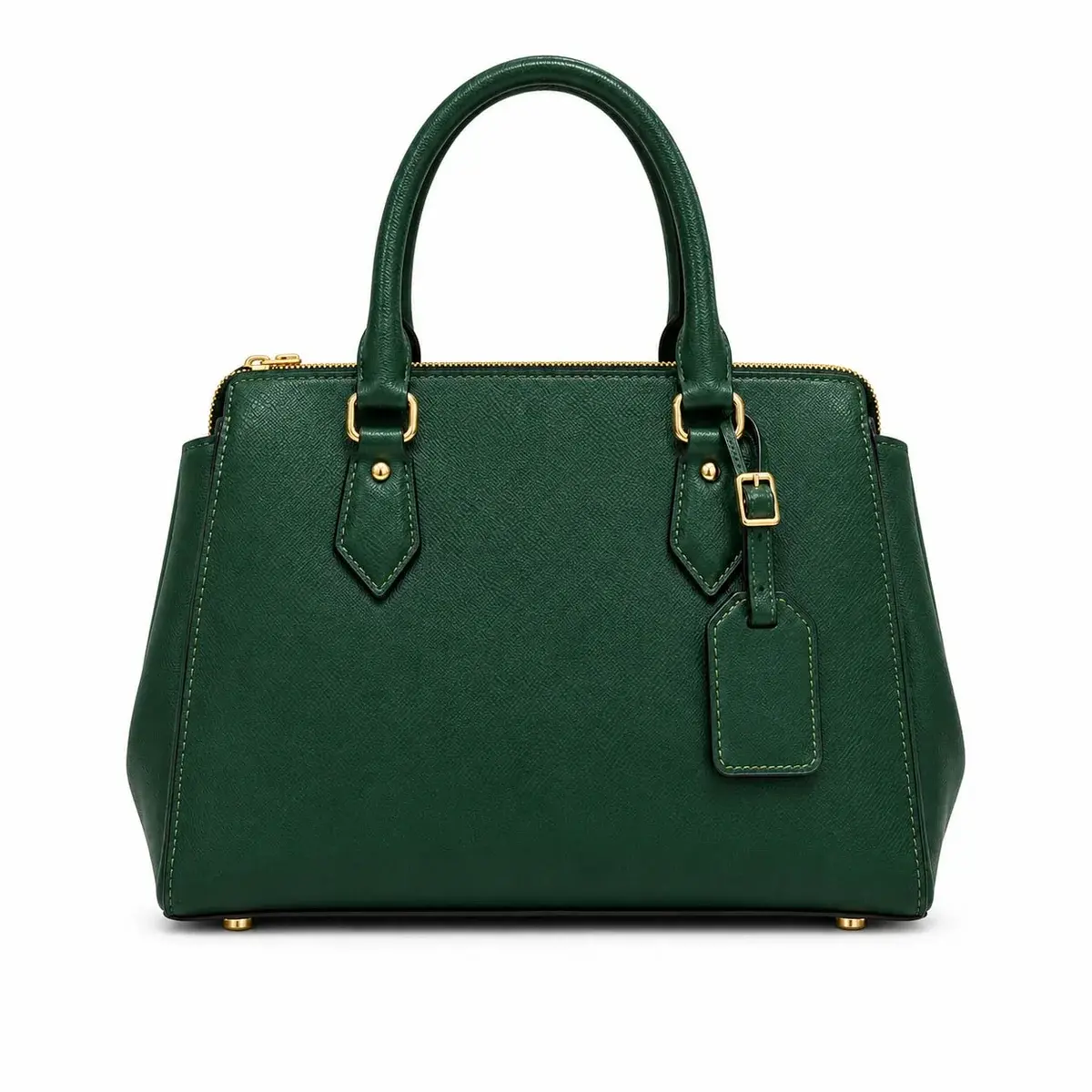
Clipping Path vs Background Removal: Which Do You Need?
Compare hard edges, soft hair and translucent products. Learn which deliverables to request and how to review a representative sample.
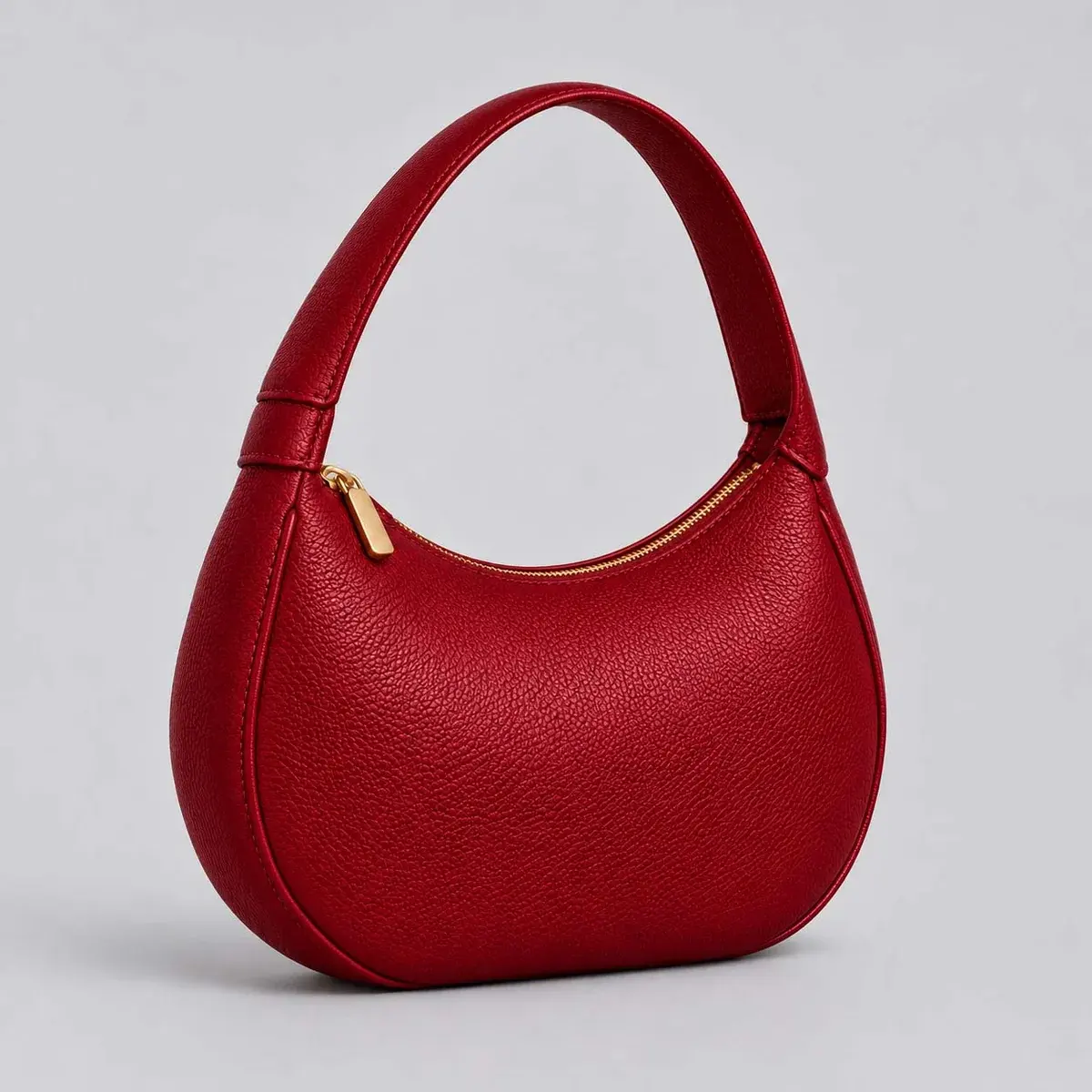
How to Match Product Photos Taken on Different Days
Bring separate shoots toward one approved reference, with checks for white balance, product brightness, backgrounds and final exports.
See the editing difference
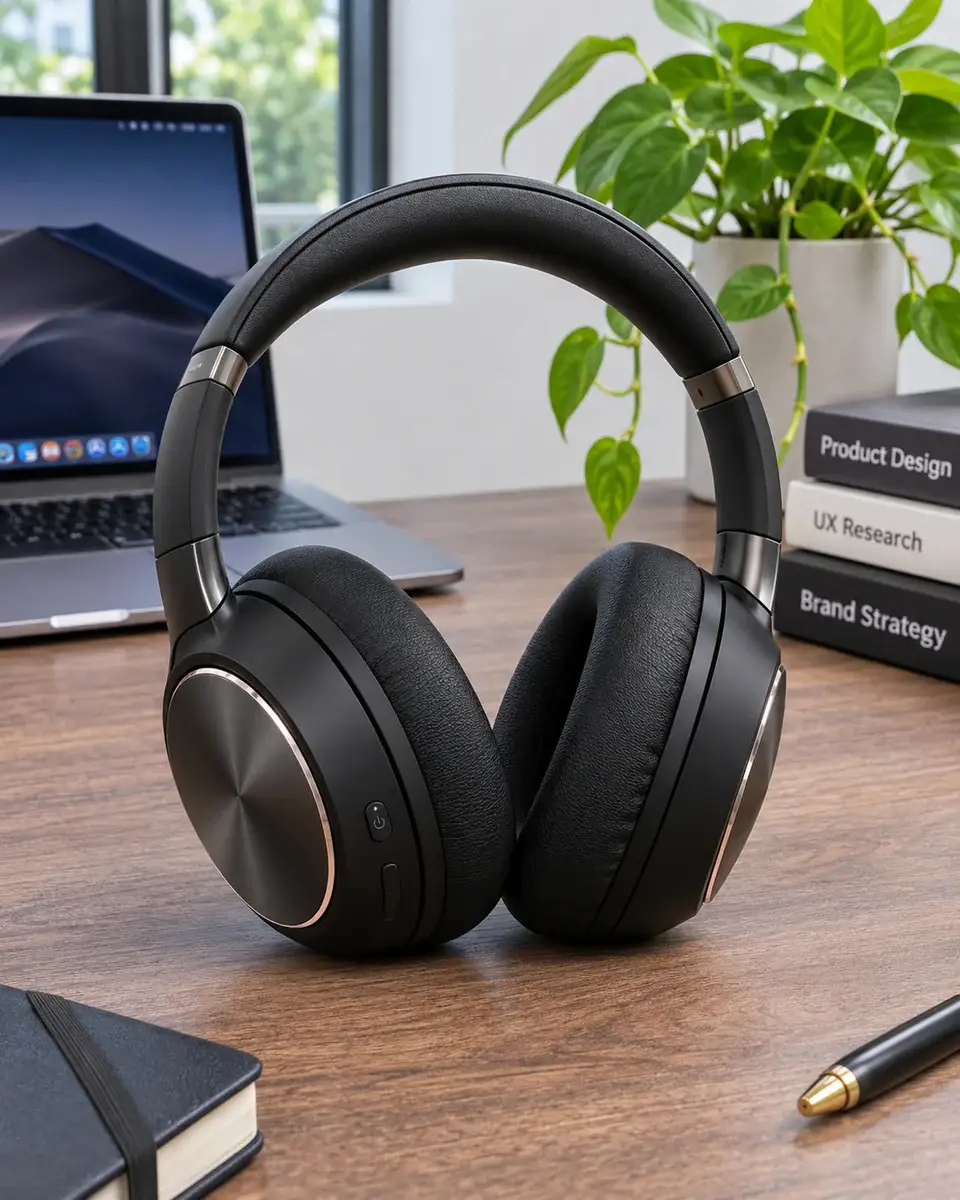
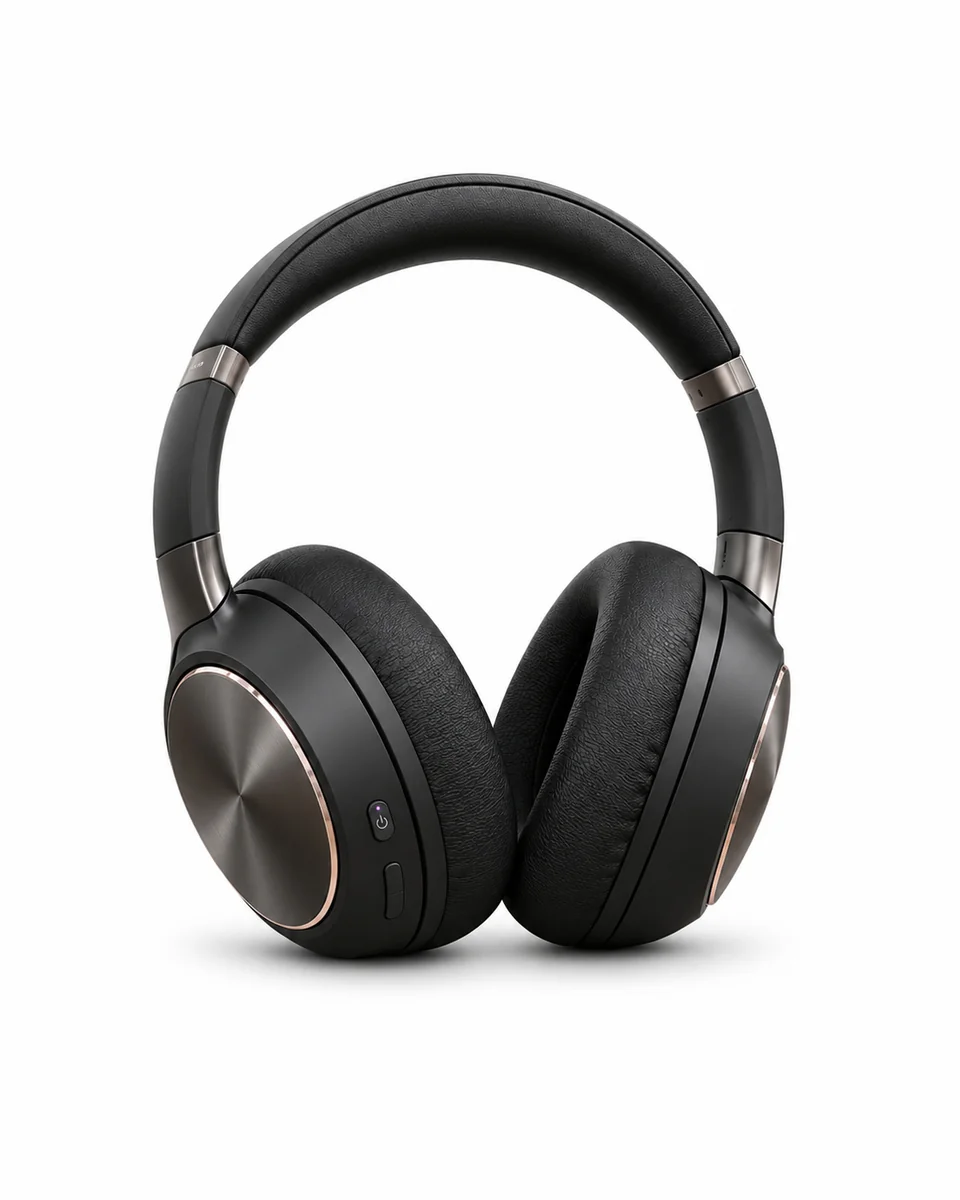
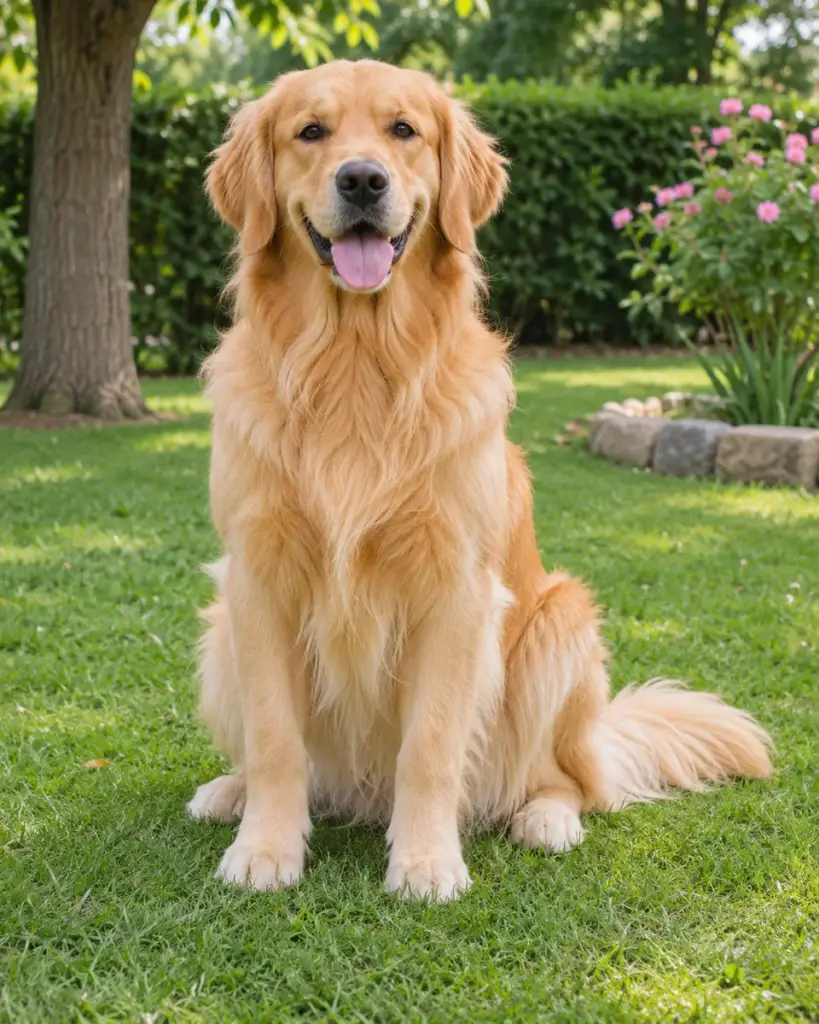
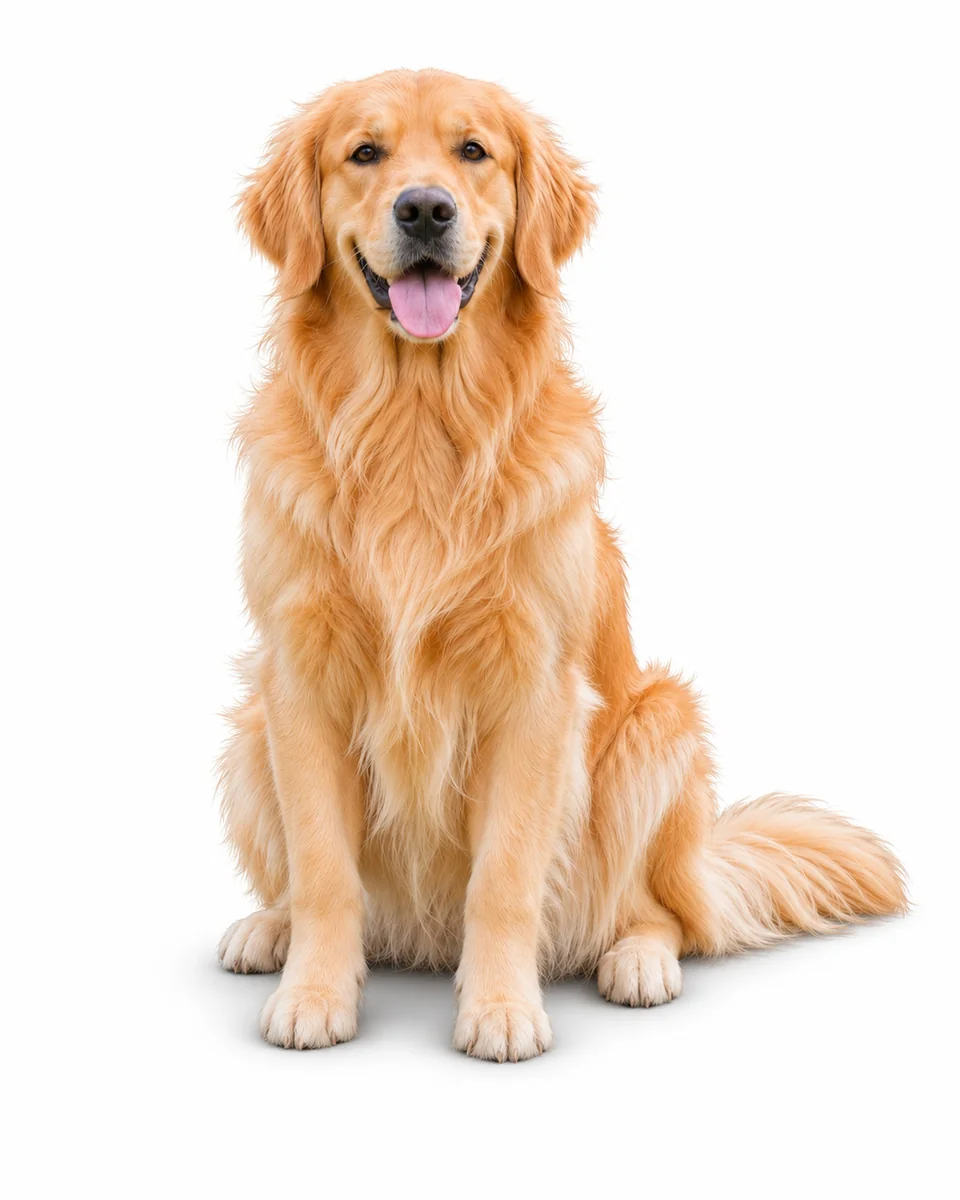
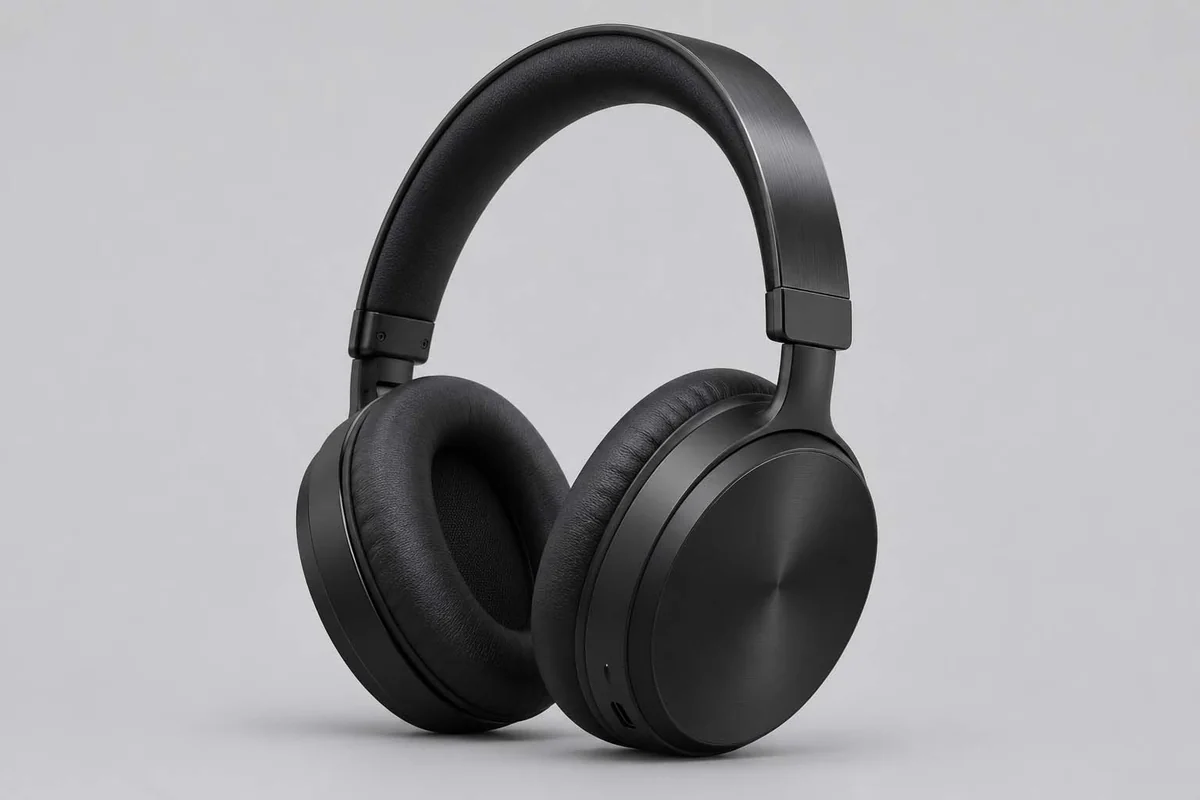
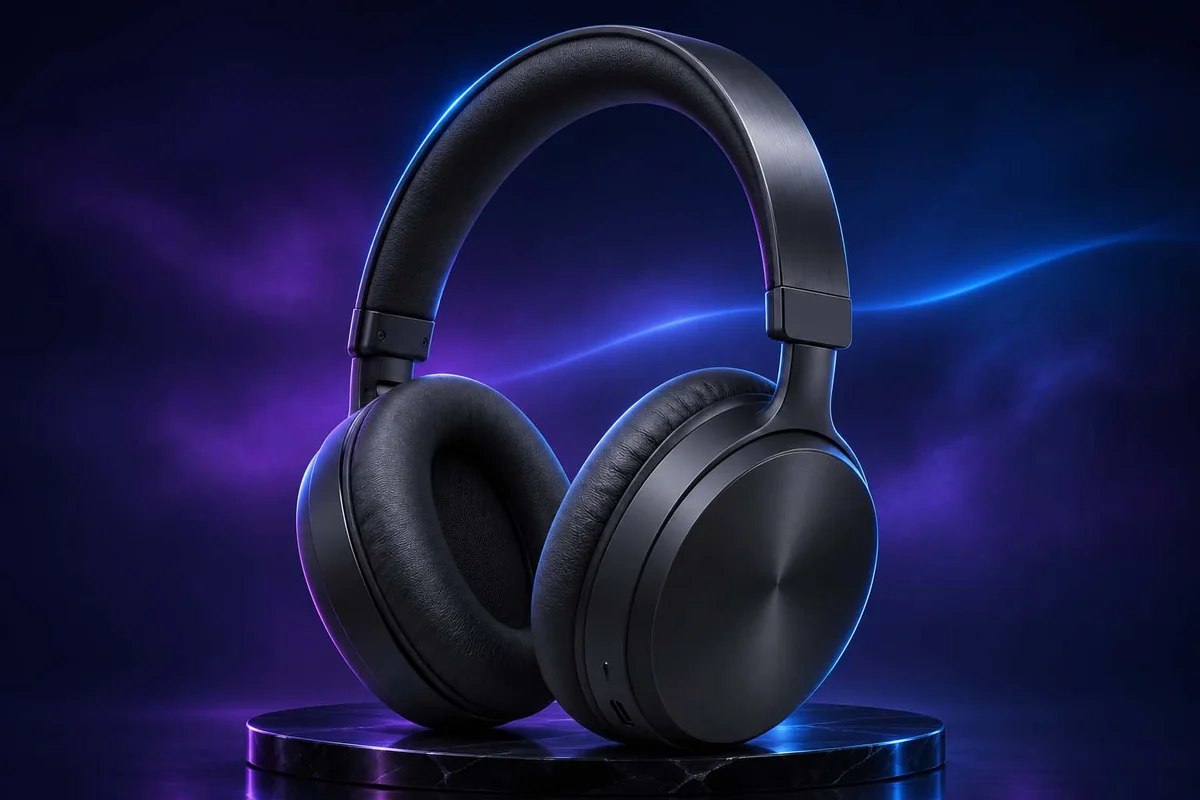
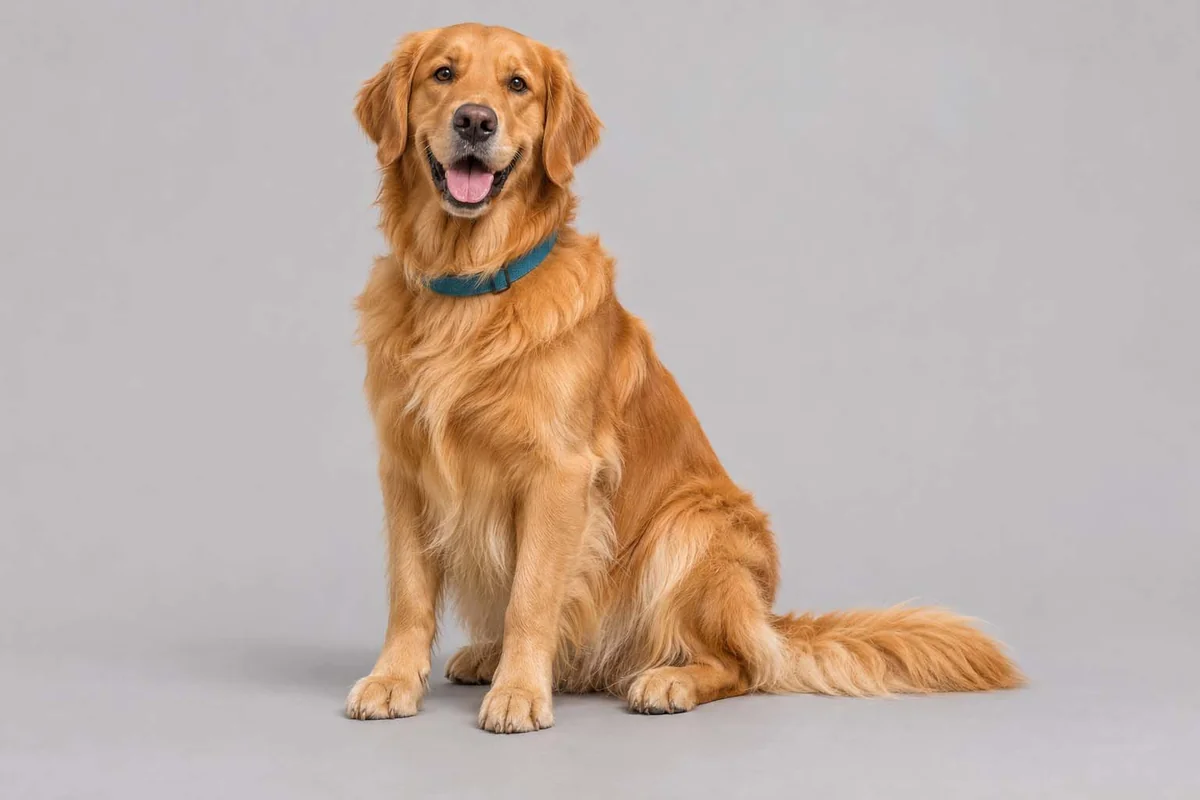
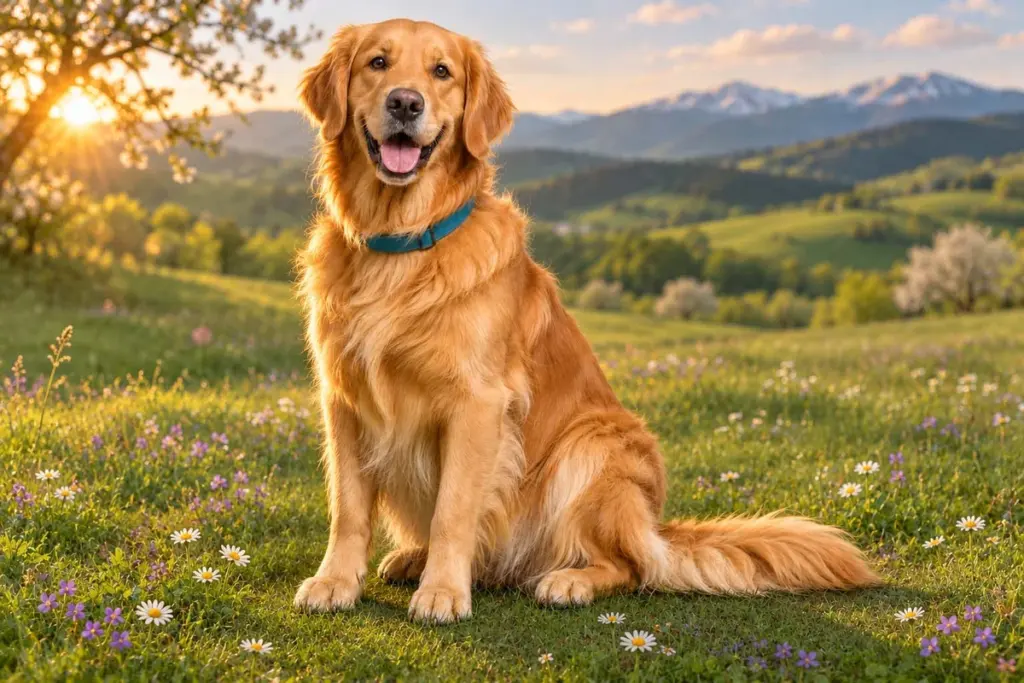
Explore RetoPixel’s before-and-after samples by service. Open a category to compare the original image on the left with the edited result on the right. Select an image for a larger view.
Background Removal · 3 examples
Black Headphones
Golden Retriever
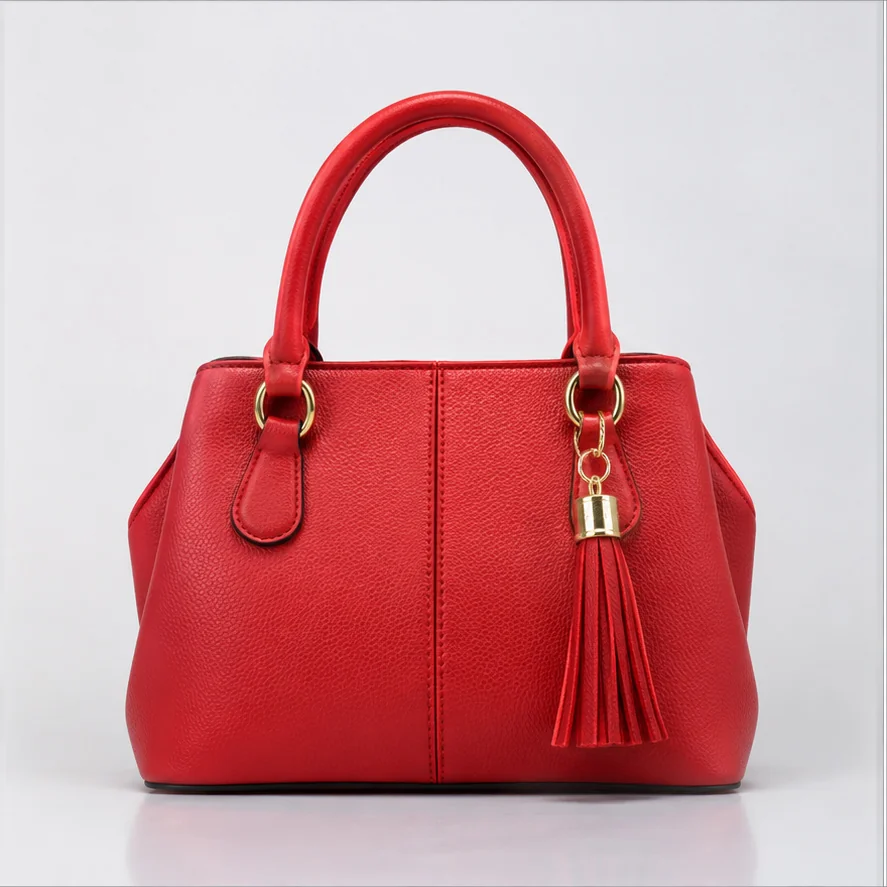
Red Handbag
Clipping Path · 3 examples
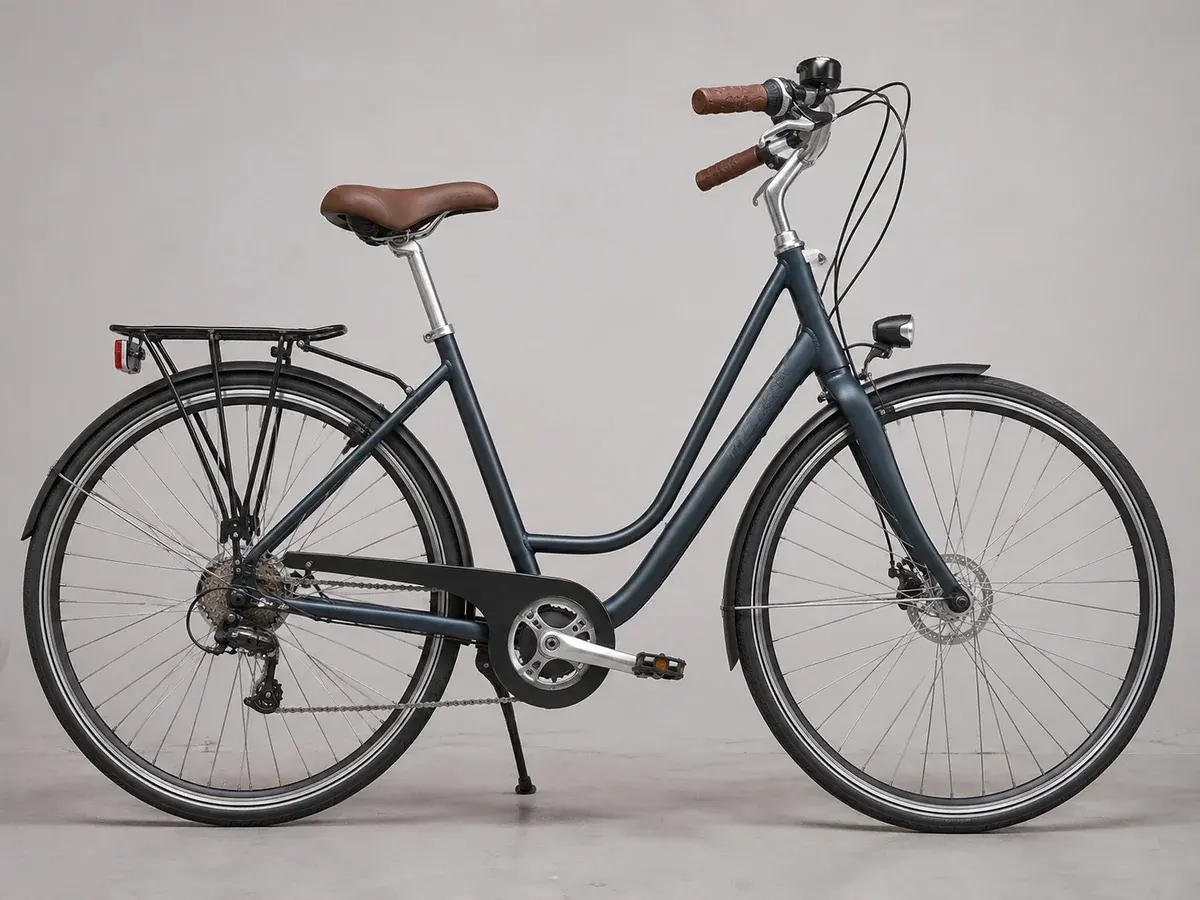
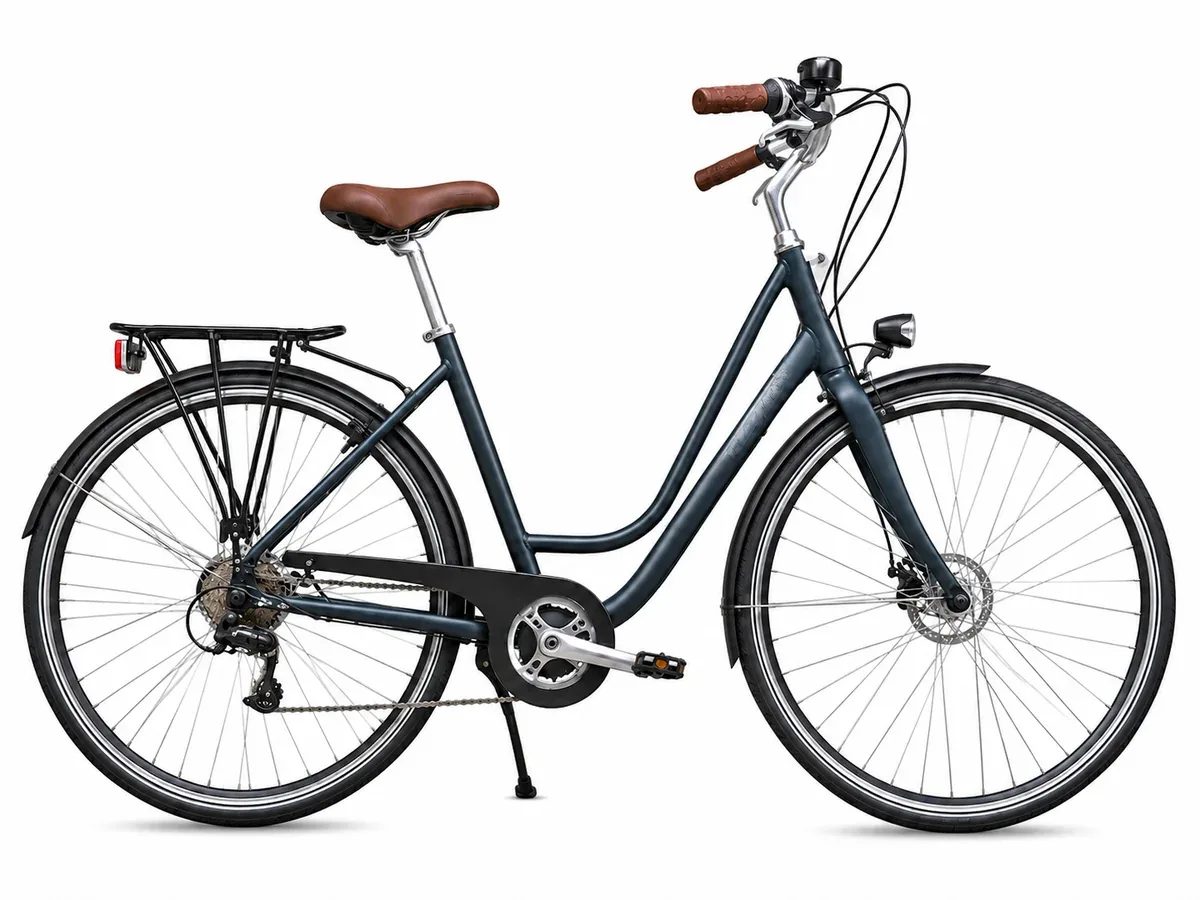
City Bicycle
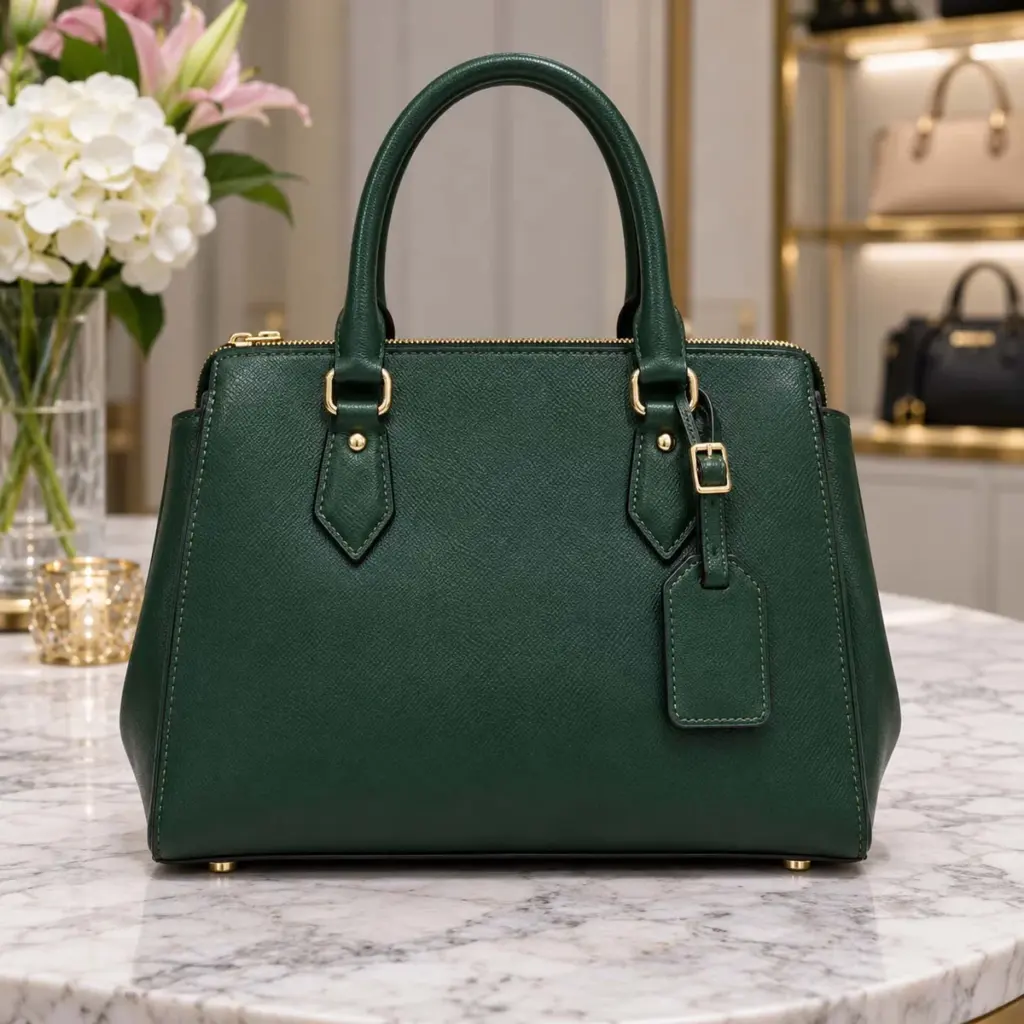
Green Handbag
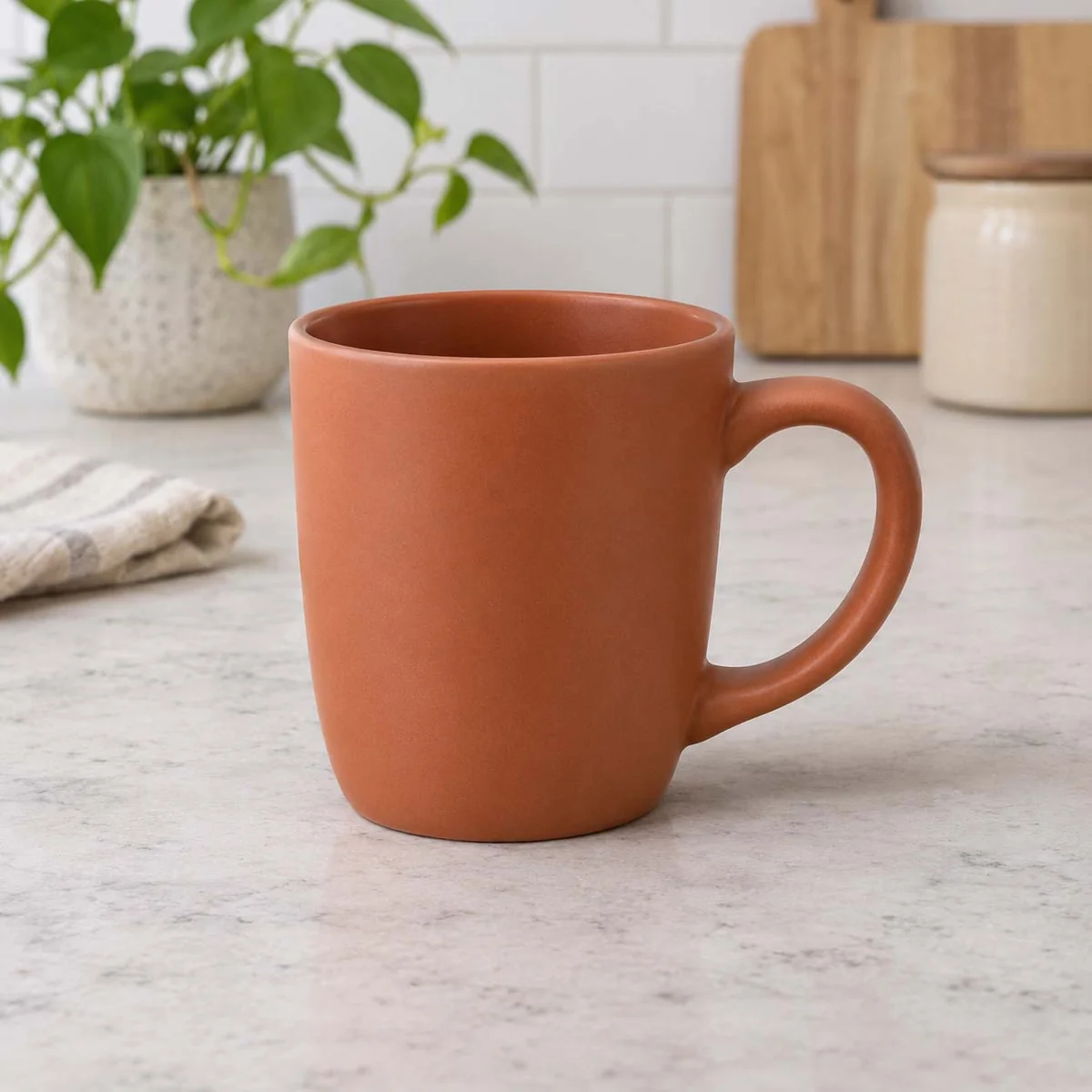
Terracotta Mug
Color Correction · 3 examples
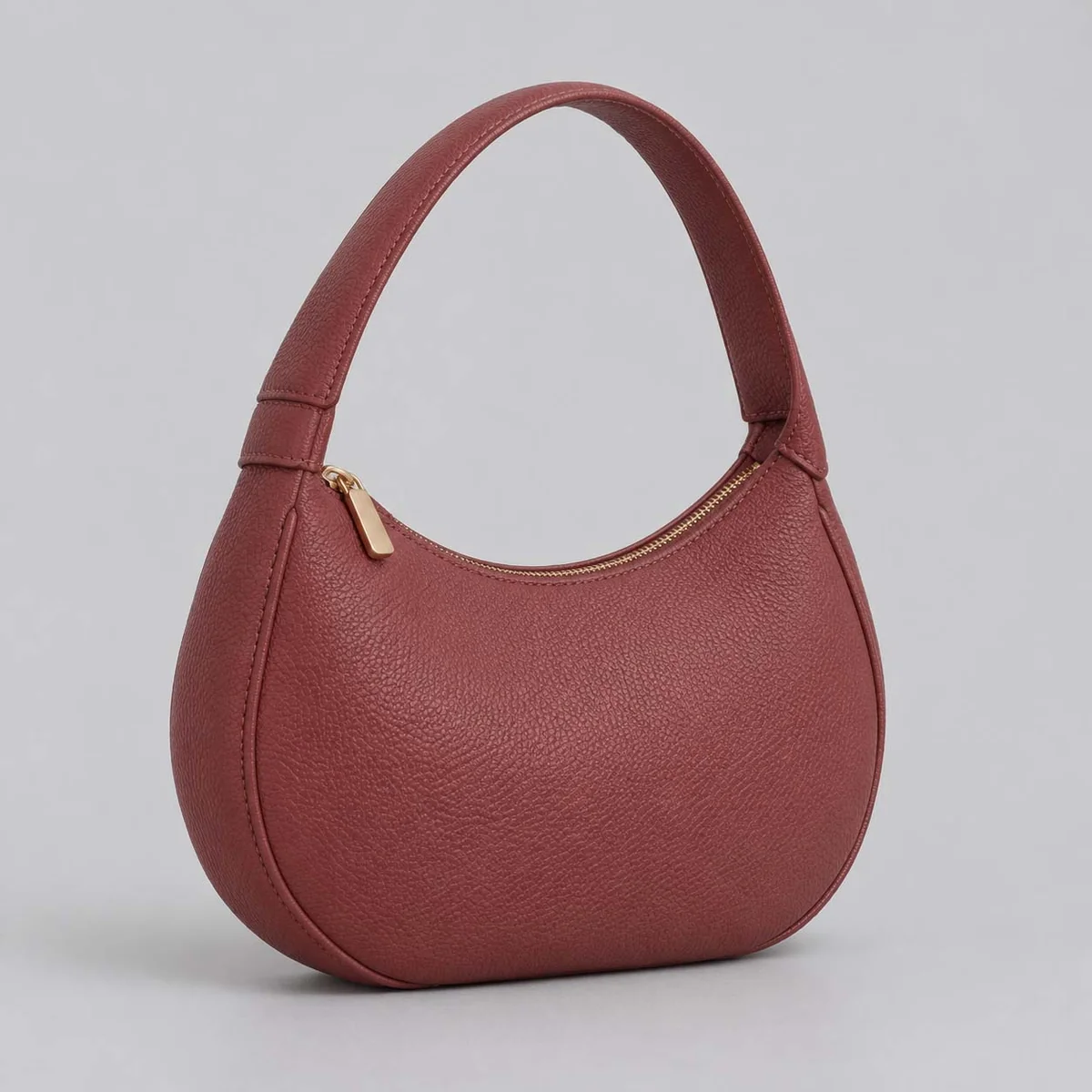
Crescent Handbag
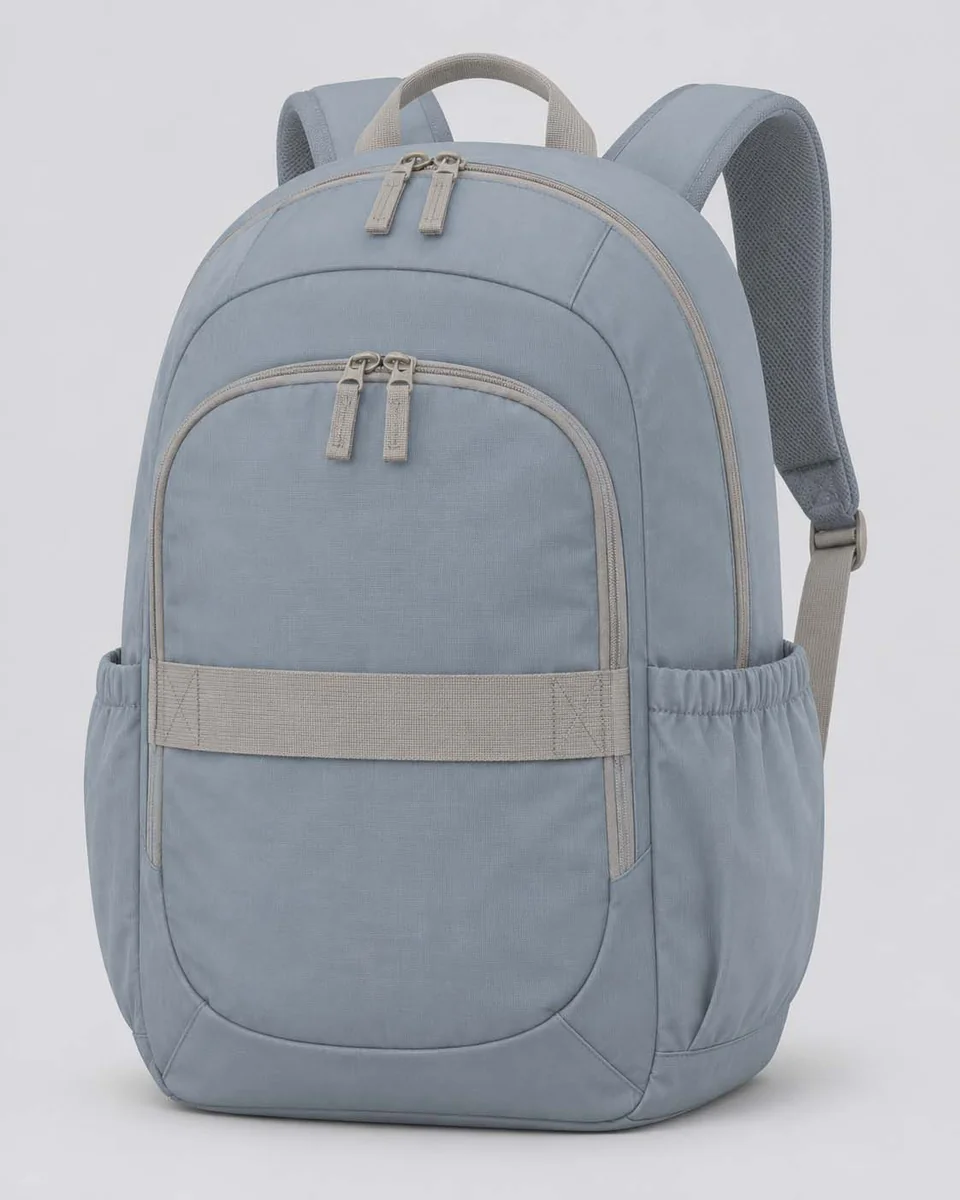
Everyday Backpack
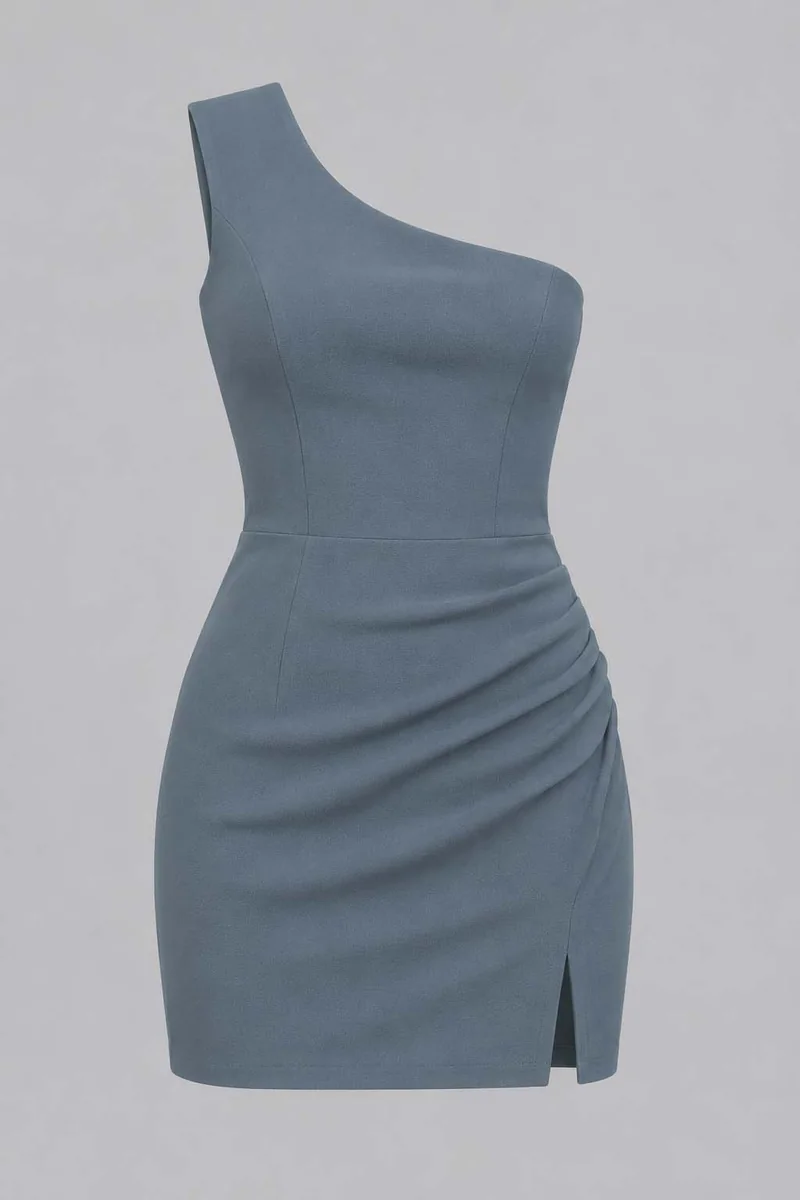
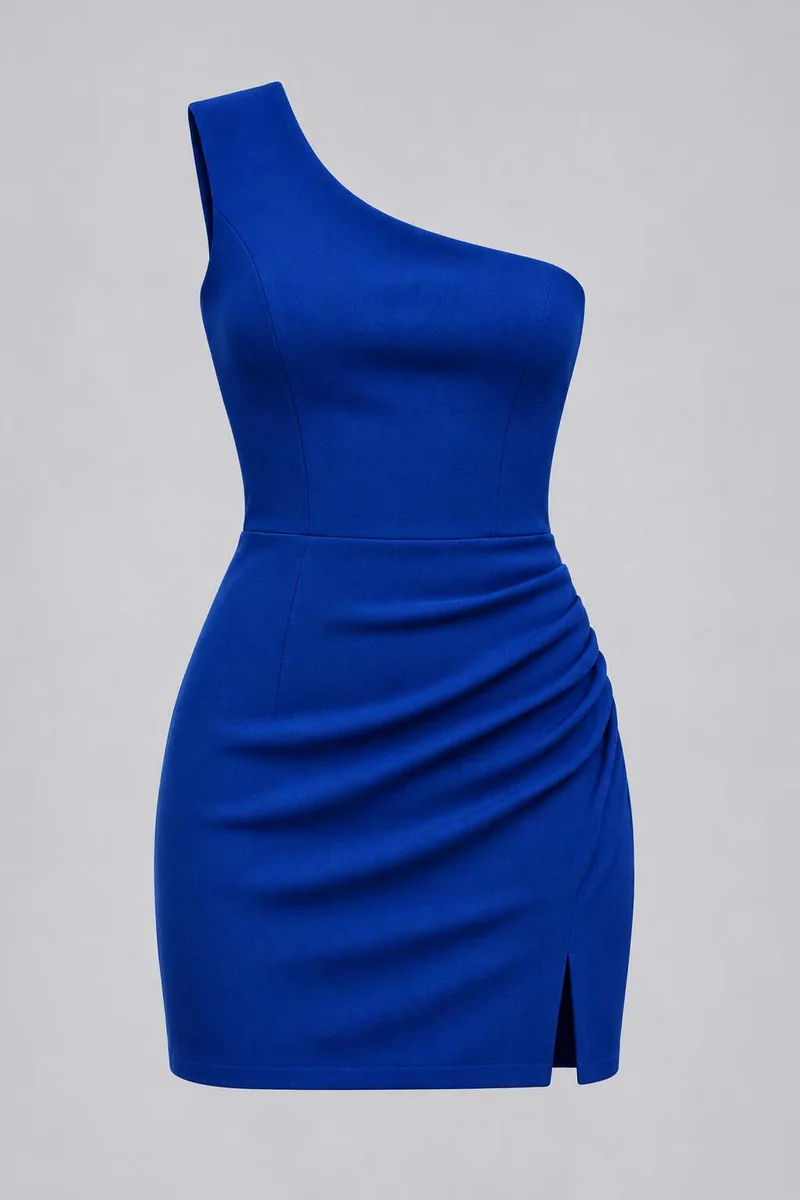
One Shoulder Dress
Ghost Mannequin Editing · 3 examples
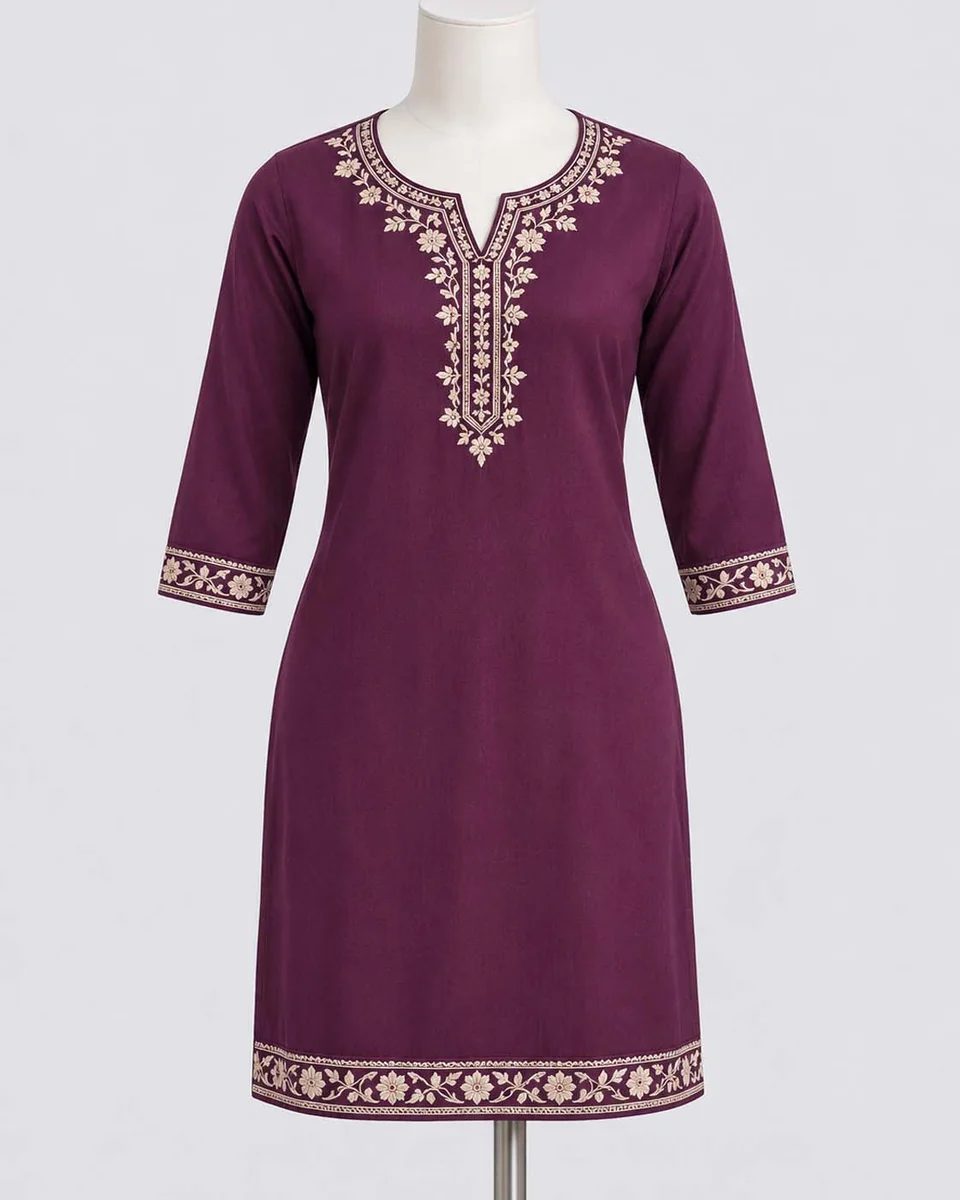
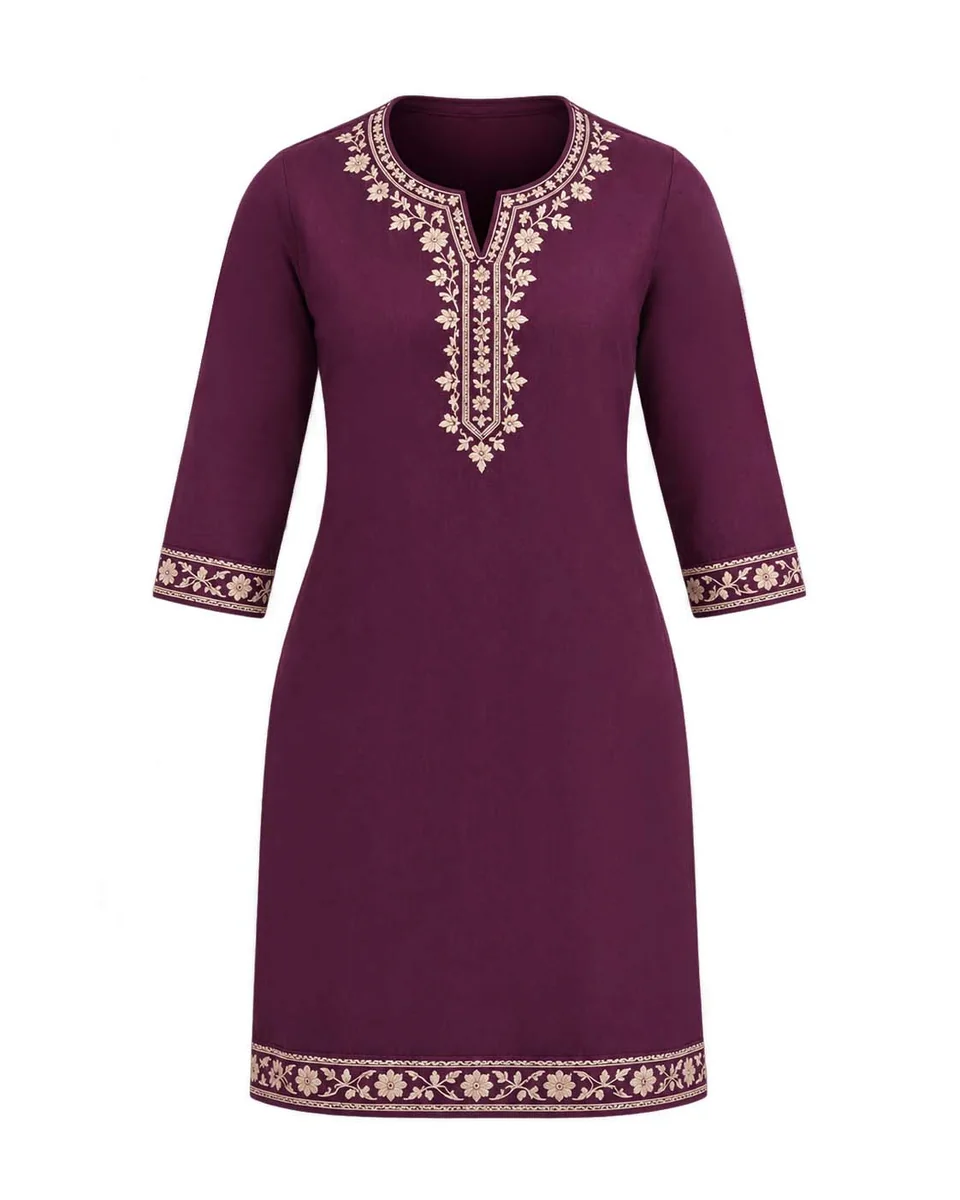
Burgundy Embroidered Tunic
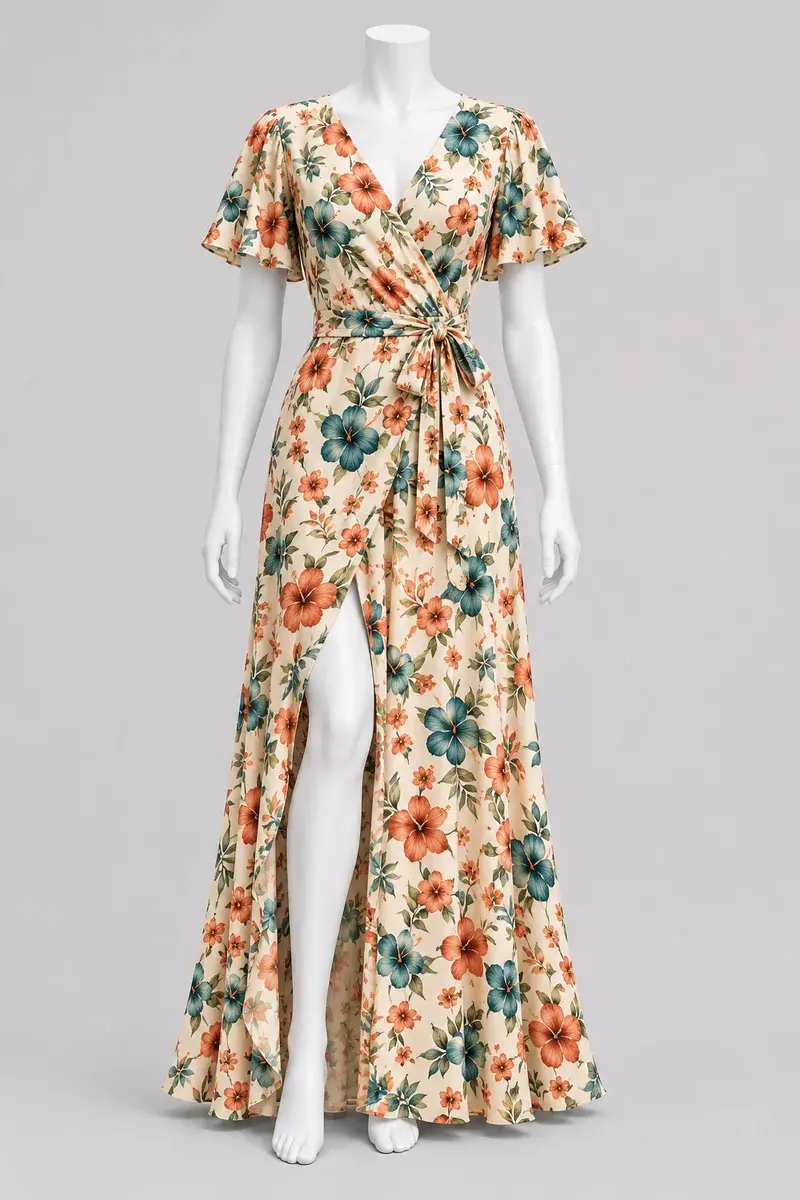
Floral Jumpsuit
Navy Sportswear Set
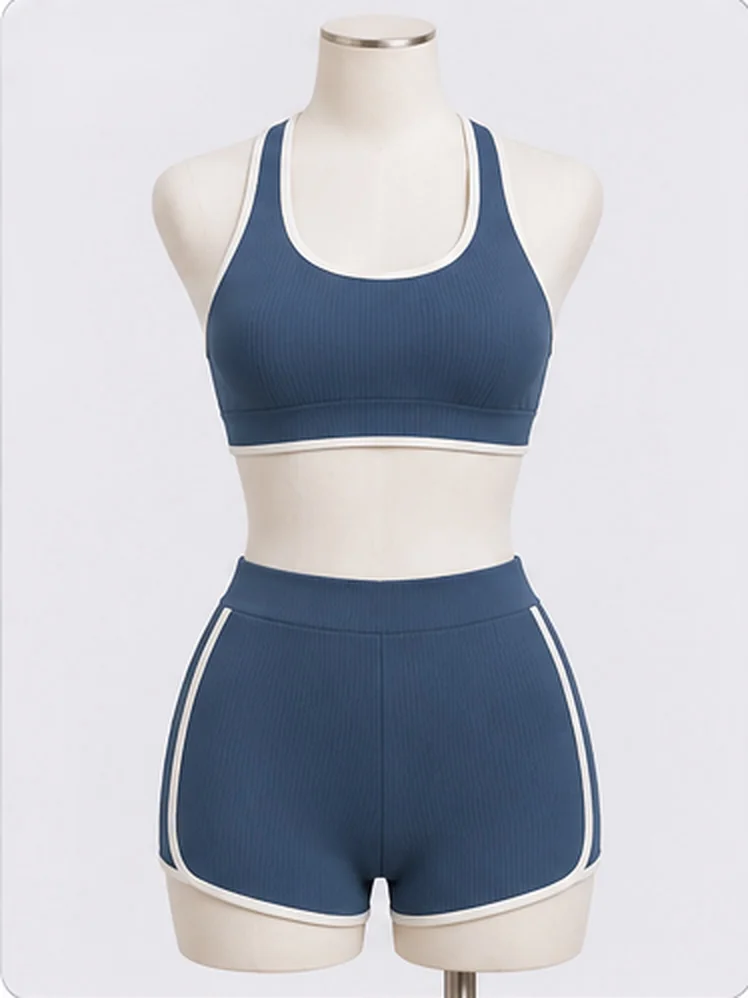
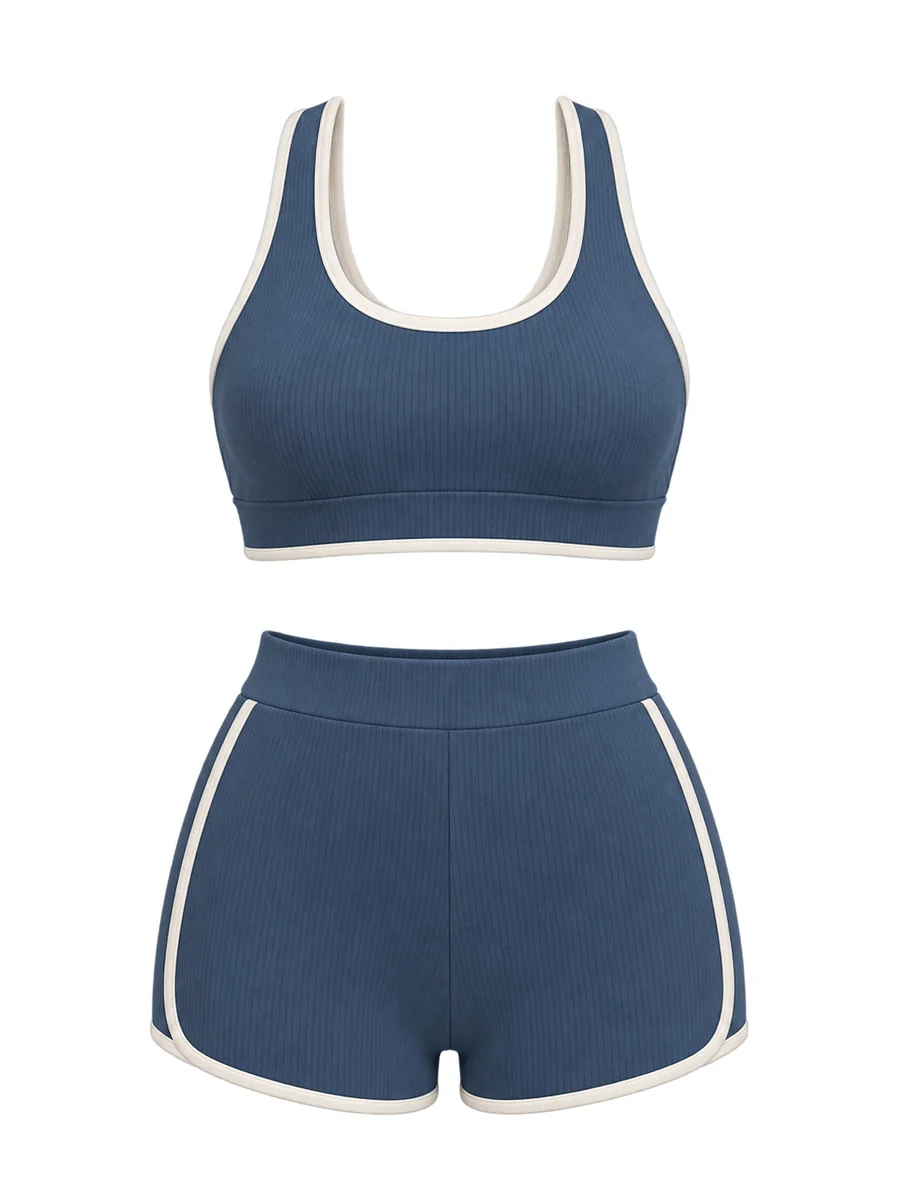
Portrait Retouching · 3 examples
Auburn Hair Portrait
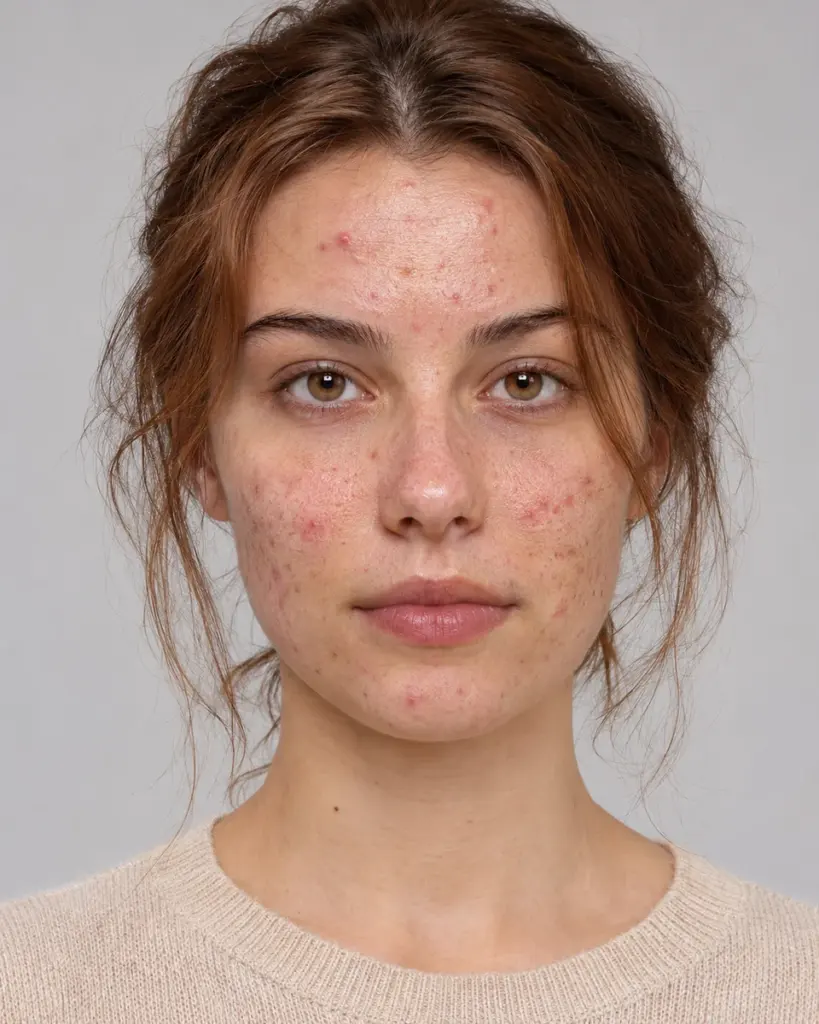
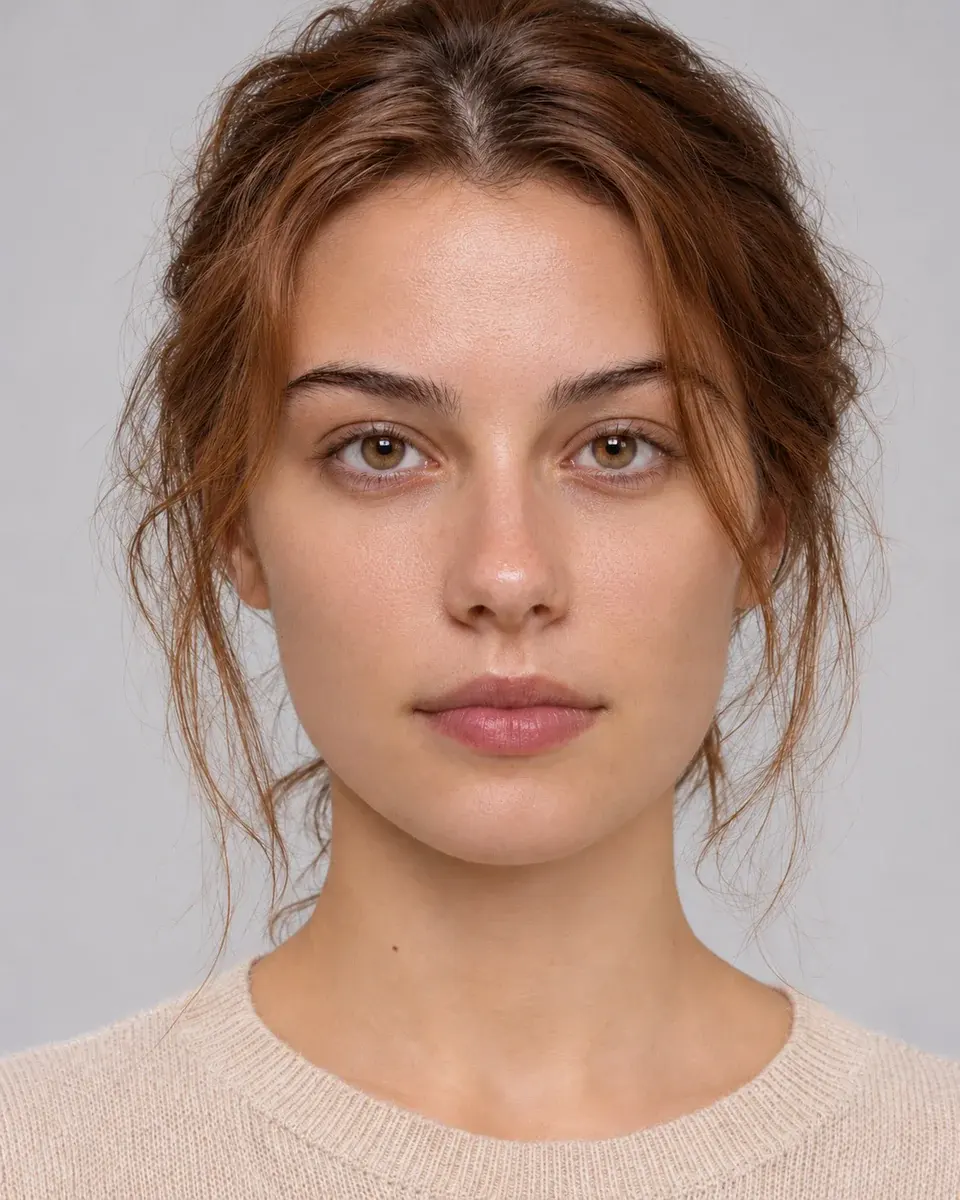
Cream Top Portrait
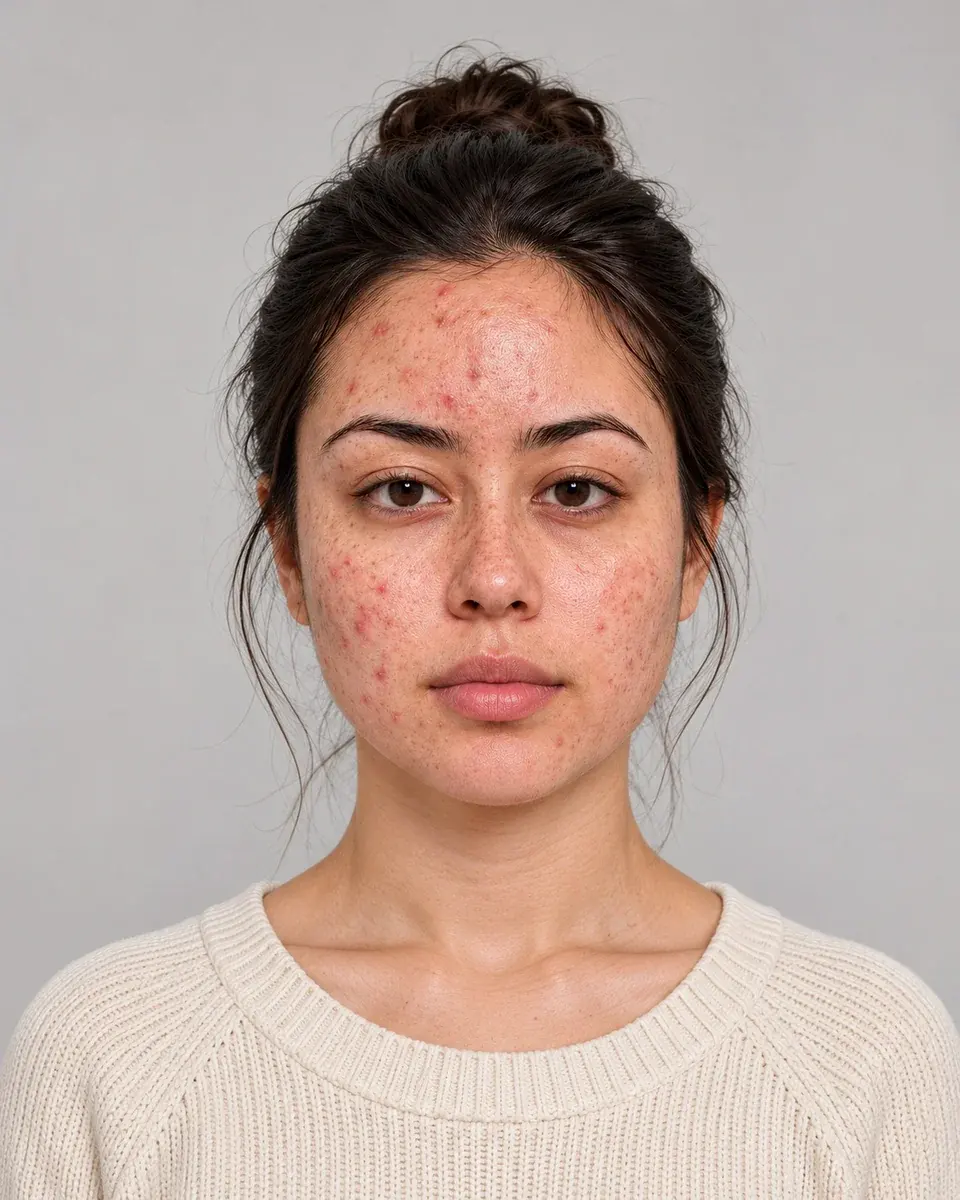
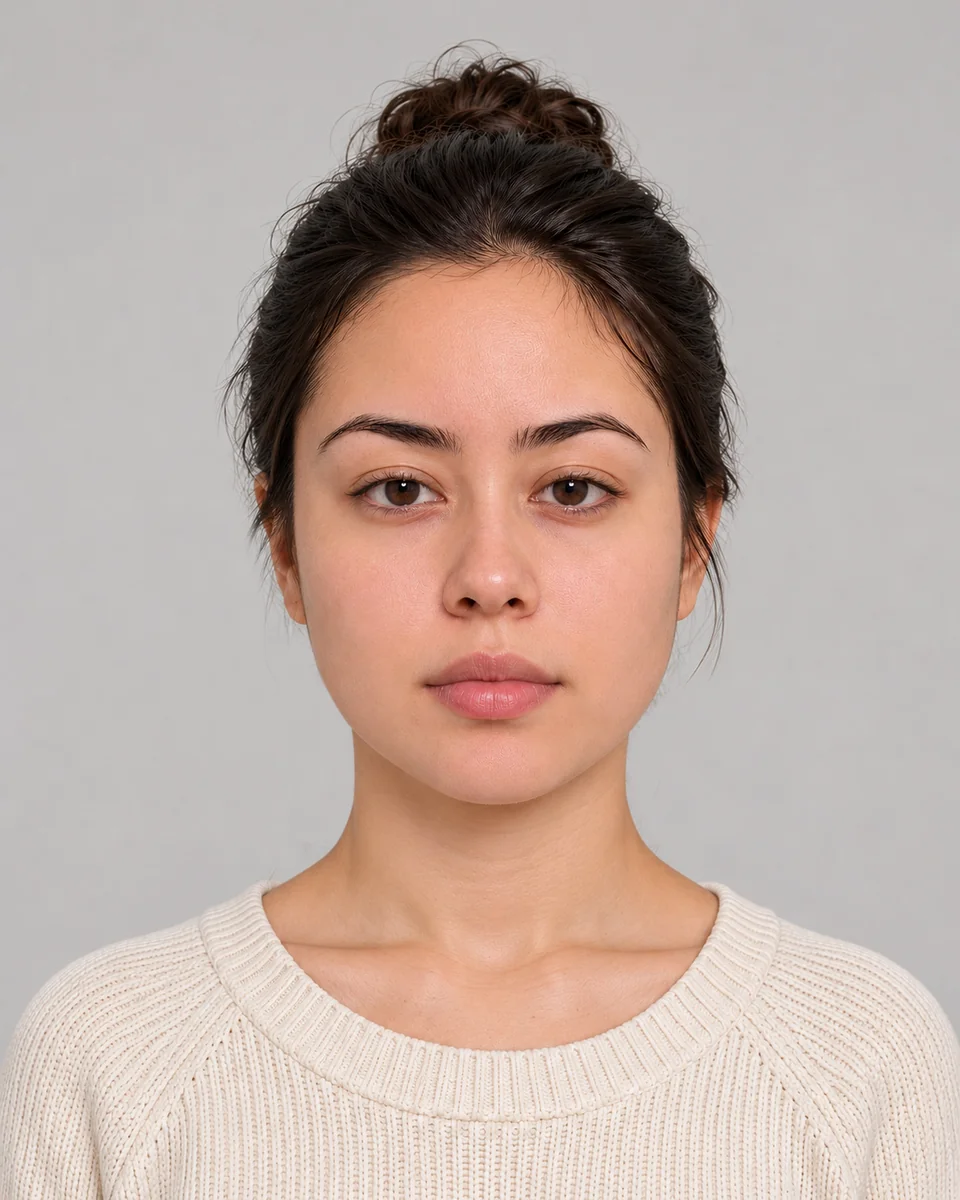
Male Portrait


Image Compositing · 3 examples
Black Headphones
Golden Retriever
Green Pendant Necklace
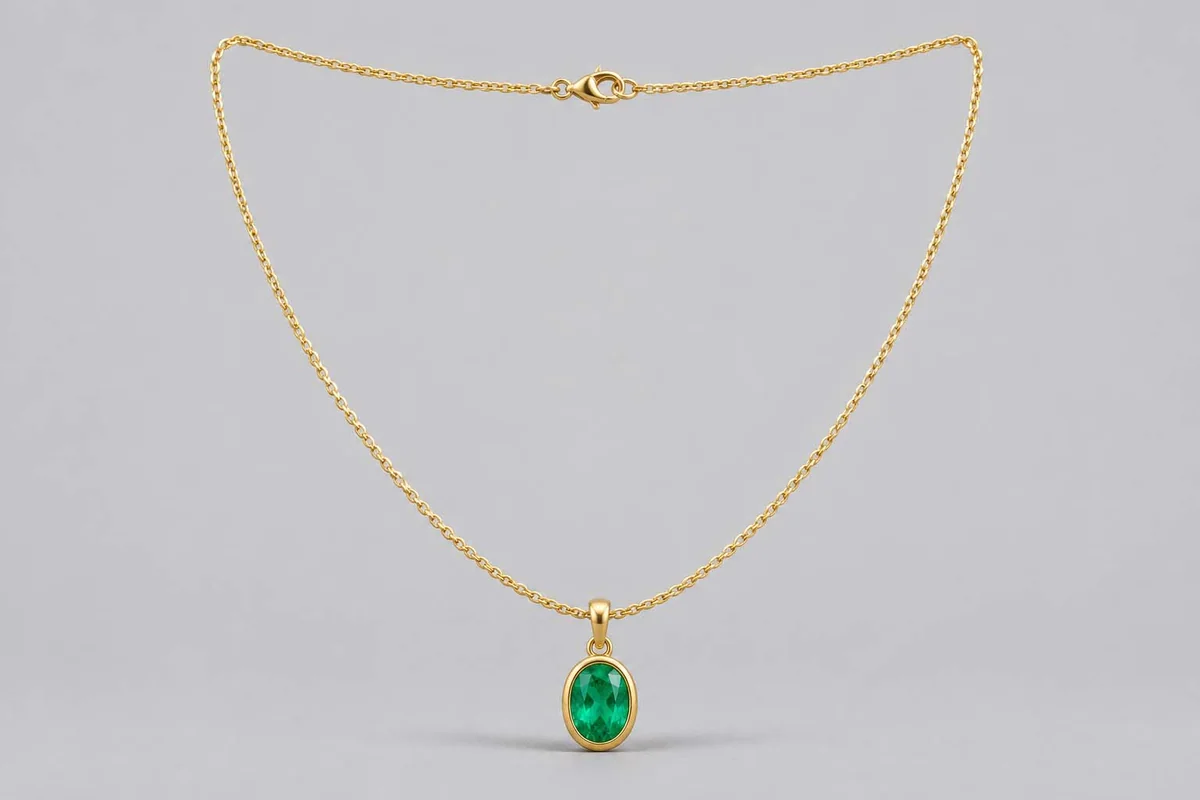
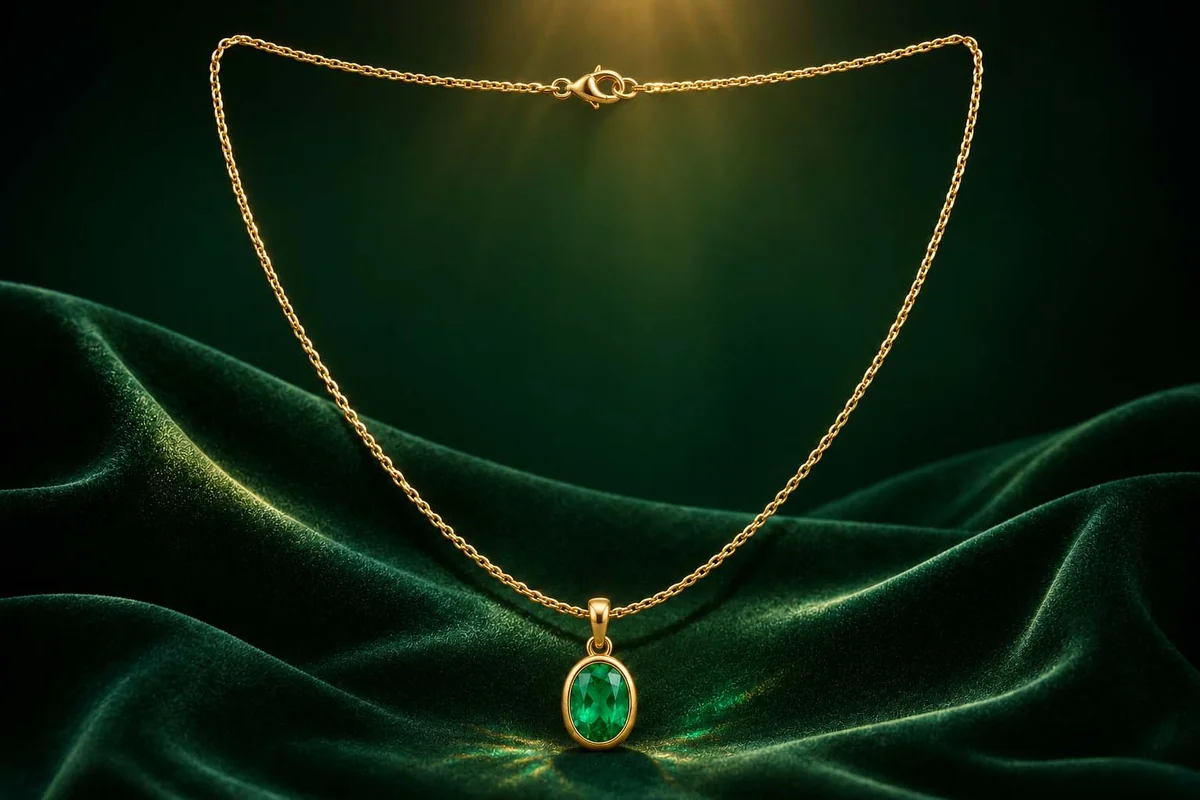
Image Enhancement · 2 examples
Green Blazer Portrait
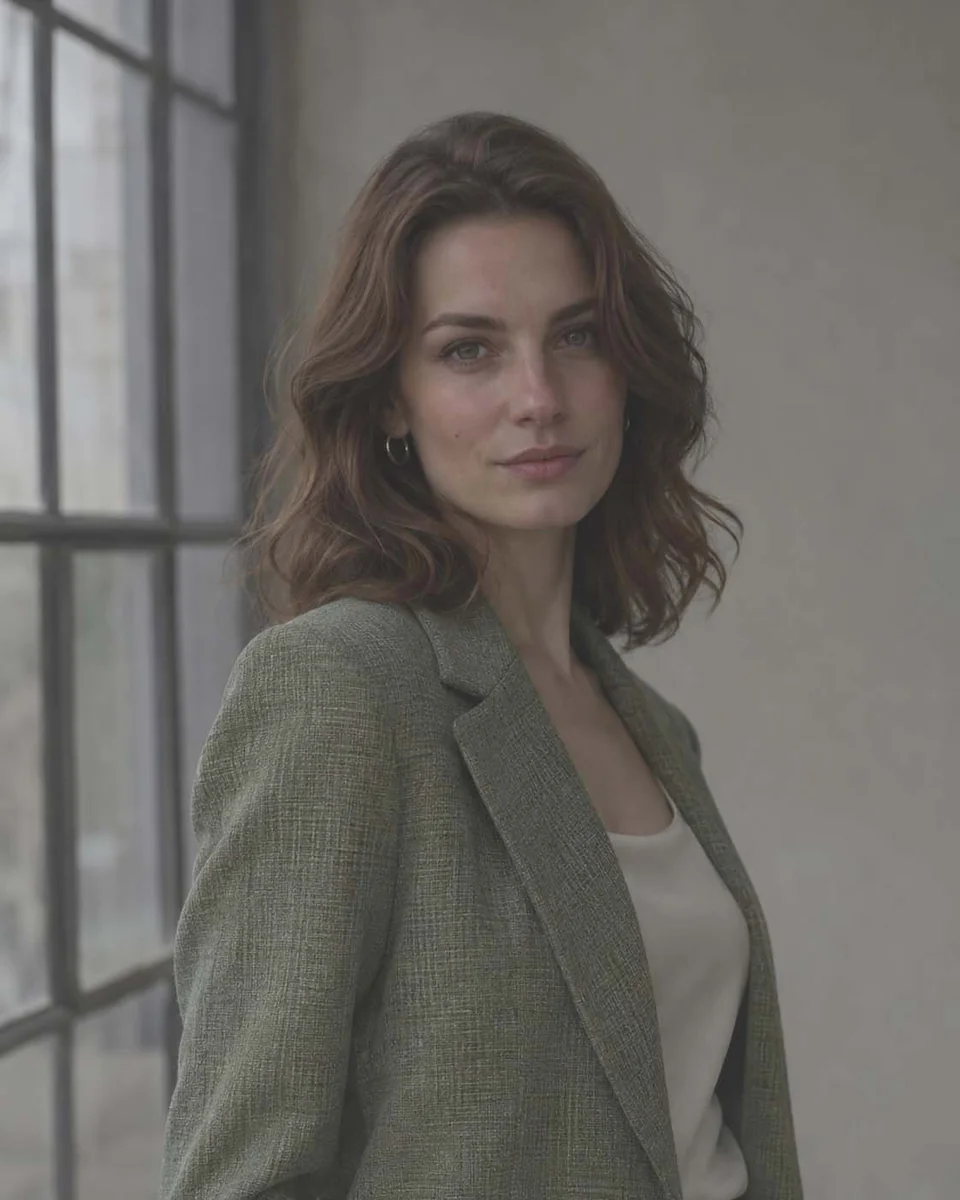
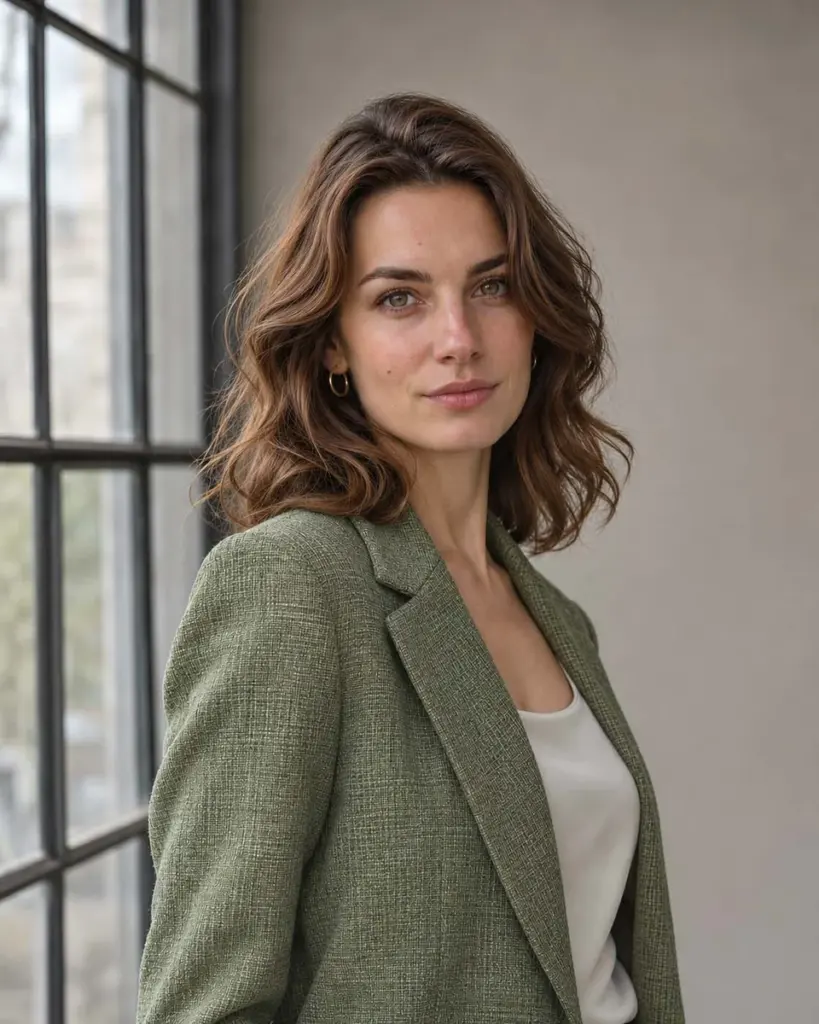
Living Room


Image Masking · 3 examples
Cream Faux Fur Coat
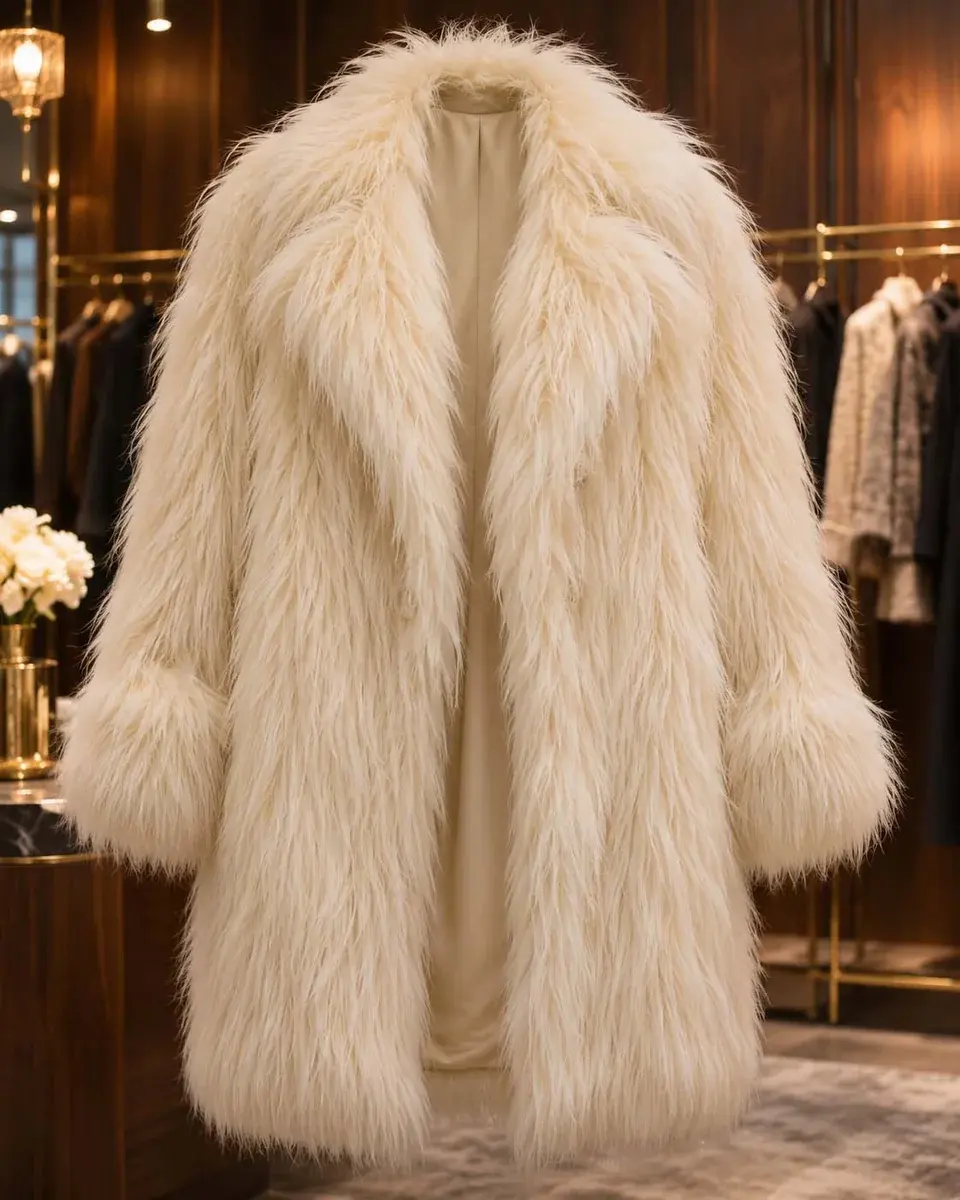
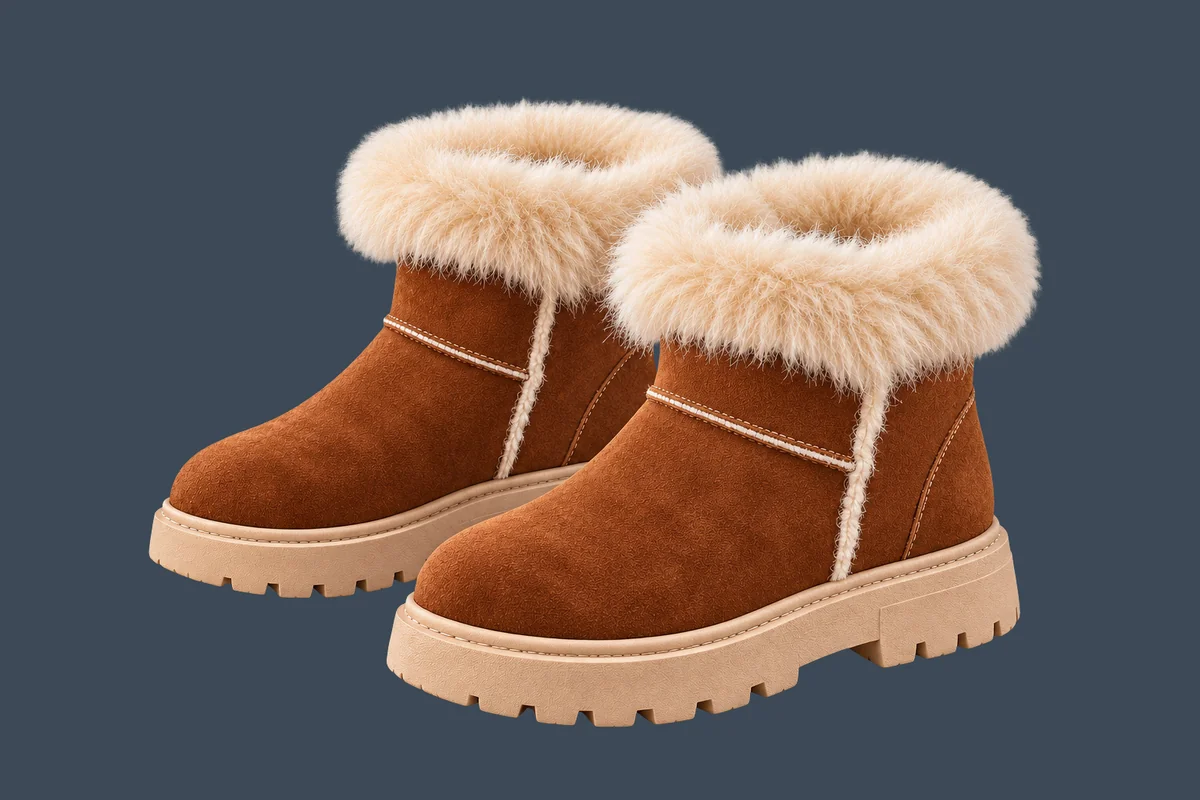
Shearling Boots
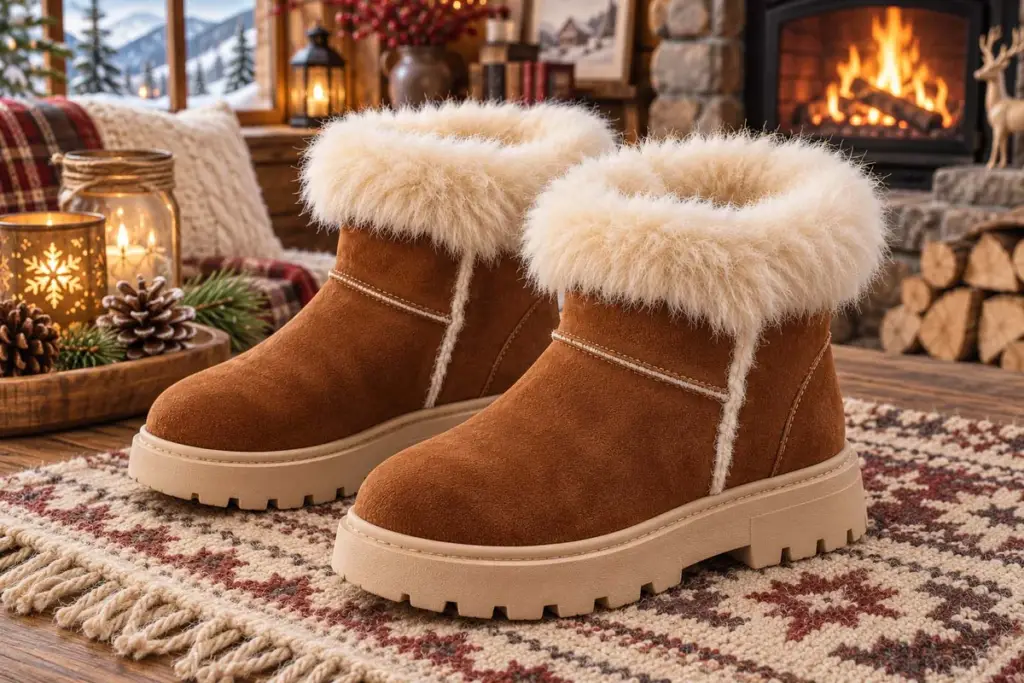
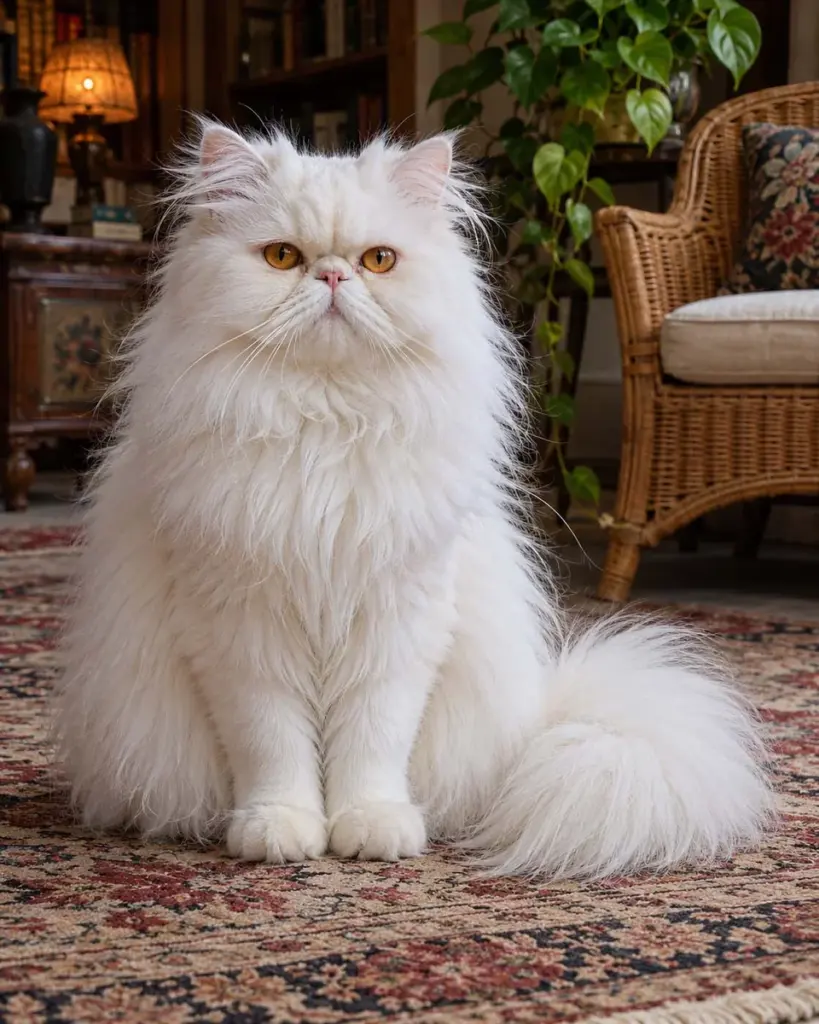
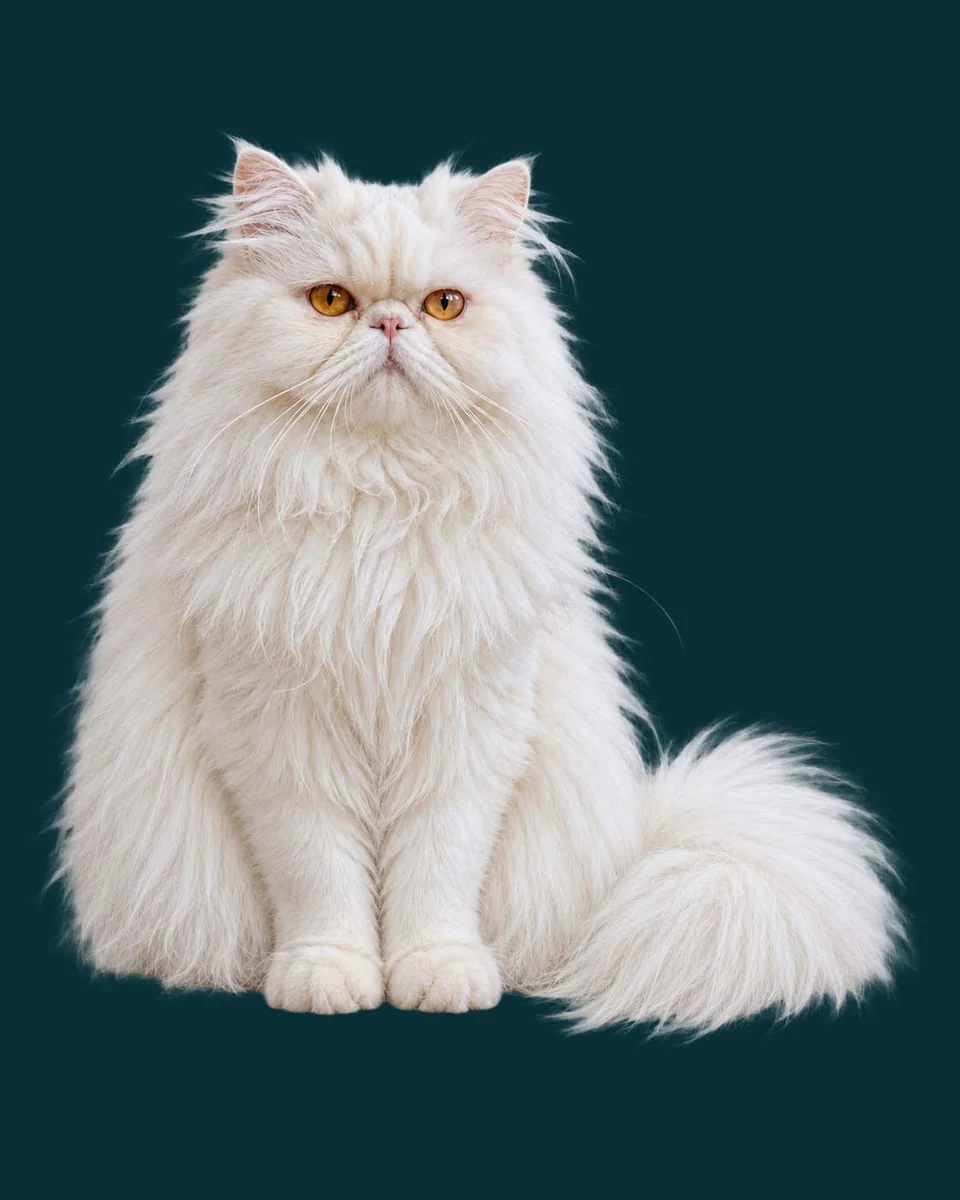
White Longhair Cat
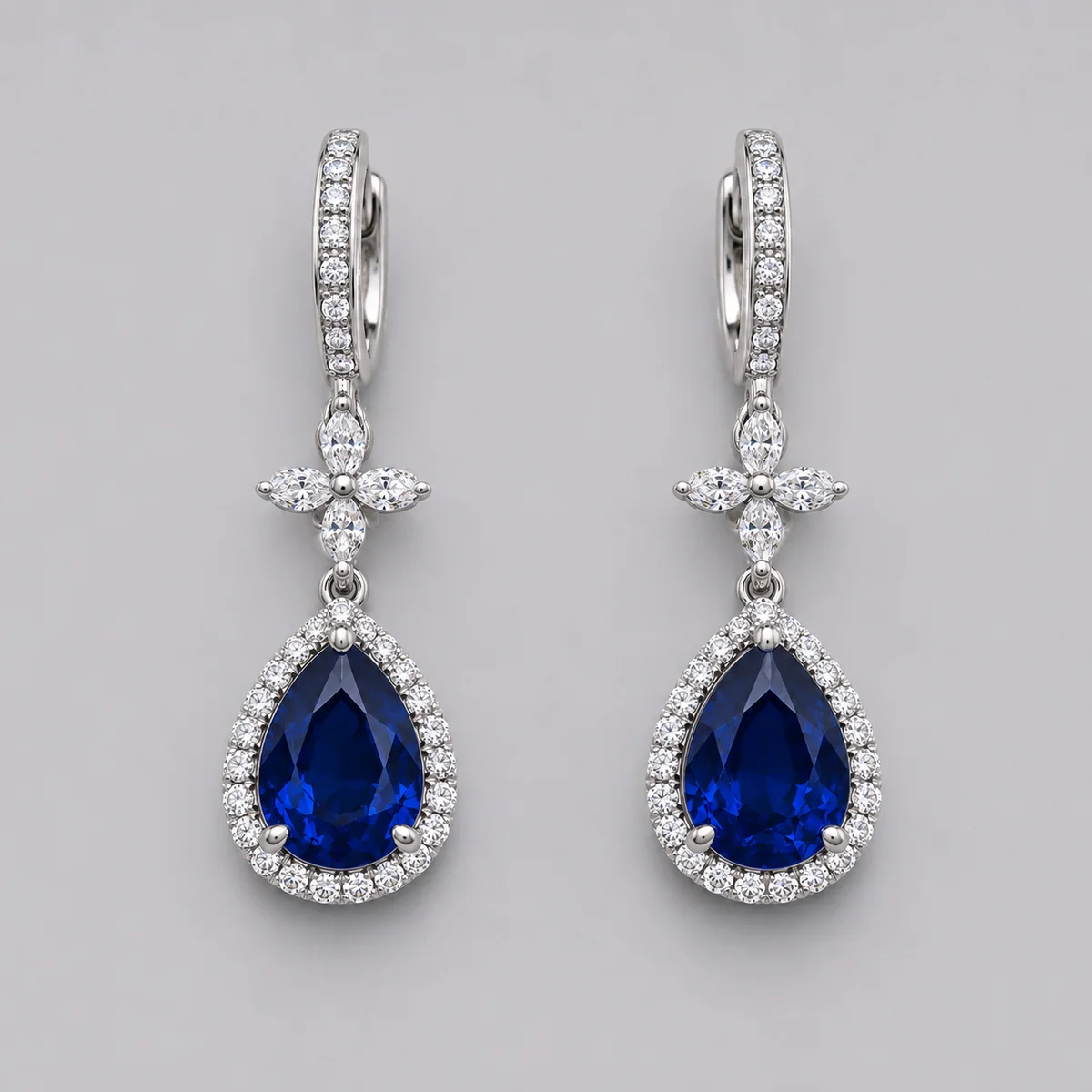
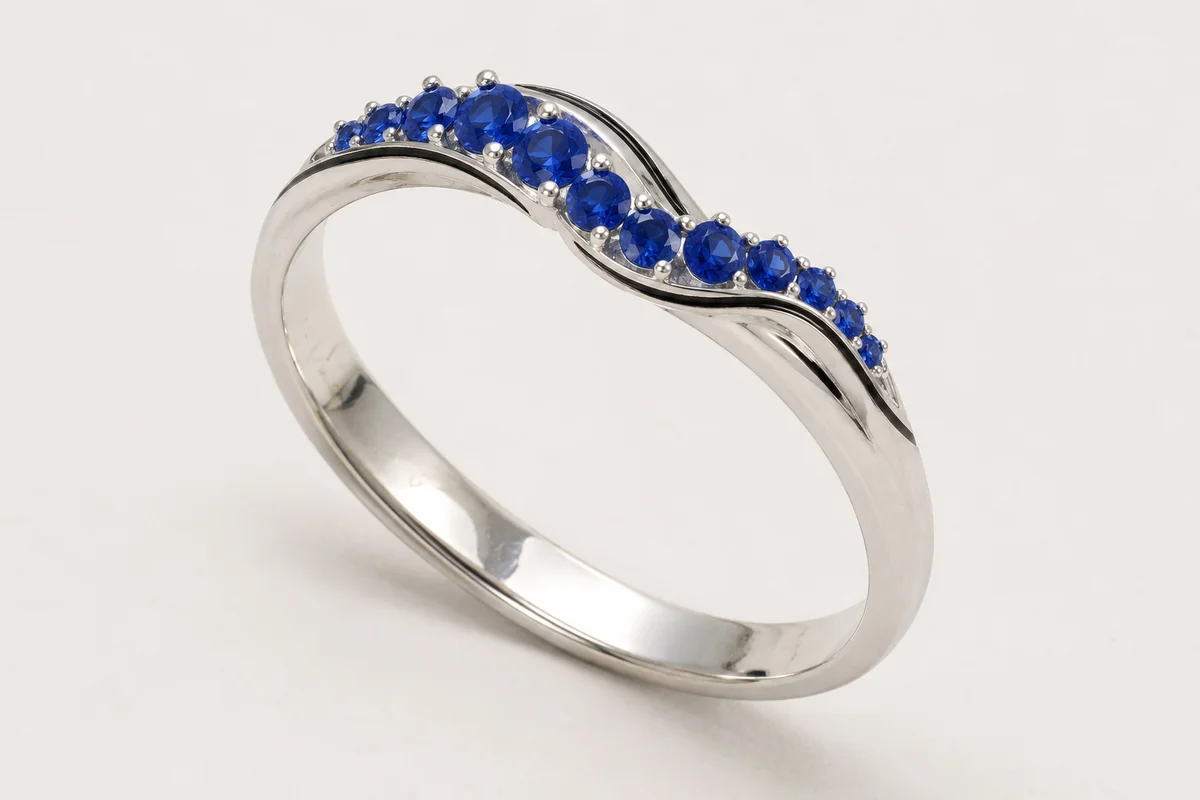
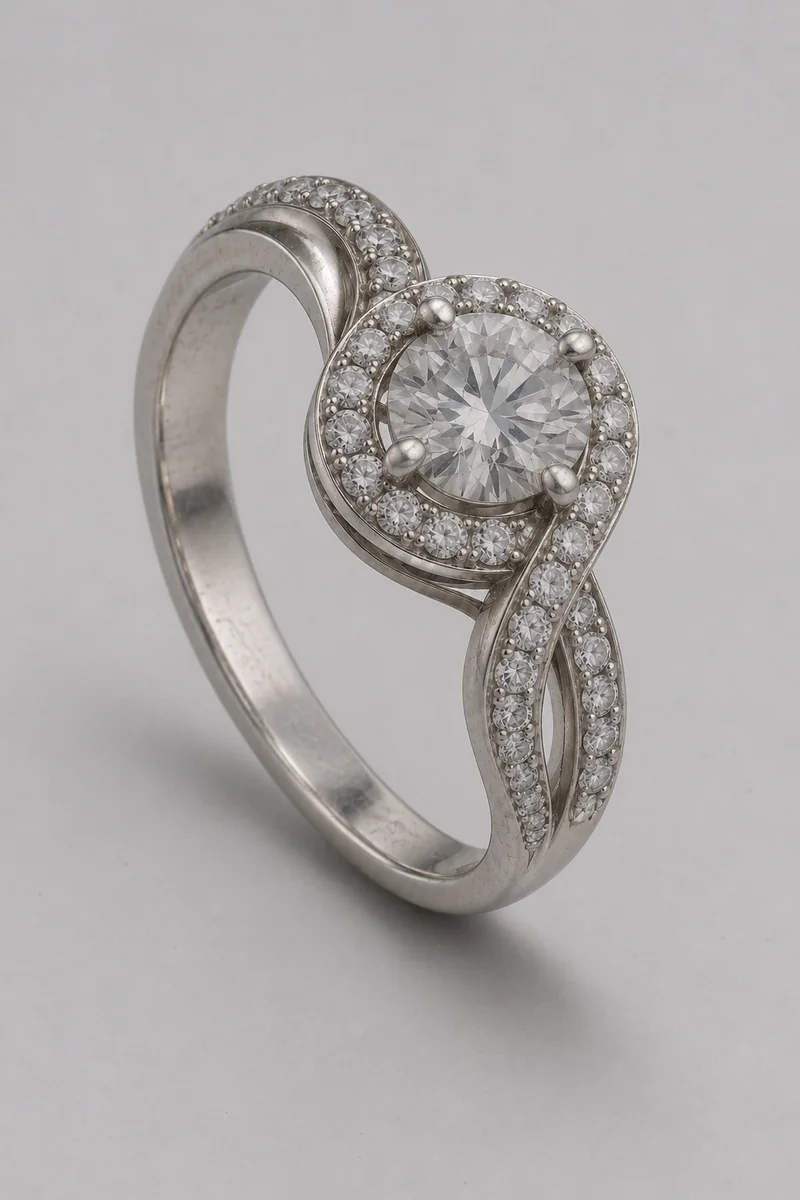
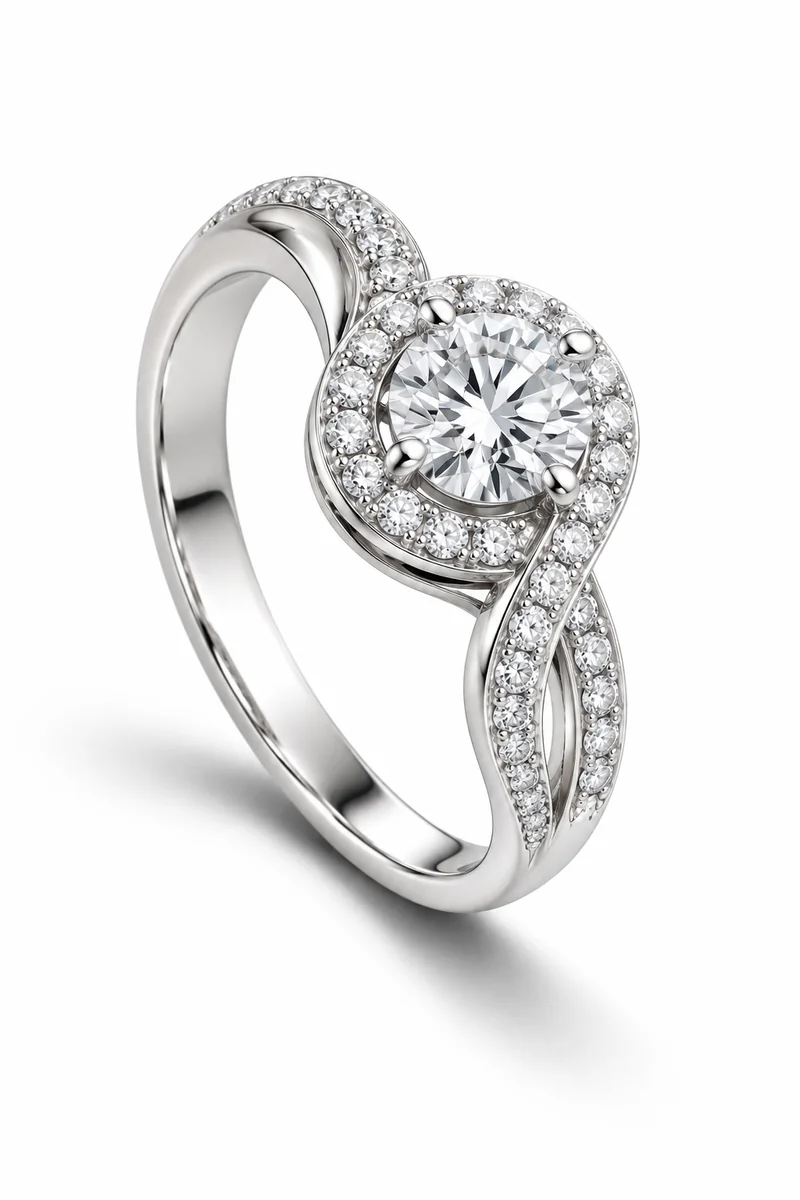
Jewelry Retouching · 3 examples
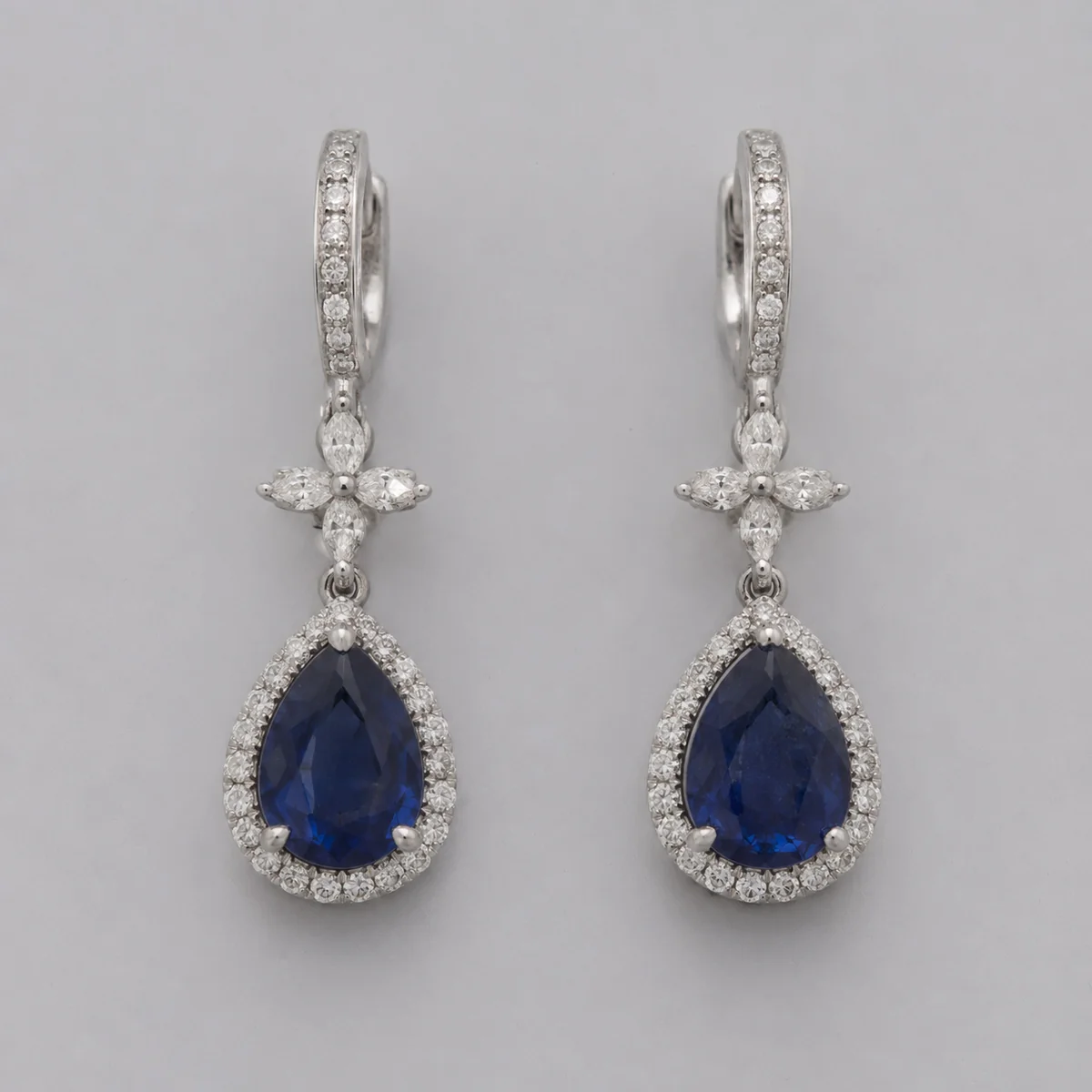
Blue Drop Earrings
Blue Stone Ring
Round Stone Ring
Shadow Creation · 3 examples
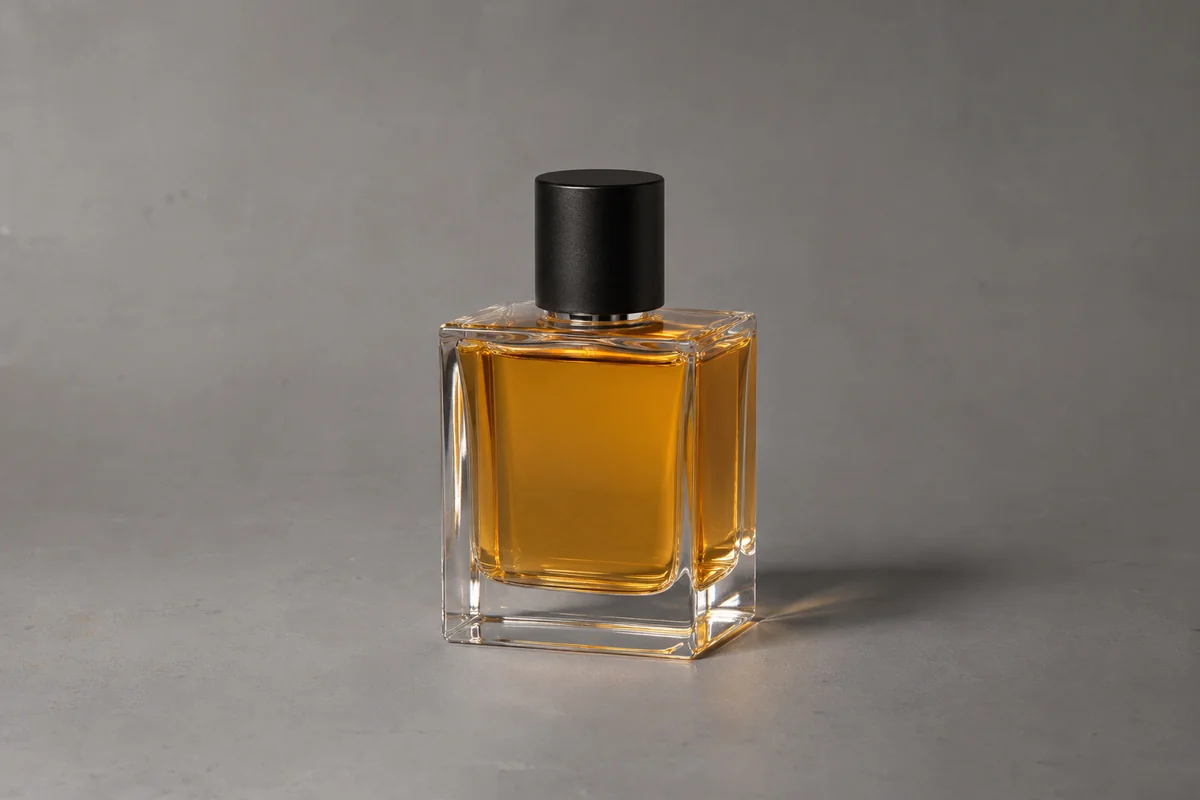
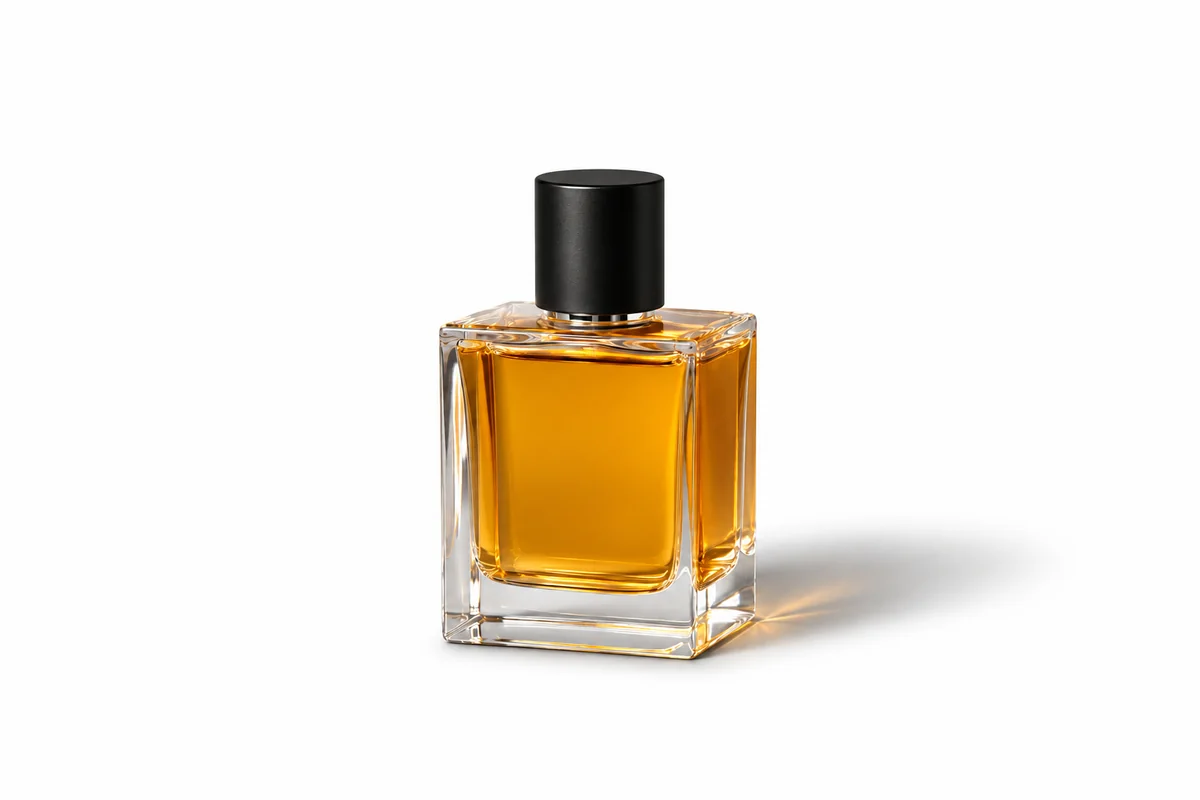
Amber Perfume Bottle
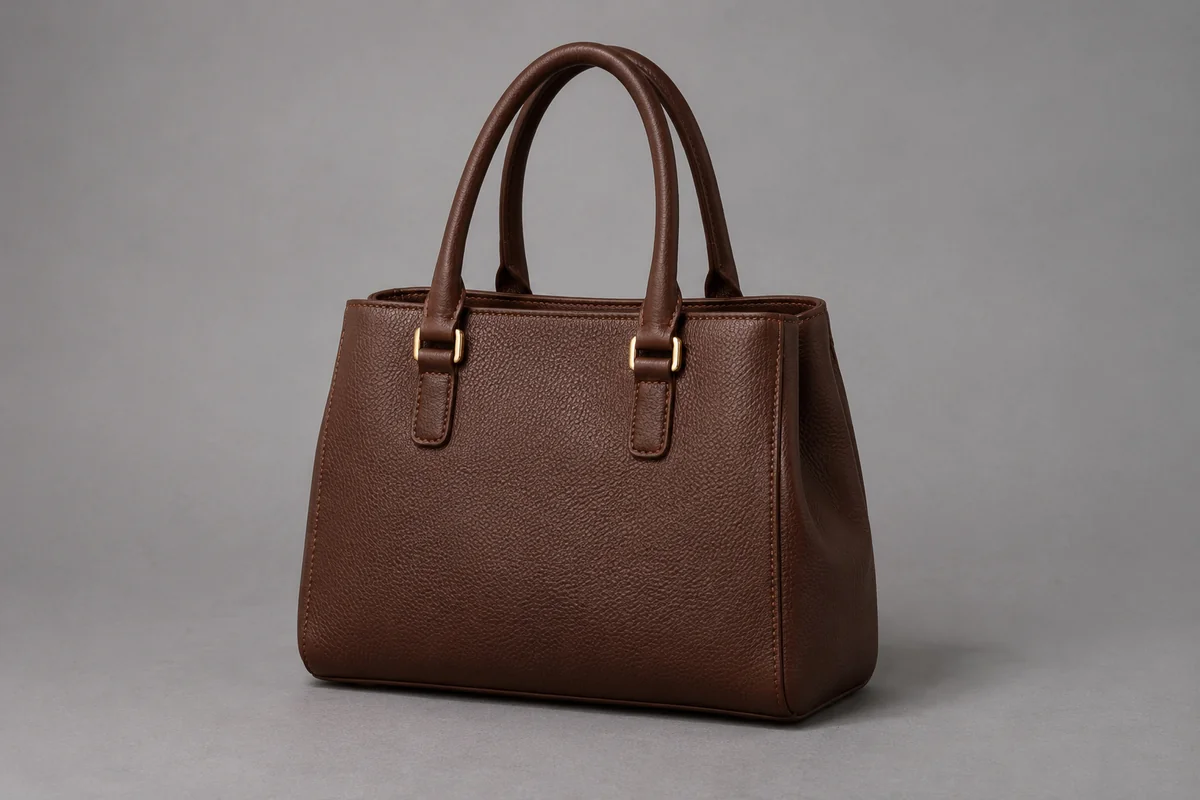
Brown Handbag
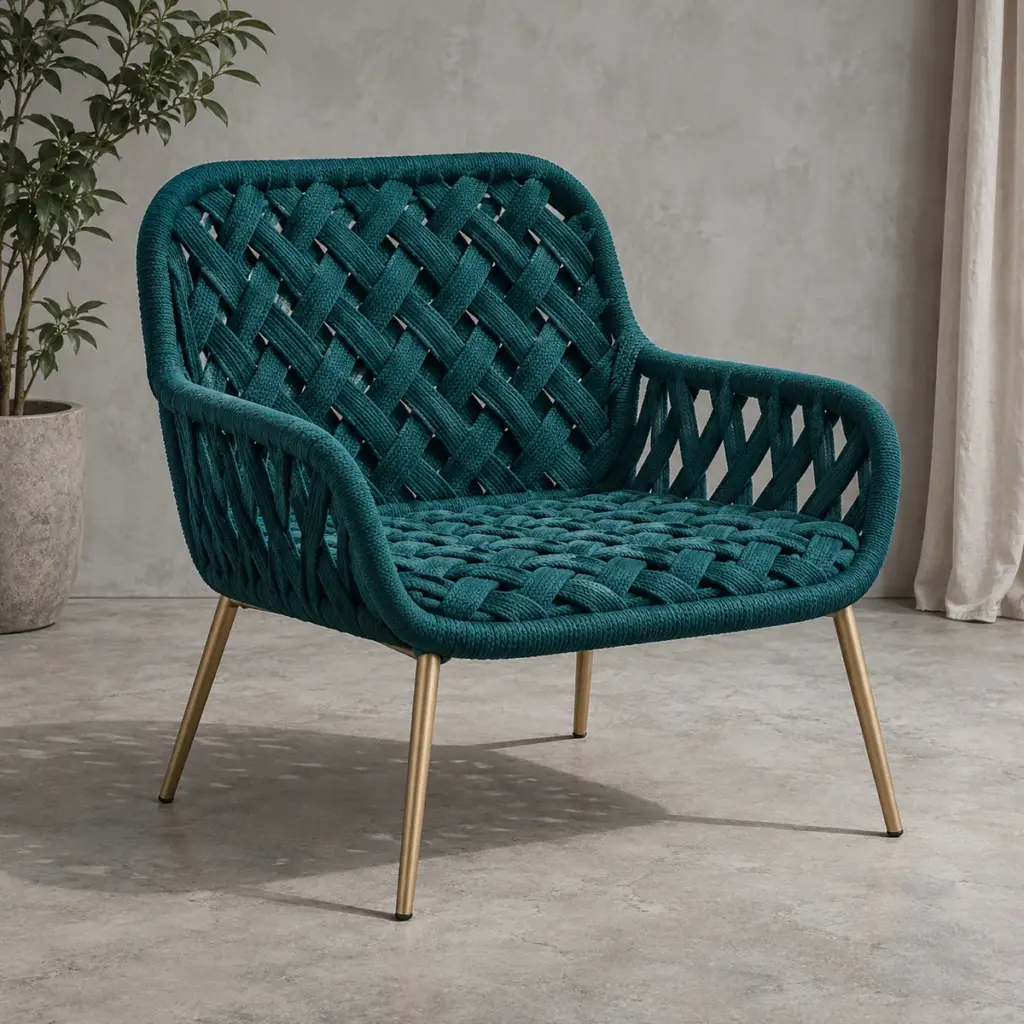
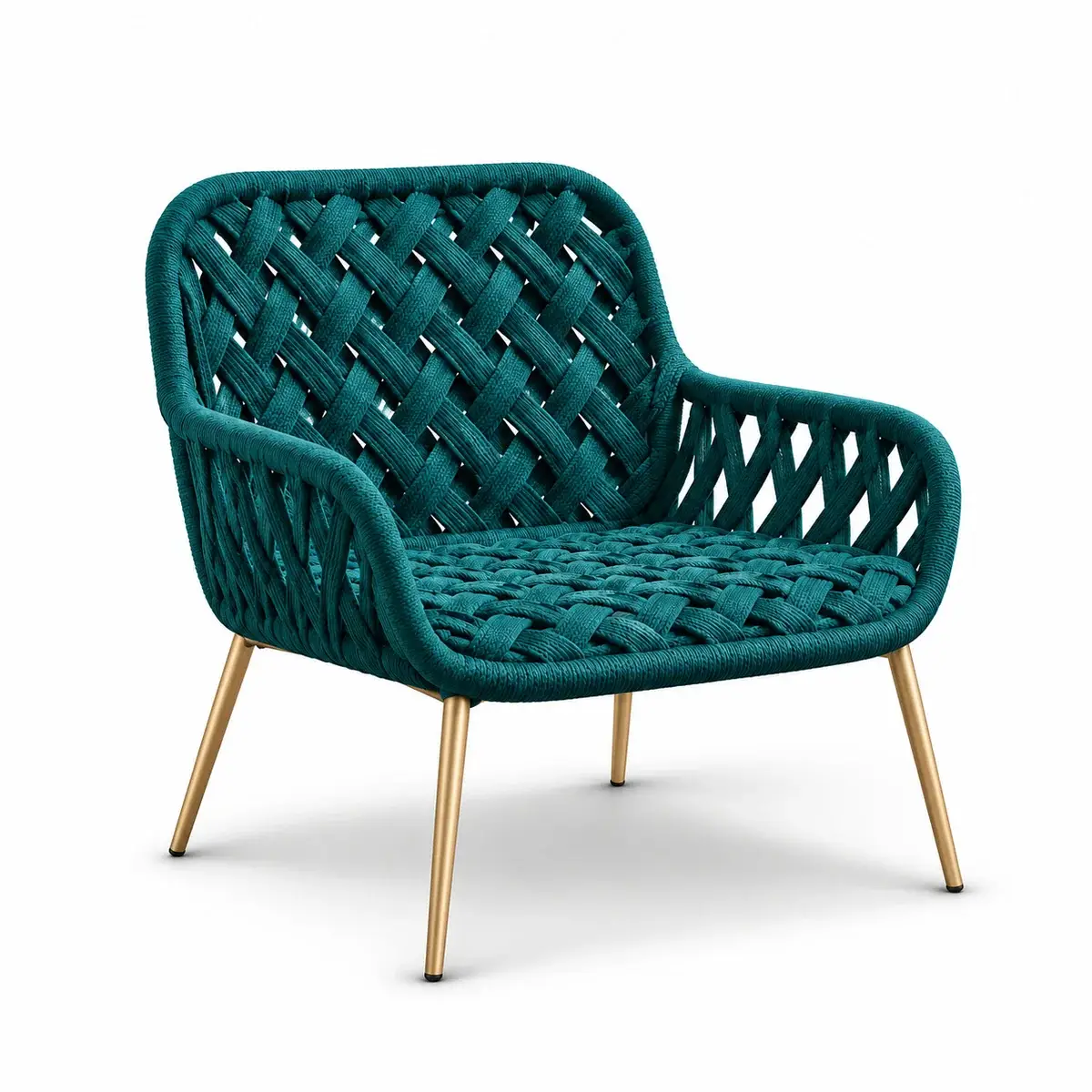
Teal Accent Chair
Wedding Photo Retouching · 3 examples
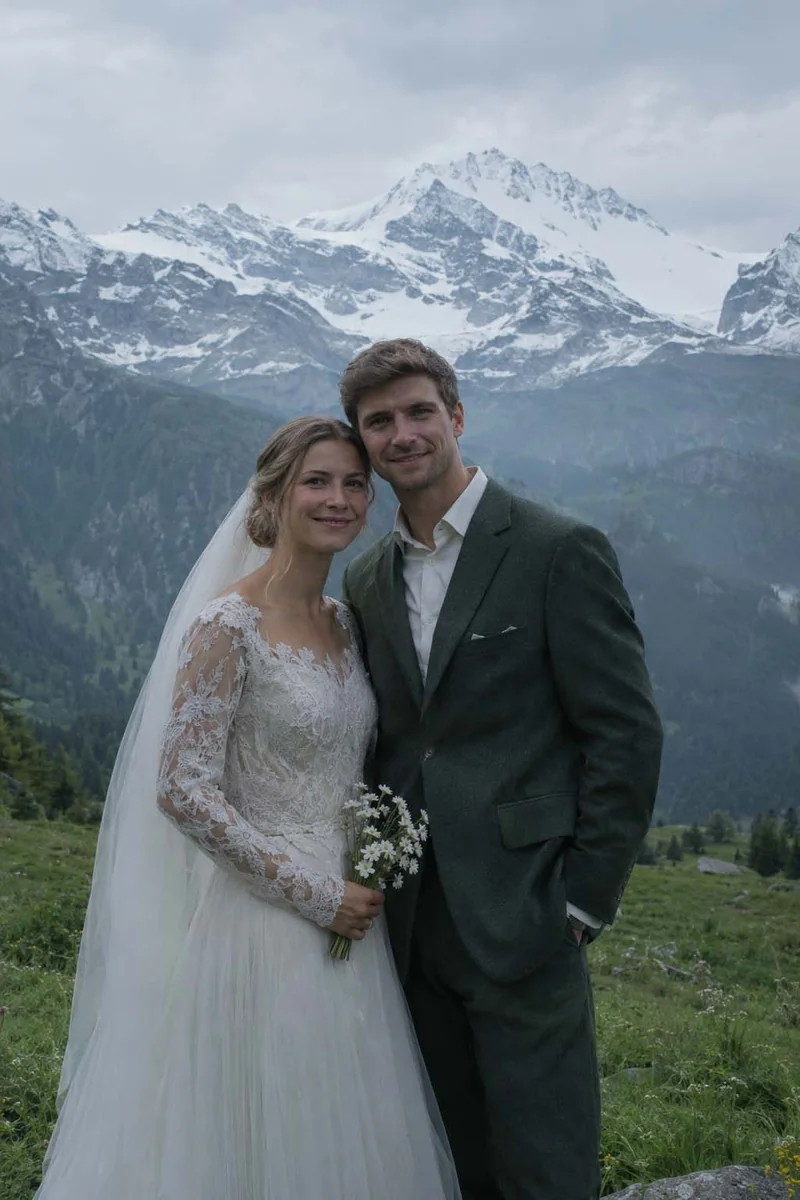
Alpine Wedding Couple
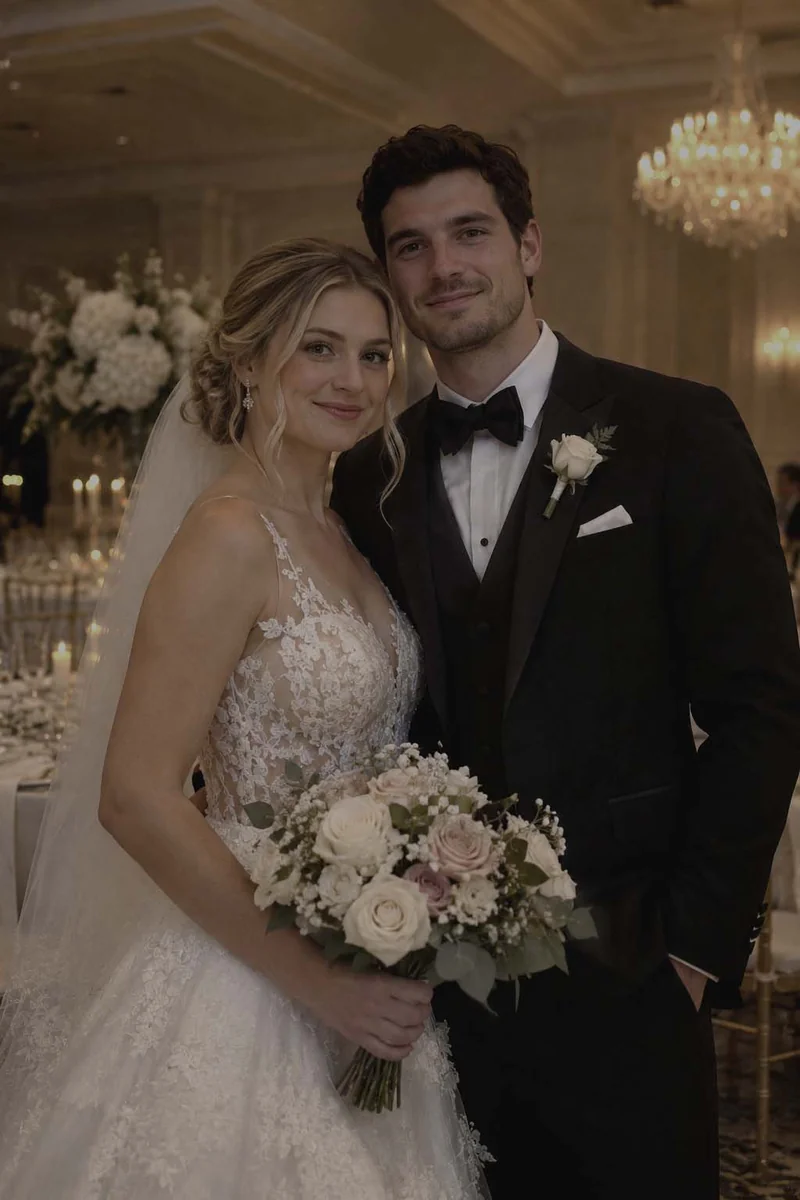
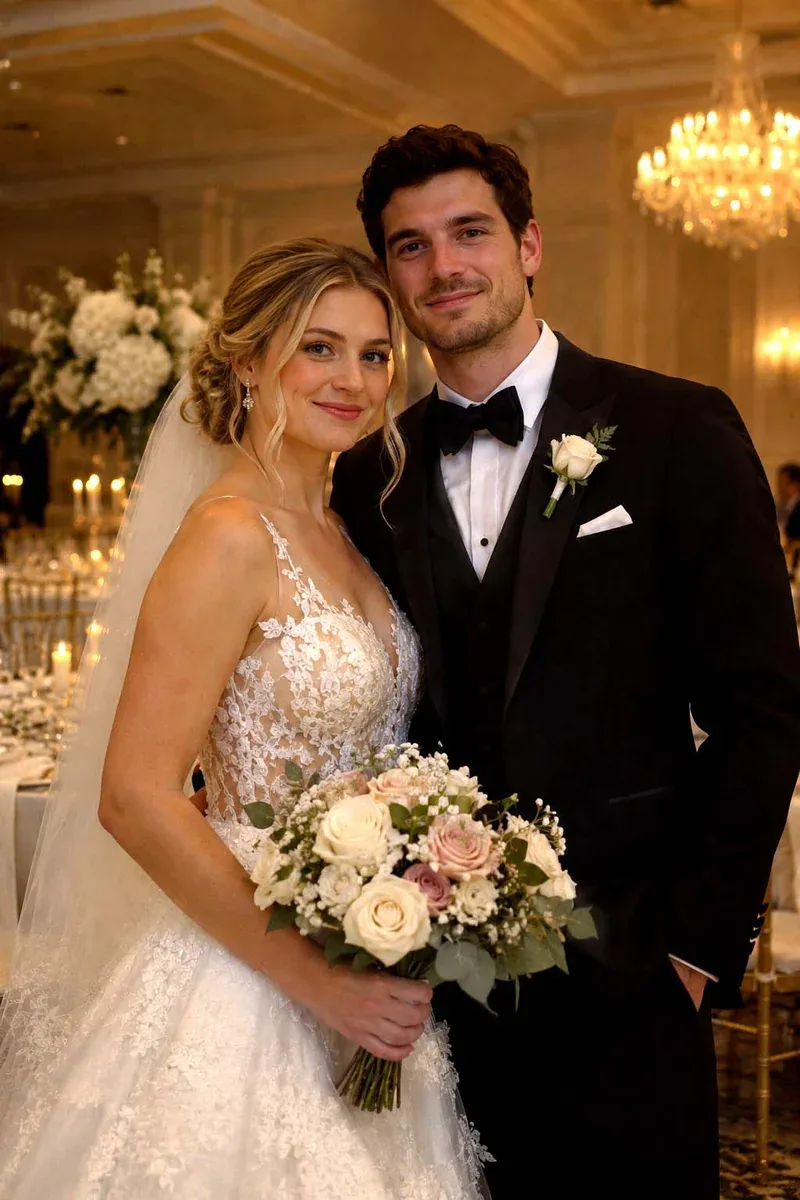
Ballroom Wedding Couple
Villa Wedding Couple