
Shadow Creation · RetoPixel
Shadow Creation Service for Product Photography
Give every product a place
Grounded products. Carefully controlled depth.
RetoPixel’s shadow creation service adds contact shadows, soft drop shadows and reflections to product photographs. We match the direction, softness and placement to your image brief, helping isolated items sit naturally in a catalogue without changing their shape or surface detail.
- Contact shadows
- Soft drop shadows
- Surface reflections
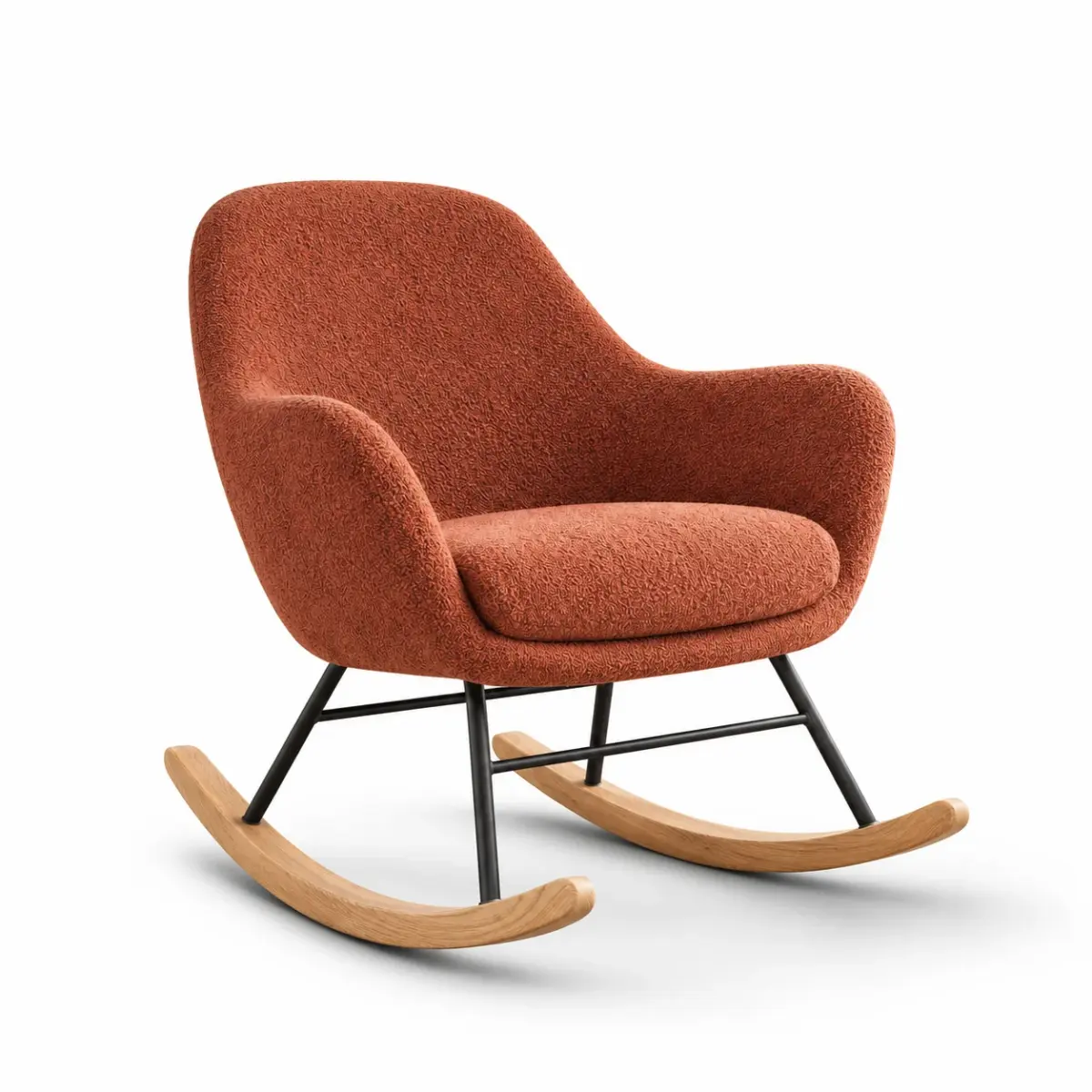
Give every cutout a believable place to rest
A cutout can have crisp edges and still feel suspended in empty space. A well-placed shadow provides a visual connection between the product and the surface beneath it. Its darkest area usually sits close to the contact point, then softens as it moves away.
Our product shadow editing follows the lighting already visible on your subject. We review the camera angle, base shape and intended background before choosing the shadow treatment. Where the original photograph contains a useful shadow, we can refine that information instead of replacing it unnecessarily.
Need a clean cutout first? Explore our background removal service alongside shadow creation.
Small shadows. A visible difference.
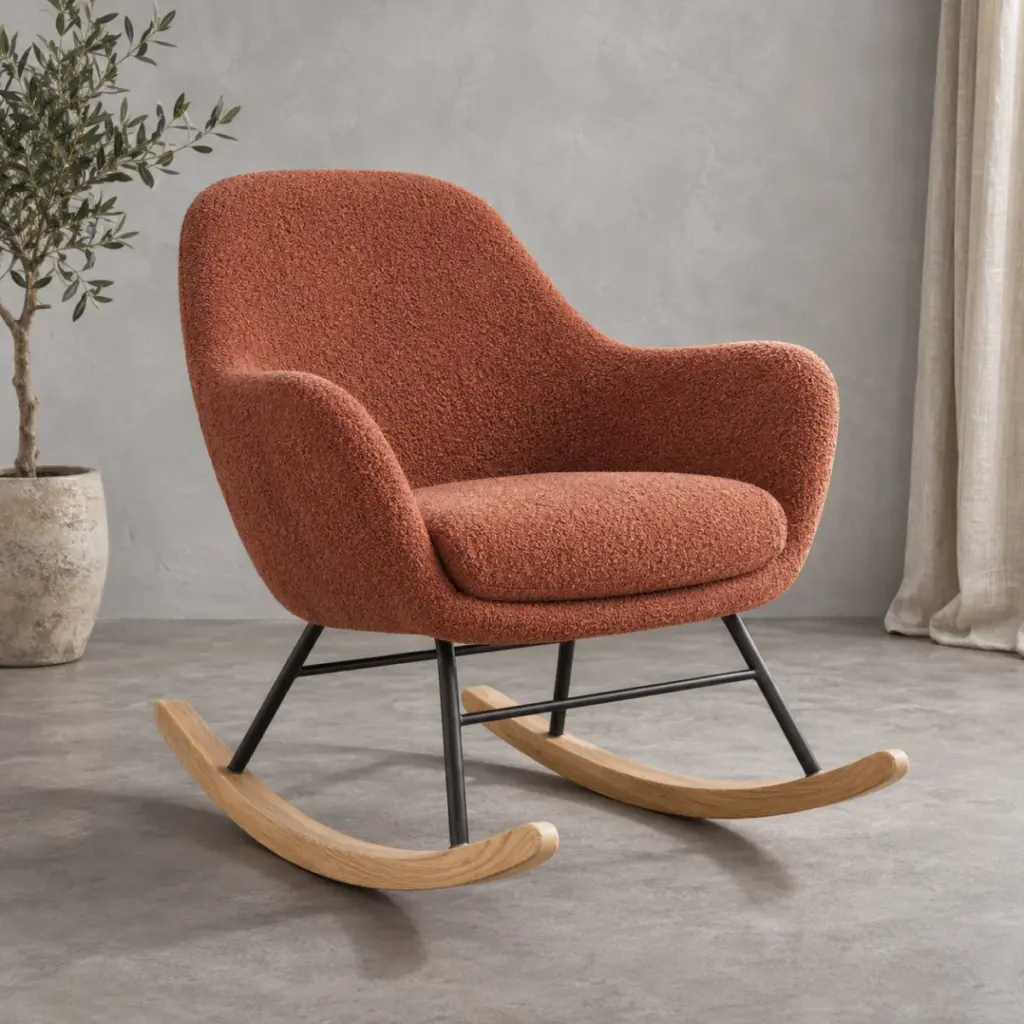
Rust Rocking Chair
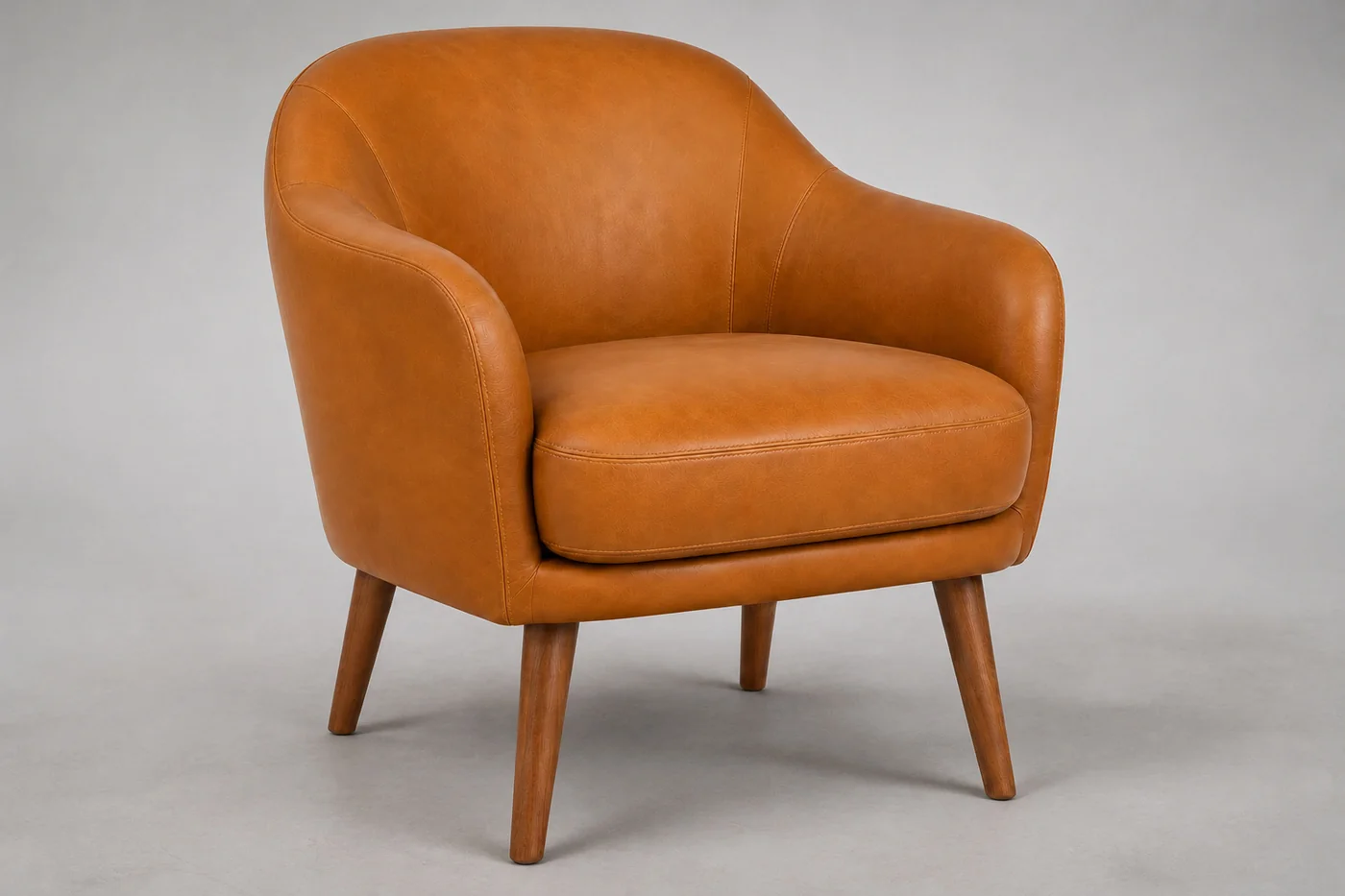
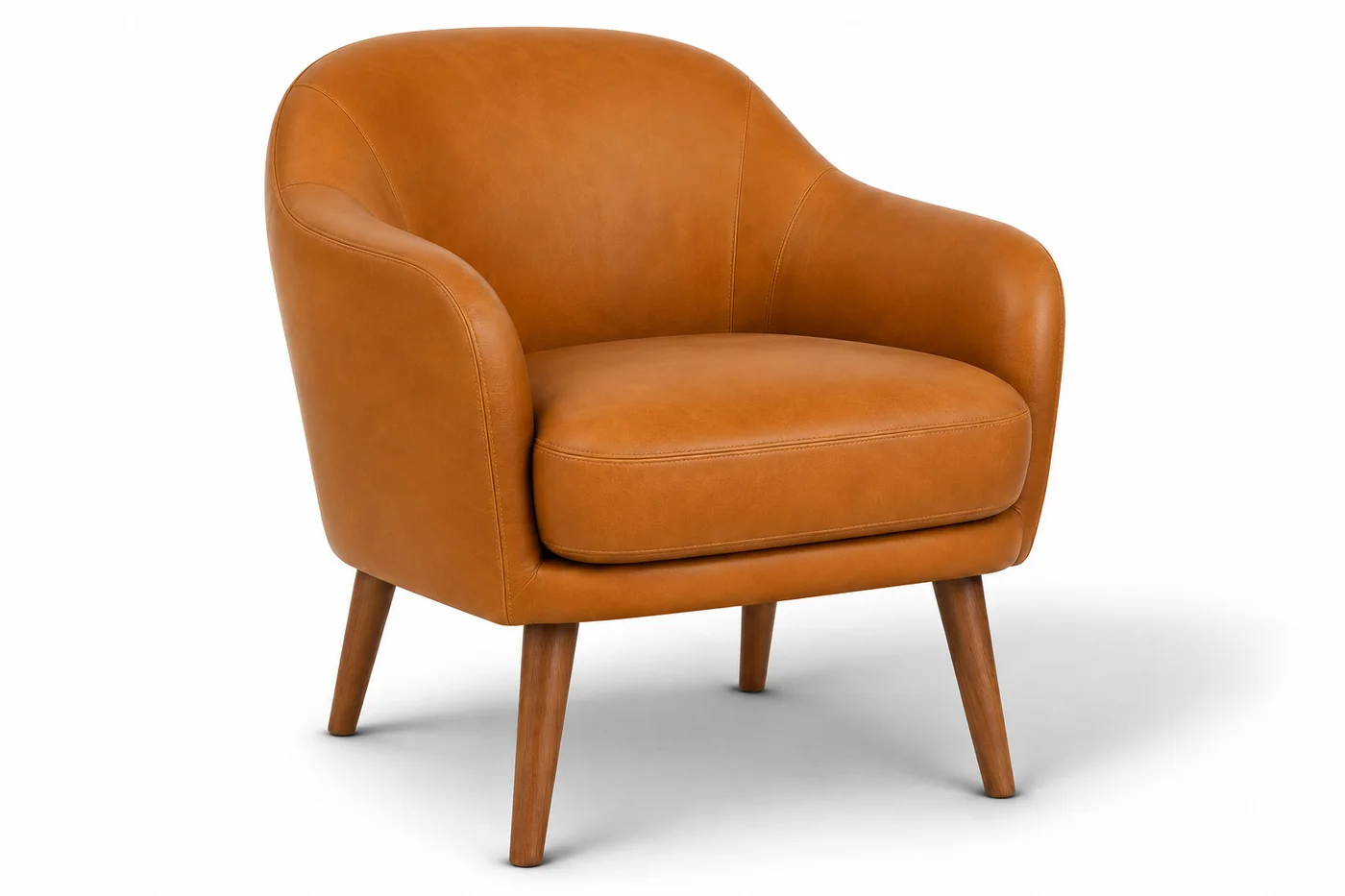
Tan Armchair
Wood Coffee Table
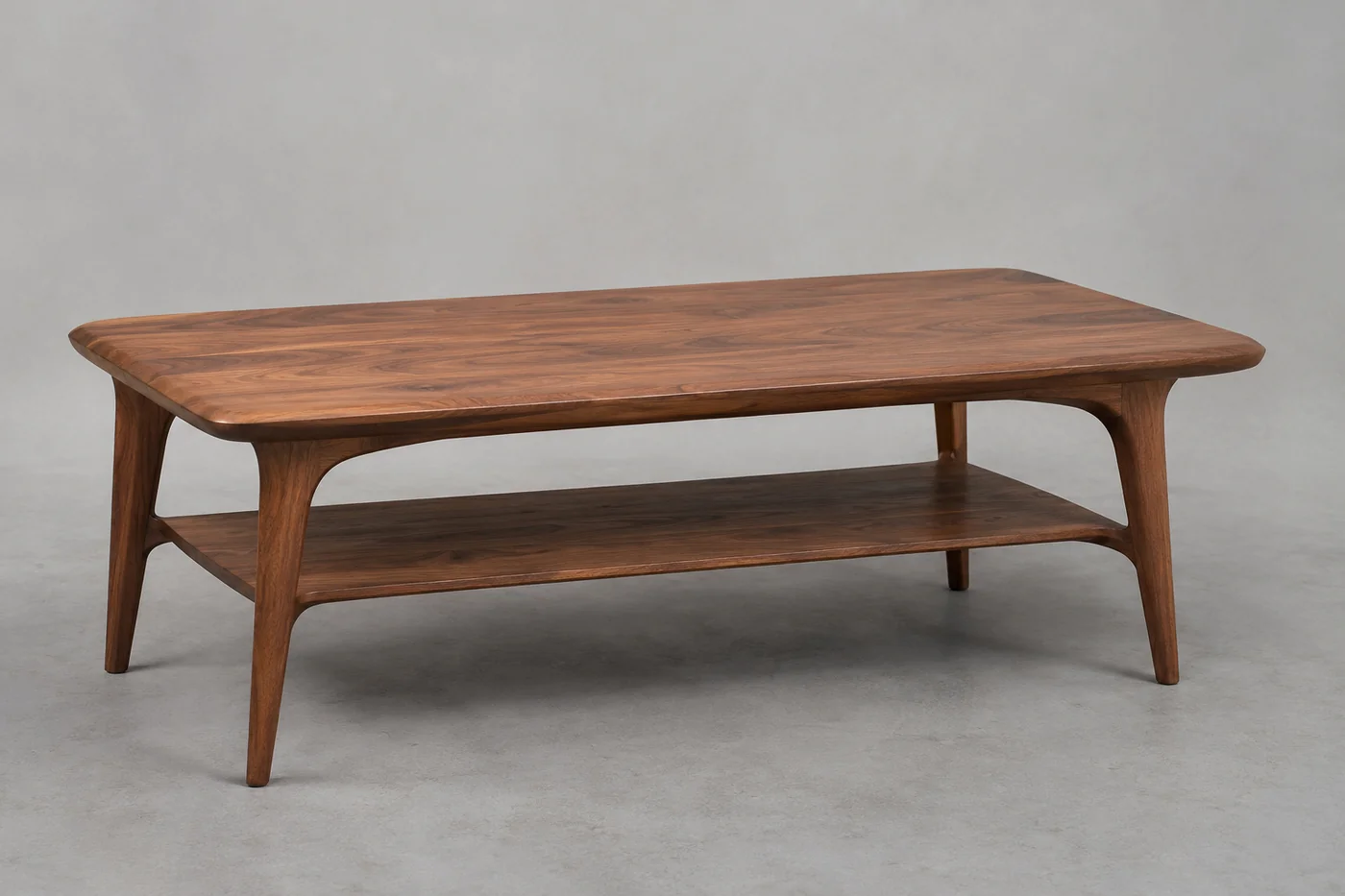
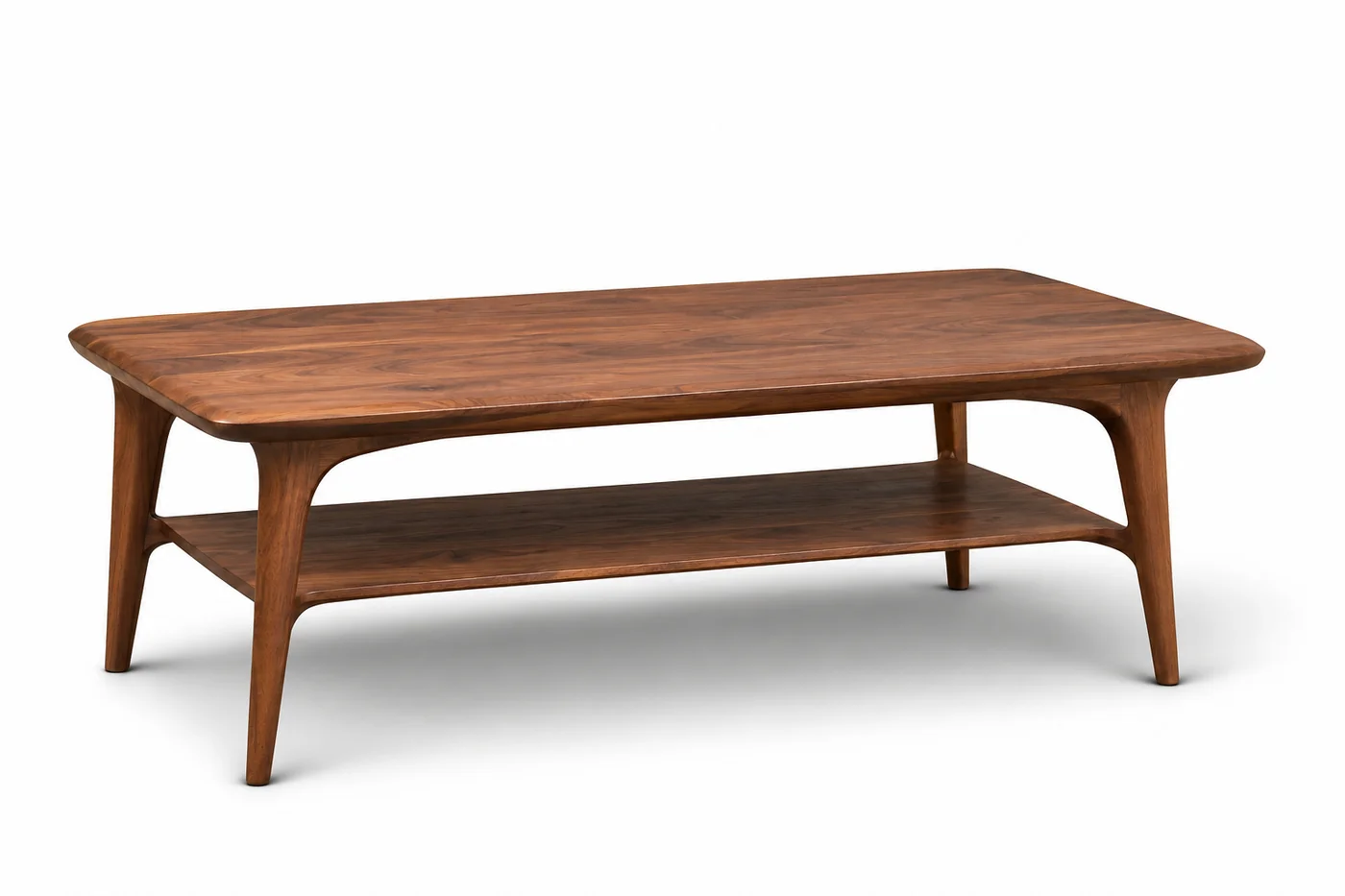
Choose the shadow that fits your product
Natural contact shadows
Add a restrained grounding shadow beneath ceramics, footwear, bags and other objects that rest on a surface. We shape the contact area around the actual base rather than placing the same oval beneath every item.
Soft drop shadows
Create a controlled offset shadow for catalogue layouts and selected product presentations. Direction, distance and blur follow your chosen lighting reference, so related images share a consistent finish.
Reflection shadows
Introduce a subtle mirrored reflection for products presented on a polished surface. Perspective, fade and opacity depend on the object and camera angle; a reflection is a styling choice, not a requirement for every product.
Existing shadow refinement
Preserve useful photographed shadows while adjusting excess density, unwanted colour or rough transitions. We assess whether the source shadow can support the requested background before confirming the approach.
Our shadow creation workflow
Share the source and reference
Send the original image or cutout, your preferred background and a sample finish. Include the number of images, final dimensions and where the files will appear.
Agree the shadow treatment
We inspect the visible lighting and contact points, then confirm the shadow type, scope, quote and delivery schedule. A representative sample helps establish the direction for a larger batch.
Shape depth around the product
Next, we build or refine the shadow to suit the photographed object. We adjust its contour, density and softness while keeping the product’s outline, colour and texture as the reference.
Check the collection together
We compare shadow strength, placement, background tone and crop across related files. This review helps avoid one product appearing to float while another looks heavily anchored.
Deliver the agreed files
Finally, receive your chosen exports and naming structure. Confirm transparent or layered delivery in advance, since JPG files use a solid background.
Designed around your image workflow
For product photographers
Hand over repetitive shadow work after the shoot while retaining your lighting direction. Share a reference frame so the final edit supports the photographic style you established.
For e-commerce teams
Give related product listings a comparable sense of depth and placement. Consistent shadows can make a collection easier to scan without distracting from the item itself.
For brands and creative agencies
Prepare coordinated assets for catalogues, promotional layouts and retail partners. Agree the intended surface and lighting treatment before editing, so each file fits its destination.
Why choose RetoPixel for shadow editing?
Lighting-led decisions
We look at highlights and existing shading before choosing a cast direction. A shadow should support the light visible on the subject rather than contradict it.
Attention to the contact point
Handles, heels, curved bases and raised edges need different treatment. We review those details so the product appears to meet the surface convincingly.
Product detail stays in focus
Shadow creation does not automatically include recolouring, reshaping or extensive retouching. We discuss those requests separately and keep the photographed product as our reference.
A repeatable collection brief
We agree shadow density, crop and background with you. Your approved sample then provides a practical reference for the remaining product views.
Shadow creation service: your questions
What does a shadow creation service include?
The work adds or refines shadows around the product according to your brief. Contact shadows, drop shadows and reflections require different techniques, so we confirm the intended result before editing.
Can you match the lighting in my photograph?
We use visible highlights, existing shading and camera perspective as guides. If the lighting is ambiguous or inconsistent, we will discuss a suitable reference instead of assuming a direction.
Is a reflection the same as a natural shadow?
No. A reflection suggests a reflective surface, while a contact or cast shadow describes blocked light. Choose the treatment that fits your product presentation and destination requirements.
Can I supply a transparent cutout?
Yes. Send a high-quality cutout plus the intended background or layout. Original photographs are also helpful when we need to understand the light and surface contact.
Will you change the product itself?
The core service focuses on the shadow. Colour adjustments, shape changes and detailed retouching need a separate agreement, so the scope stays clear.
How are price and turnaround decided?
We review sample images, product complexity, shadow type and quantity. Share your deadline and required exports for a tailored quote and confirmed schedule.
Which file formats can I request?
JPG suits a solid background, while PNG can preserve transparency. Please discuss separate shadow layers or editable files before work starts; they depend on the agreed delivery scope.
How do I arrange a free trial?
Contact the studio with one representative image and your preferred finish. We will review the file and confirm the trial scope and delivery before beginning.
Bring your next product collection into focus
Try our shadow creation service on a representative product before preparing a full collection. Send the image, intended background, shadow reference and quantity. We will review the details and explain the next steps.
Email: retopixelstudio@gmail.com
WhatsApp: +880 1581-963115