
A hair masking quality checklist helps you judge whether a portrait cutout looks natural in its final setting. A mask can follow the broad hairstyle and still leave a bright rim, coloured fringe or abruptly trimmed strands. Review the transition between hair and background, not just the overall silhouette.
Hair masking: before and after
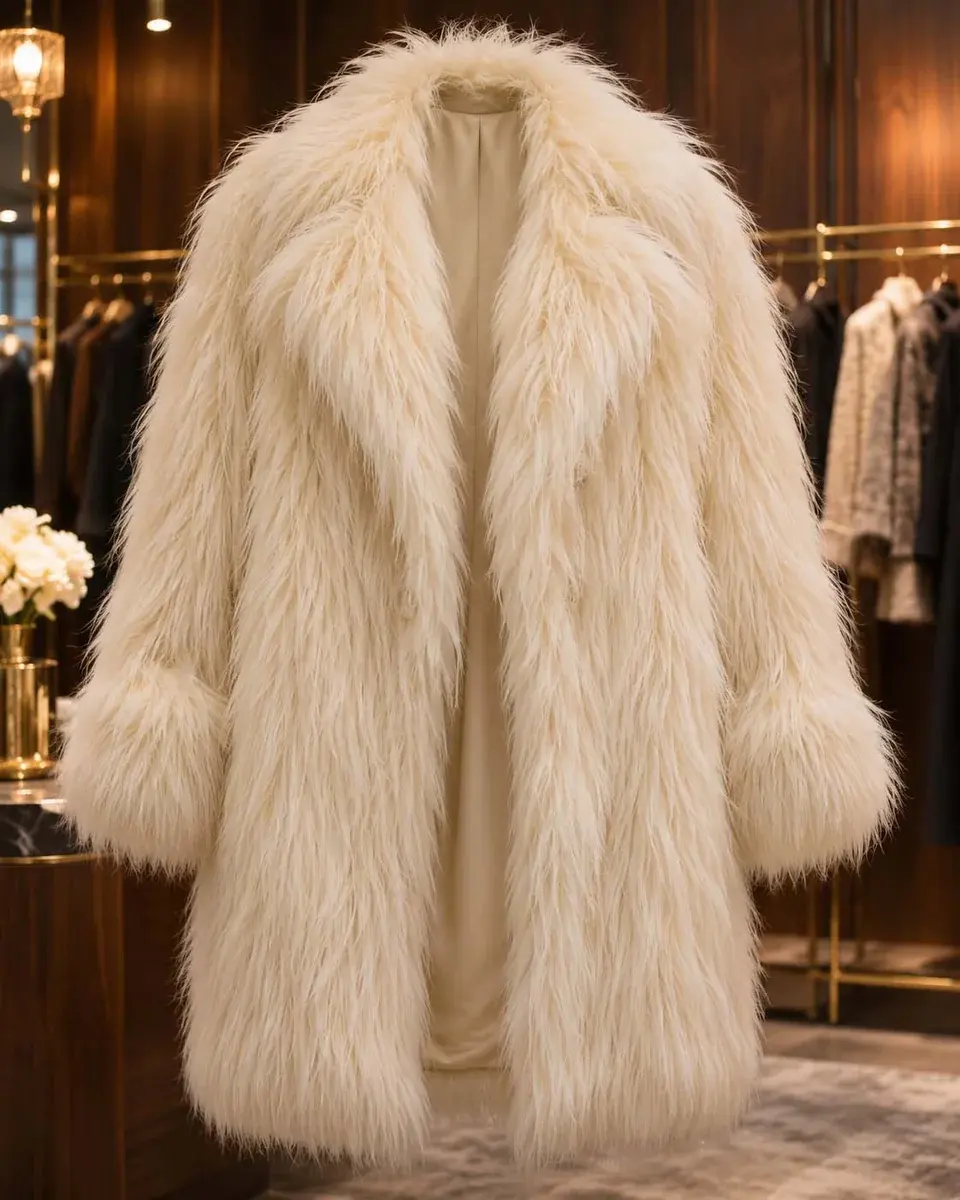
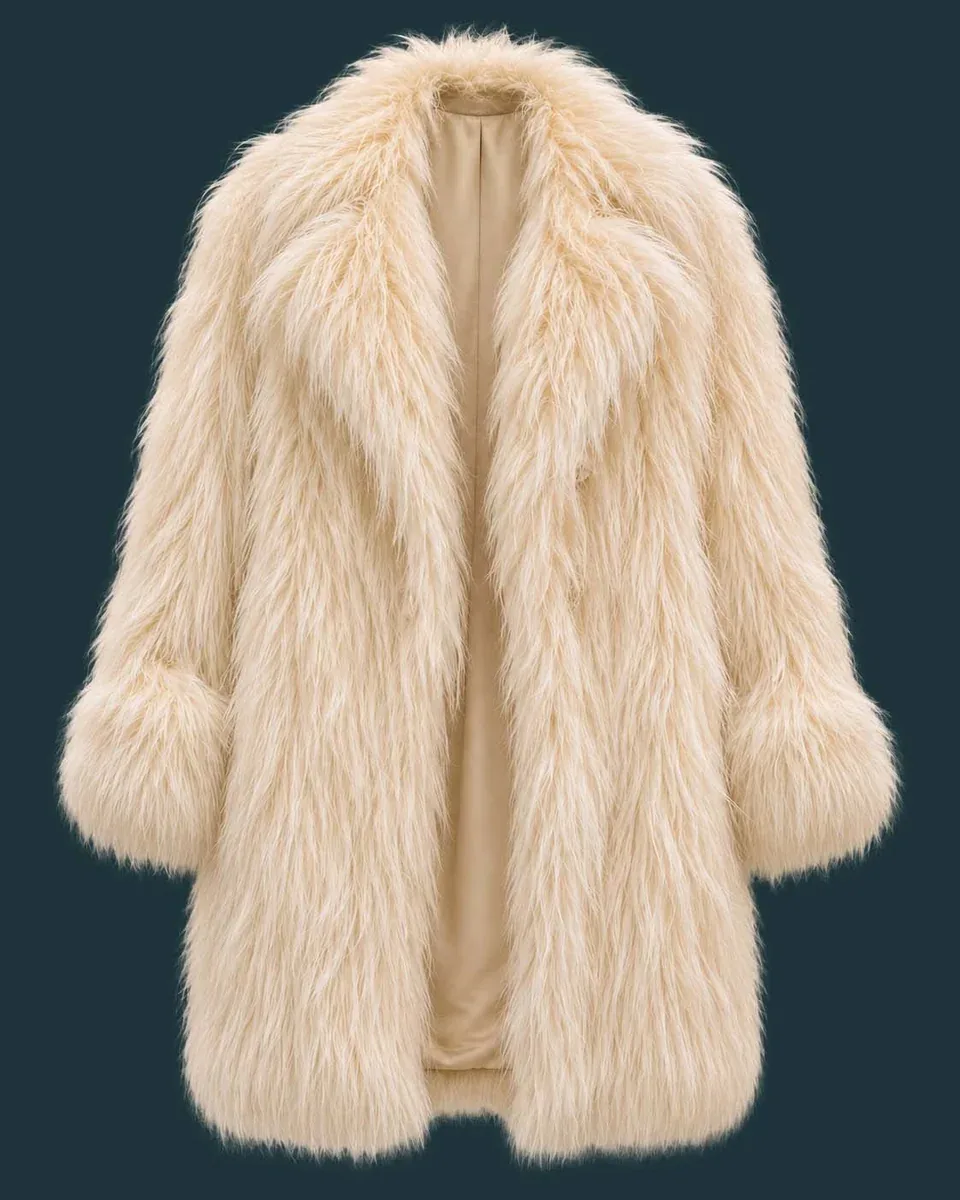
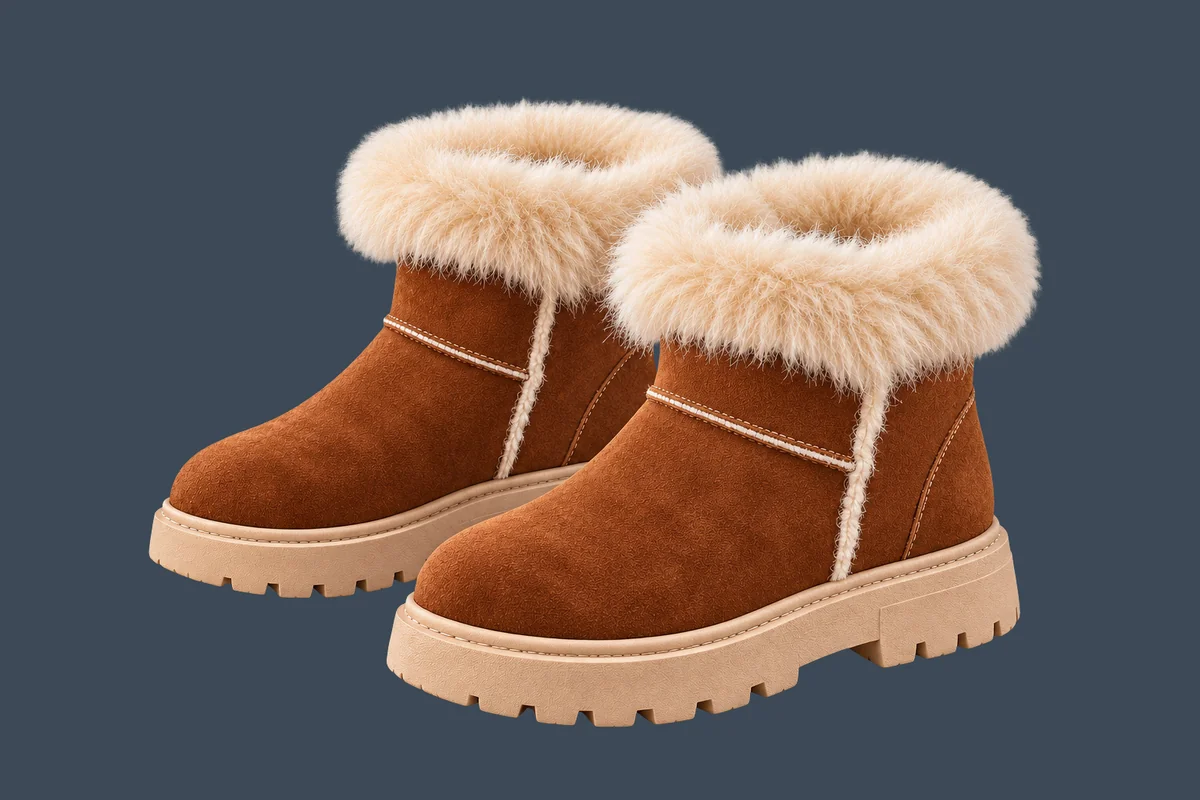
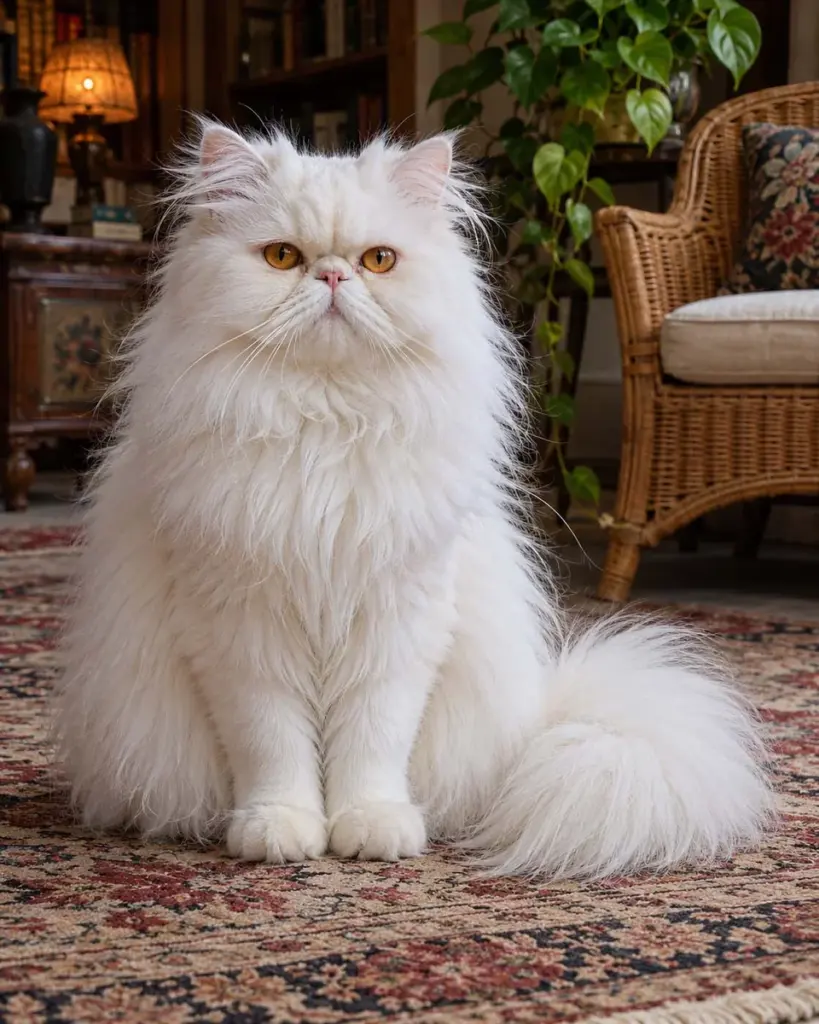
Fur and fluffy fabric reveal many of the same edge problems as fine hair. In these masking examples, review loose fibres, missing detail and background colour spill at the intended display size.
Cream Faux Fur Coat
Shearling Boots

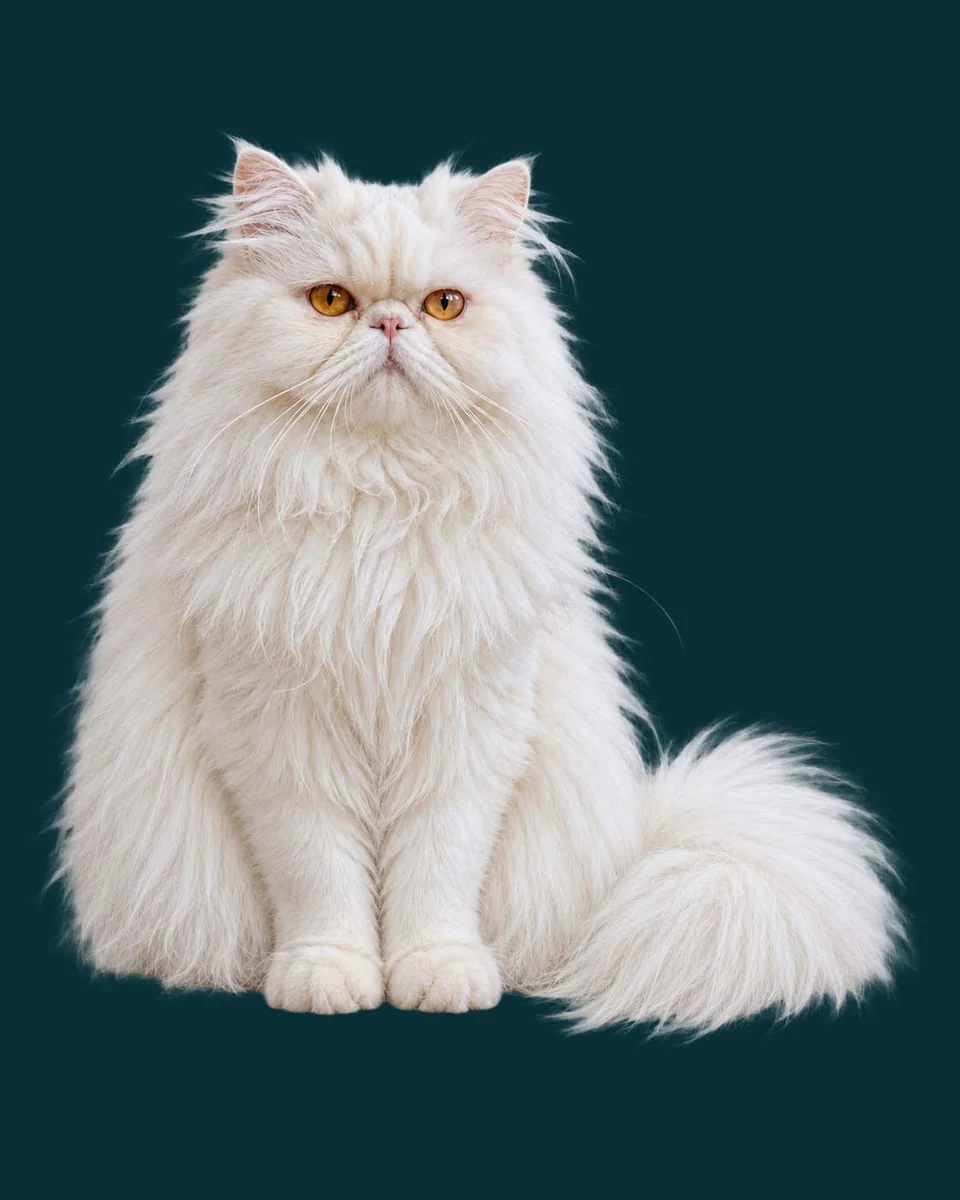
White Longhair Cat
Understand what the original photograph can provide
Fine strands are easier to judge when the source is sharp and has usable separation from the background. Motion blur, heavy compression and similar hair and background colours can limit a clean extraction. A masking brief should reflect those limits rather than promise that every faint strand can be recovered.
Send the best original file available and describe the final use. A small profile image, a large campaign portrait and an album print can expose different edge problems. Ask for a representative sample when the hair is especially soft, blurred or transparent at the boundary.
1. Check for a pale or dark halo
A halo is a visible rim that makes the subject appear detached from the new background. Examine the crown, curls and loose strands against both a light and a dark test setting. Look for an even border that seems to follow every edge regardless of the original lighting.
Do not confuse all bright edges with a bad mask. Real backlighting can produce a luminous rim. Compare with the original and decide whether that light belongs in the new scene. Removing it completely can make the hair look dull or unnaturally solid.
2. Look for colour from the old background
A portrait photographed against a coloured setting may retain that colour around fine strands. Against a new background, the edge can appear green, blue or otherwise contaminated. Note the affected areas on a separate annotated copy rather than asking for a global colour change to the entire hairstyle.
Colour cleanup should preserve the intended hair colour and useful highlights. Making every edge neutral or dark can reduce visible strand detail and create a painted outline. An approved sample helps set the amount of correction.
3. Inspect the shape of the fine detail
Check whether curls, gaps and flyaway strands still follow the source. Repeated-looking tufts, a uniformly sharp perimeter or clipped ends can make a mask feel artificial. At the same time, retaining every background speck around the hair is not the same as preserving fine detail.
Choose the finish according to the brief. Some layouts benefit from modest flyaway cleanup, while an editorial portrait may retain a looser boundary. Any reshaping or removal of hair should be requested separately from basic isolation.
4. Review softness at the correct scale
Hair edges do not all have the same sharpness. In-focus strands and out-of-focus curls may need different transitions. A uniformly hard mask can contradict the original depth of field; an excessively soft boundary can create a haze around the head.
Review once at close view to identify local defects, then at the actual display size. Do not keep enlarging the image until ordinary softness looks like a problem that requires more sharpening.
5. Confirm the delivered file works
- The export supports transparency if transparency was requested.
- The cutout has been tested against the planned background.
- No checkerboard has been flattened into the image.
- Required layers or an editable mask are included only as agreed.
- Final dimensions and crop preserve the hairstyle in the intended placement.
Write feedback that an editor can act on
Instead of “the hair looks wrong,” identify the location, background and visible issue: “On the dark green banner, the upper-right curls show a pale fringe that is not visible in the original.” Include the actual layout or a reference screenshot alongside the original source.
Keep the requested changes local. Asking for every edge to be darker can create a new problem in areas that were already correct. Review the revised sample on the same background so the comparison is meaningful.
Hair masking: common questions
Can a hard clipping path replace hair masking?
A vector outline can describe the broad shape, but fine strands and soft boundaries generally need a more nuanced separation. The most suitable method depends on the photograph and the intended result.
Can missing or blurred strands be made perfectly sharp?
Not reliably. A sample can establish whether a useful result is possible. Reconstructing hair is a different creative task and should not be presented as recovered photographic detail.
Judge the sample where it will be used
Explore RetoPixel’s image masking service and send the portrait with its intended background. If the face also needs local cleanup, specify that separately through our photo retouching service.